
Participant
May 12, 2014
Answered

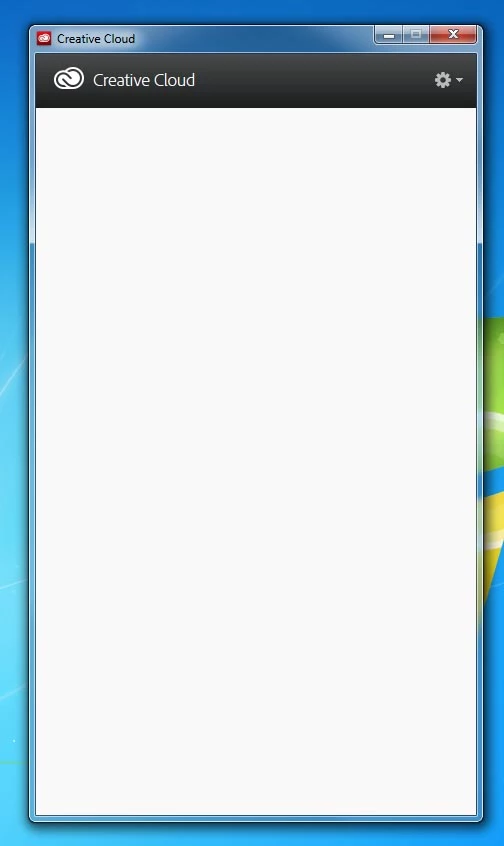
CC Desktop app no longer lists anything.

  • May 12, 2014
  • 1 reply
  • 108 views

The Creative Cloud desktop application no longer lists anything.  Period.  (See screenshot.)  All applications that have been installed are working.  I get notifications of updates, but nothing is listed at all, even the things that are installed.  I have removed, downloaded, and installed the CC desktop app again with no change.  Running Win 7 64-bit.
This topic has been closed for replies.
Correct answer GautamBahl

Hi Jmills6,

Please navigate to the below location

C:\Users\bahl\AppData\Local\Adobe\OOBE

Rename the opm.db file to opm.db.old

Launch creative cloud app again and check.

Thank you for posting on Adobe Forums.

1 reply

GautamBahl
Community Manager
GautamBahlCommunity ManagerCorrect answer
Community Manager
May 12, 2014

Hi Jmills6,

Please navigate to the below location

C:\Users\bahl\AppData\Local\Adobe\OOBE

Rename the opm.db file to opm.db.old

Launch creative cloud app again and check.

Thank you for posting on Adobe Forums.

jmills6Author
Participant
May 12, 2014

That worked like a charm.  Thanks for the quick response!