
CC Loading Screen Infinite Loop
I just purchased a new laptop and wanted to install my Adobe CC on it. The installation went seamlessly, however when CC opens, it just loads continuously and then a blue box appears at the bottom saying that CC is taking longer to load than expected.
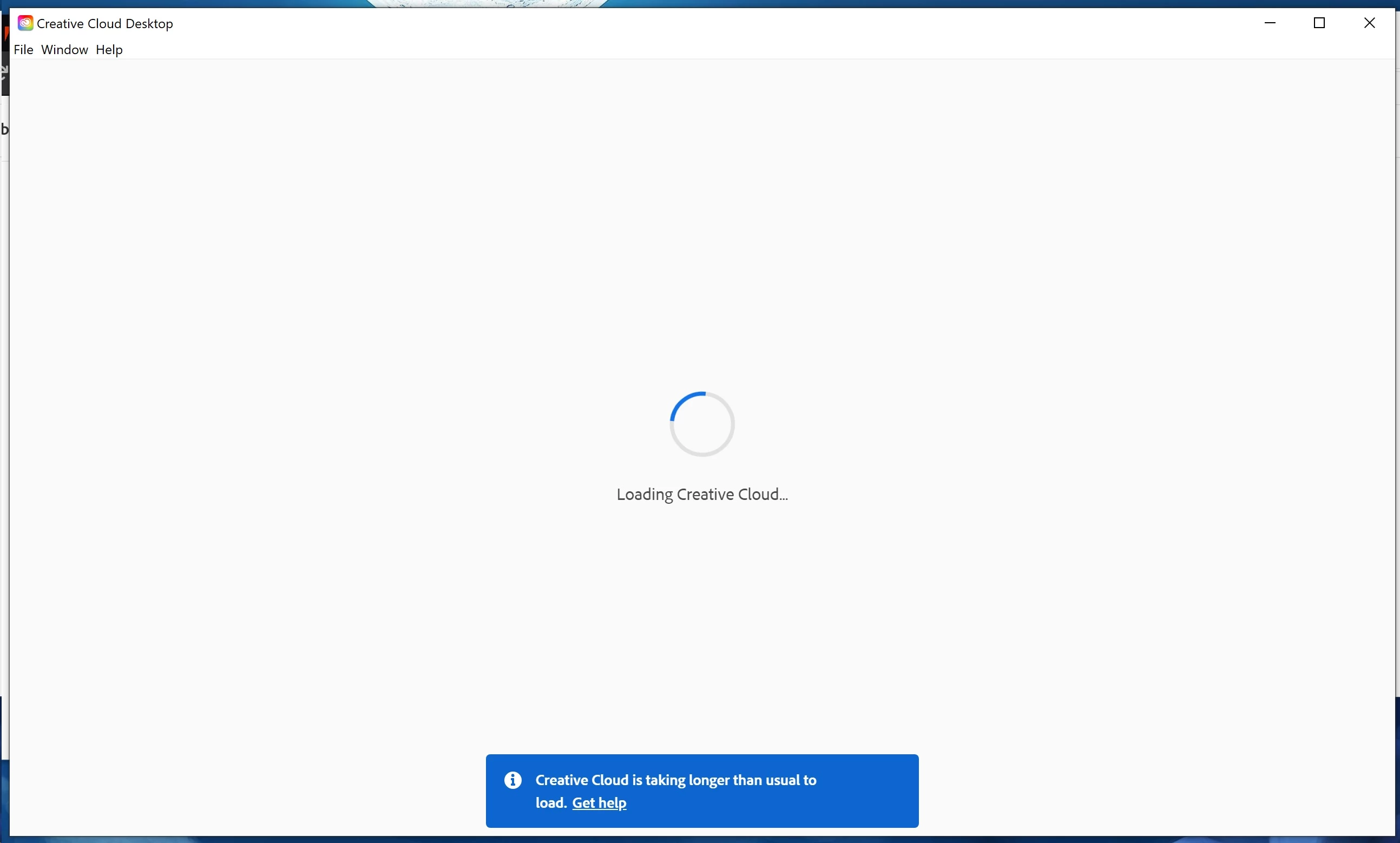
I've tried uninstalling and reinstalling, signing out of my CC on my old laptop, and following the trouble shooting guide posted in another closed post:
https://helpx.adobe.com/x-productkb/policy-pricing/activation-network-issues.html
(#1: the logos both appear, #2: I get '400 Bad Request' so I tried both the tool AND manually resetting, but since the computer is literally new out of the box the HOSTS file is empty, #3: No issues accessing a secure site, #4: The Global Root Cert is activated for the indicated purposes.)
I would love to know how to fix this as I need my laptop AND programs for work.
 AdChoices