Participant
February 12, 2020
Answered

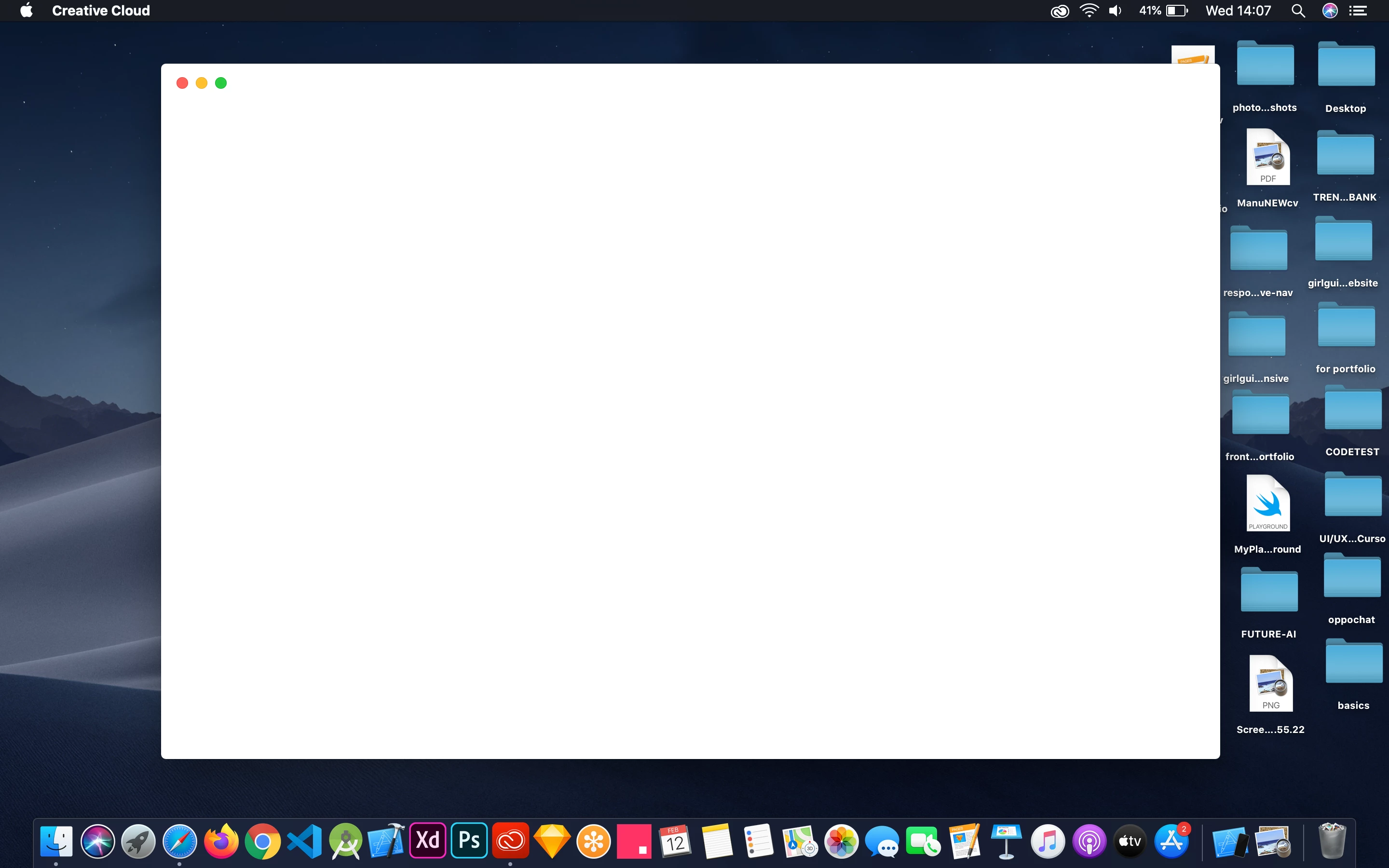
Creative cloud blank screen on Mac

  • February 12, 2020
  • 6 replies
  • 16325 views

Hi guys, I have been having this issue for the last two weeks at least and as a i need to update adobe xd and photoshop is getting quite annoying this problem.

 

Correct answer Jeffrey_A_Wright

Sambocks, thanks for the clarification.  What version of macOS are you attempting to uses a Creative Cloud membership with?  


For your next steps, please implement the three solutions listed in http://helpx.adobe.com/creative-cloud/kb/failed-install-creative-cloud-desktop.html.  If you do have to implement solution two, then make sure to locate and rename the correct OOBE folder.  This step is often skipped, which then leads to failure.

6 replies

Participant
September 1, 2020

Hey all,

I had this problem on my Mac and the way I fixed it was to completely remove everything I could find that had to do with Adobe Creative Cloud... after you have thrown it all away empty your trash to be sure nothing can come back to haunt you. Then go to the adobe site and download creative suite desktop manager and re-install.

Seems to have done the trick for me.

Participant
August 22, 2020

I was facing the same problem till yesterday, adobe support does not know what to do, the best way to get rid of the white screen is to install "adobe creative cloud uninstaller" and when it installed, there will two options pop up 1. Repair, 2. Uninstall, Click on Repair. And you are done.

Participant
September 10, 2020

Worked for me, too, AryanSED3! Thanks.

Participant
July 27, 2020

J'ai aussi ce problème.

Participant
May 10, 2020

I have this problem too on my mac. Another example of poor coding on Adobe's part, and poor support: still it isn't resolved.

Jeffrey_A_Wright
Community Manager
Community Manager
May 11, 2020

Elco85, sorry you are encountering problems.  What type of Creative Cloud membership are you using?  Do you own and manage the computer and network that you are installing the software on, or is it owned by the organization you work for?

Participating Frequently
June 29, 2020

Elco86 & ScoHutchinsion, I had same problems (and Adobe suggestion to remove the opm.db file on OOBE folder was moot because that file doesn't exist on my Mac). What I did do that worked, was Force Quit the Adobe CC app and then I went into Applications/Creative Cloud and launched the Uninstall Adobe Creative Cloud. Instead of directly uninstalling, it gives you the option to Repair. I chose to Repair and then it worked. I haven't rebooted yet to see if it holds, but it fixed it in the meantime. Hope that helps people out there because nothing else seemed to work! 

Participant
April 16, 2020

I've been having the same issues. I'm on Mac OSX 10.14.6 and get a blank screen when trying anything that has to do with Document Cloud. I've reinstalled Creative Cloud and Acrobat and still no resolve. 

Jeffrey_A_Wright
Community Manager
Community Manager
February 12, 2020

Manuntvg1994, sorry you are encountering a blank screen within the Creative Cloud desktop app.  Please see https://helpx.adobe.com/creative-cloud/kb/black-screen-sign-in-creative-cloud.html for information on how to resolve this error.


Please update this public forum discussion, if you have any questions.

Participant
April 5, 2020

Sorry Jeff, I dont know wif you were paying attention there mate, but the title and the screenshot both refer to mac, your link is for Windows. Can you help out Mac users here please.

Jeffrey_A_Wright
Community Manager
Jeffrey_A_WrightCommunity ManagerCorrect answer
Community Manager
April 6, 2020

Sambocks, thanks for the clarification.  What version of macOS are you attempting to uses a Creative Cloud membership with?  


For your next steps, please implement the three solutions listed in http://helpx.adobe.com/creative-cloud/kb/failed-install-creative-cloud-desktop.html.  If you do have to implement solution two, then make sure to locate and rename the correct OOBE folder.  This step is often skipped, which then leads to failure.