
Copy link to clipboard
Copied
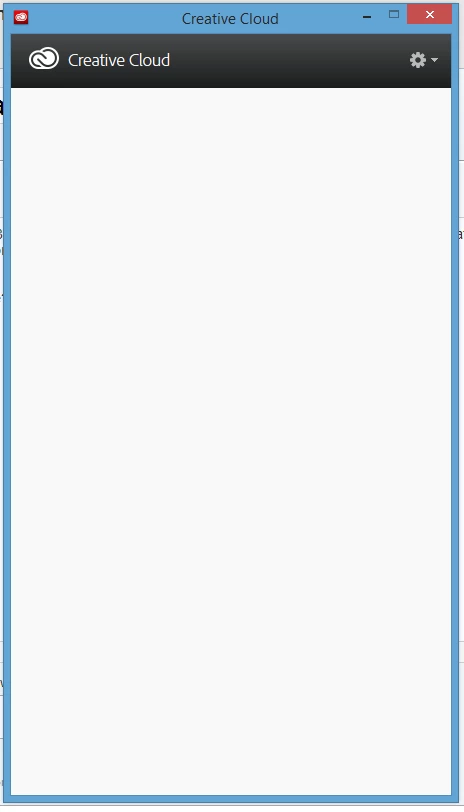
For the past few weeks, my Creative Cloud client on Windows 8.1 has displayed a blank screen when opened. There is literally nothing at all inside the window, so I can't download or update products, or access any menu. The only menu that does display is the gear icon, which lets me quit the client.
Does anyone have any information on how to correct this issue? Failing that, is there a way to reinstall the client?
| Close the Creative Cloud application if it's running. | |
| Navigate to the OOBE folder. | |
| Windows: [System drive]:\Users\[username]\AppData\Local\Adobe\OOBE | |
| Mac OS: /User/<username>/Library/Application Support/Adobe/OOBE folder | |
| Rename the opm.db file to opm_old.db | |
| Launch Creative Cloud |
Copy link to clipboard
Copied
| Close the Creative Cloud application if it's running. | |
| Navigate to the OOBE folder. | |
| Windows: [System drive]:\Users\[username]\AppData\Local\Adobe\OOBE | |
| Mac OS: /User/<username>/Library/Application Support/Adobe/OOBE folder | |
| Rename the opm.db file to opm_old.db | |
| Launch Creative Cloud |
Get ready! An upgraded Adobe Community experience is coming in January.
Learn more