
Creative Cloud Desktop app spinning wheel
Hello,
I've got the problem with the spinning wheel when trying to start Adobe Creative Cloud that has been posted in this community a few times. So when Adobe Creative Cloud starts it shows the UI and in the middle is the blue spinning wheel that says: Creative Cloud is loading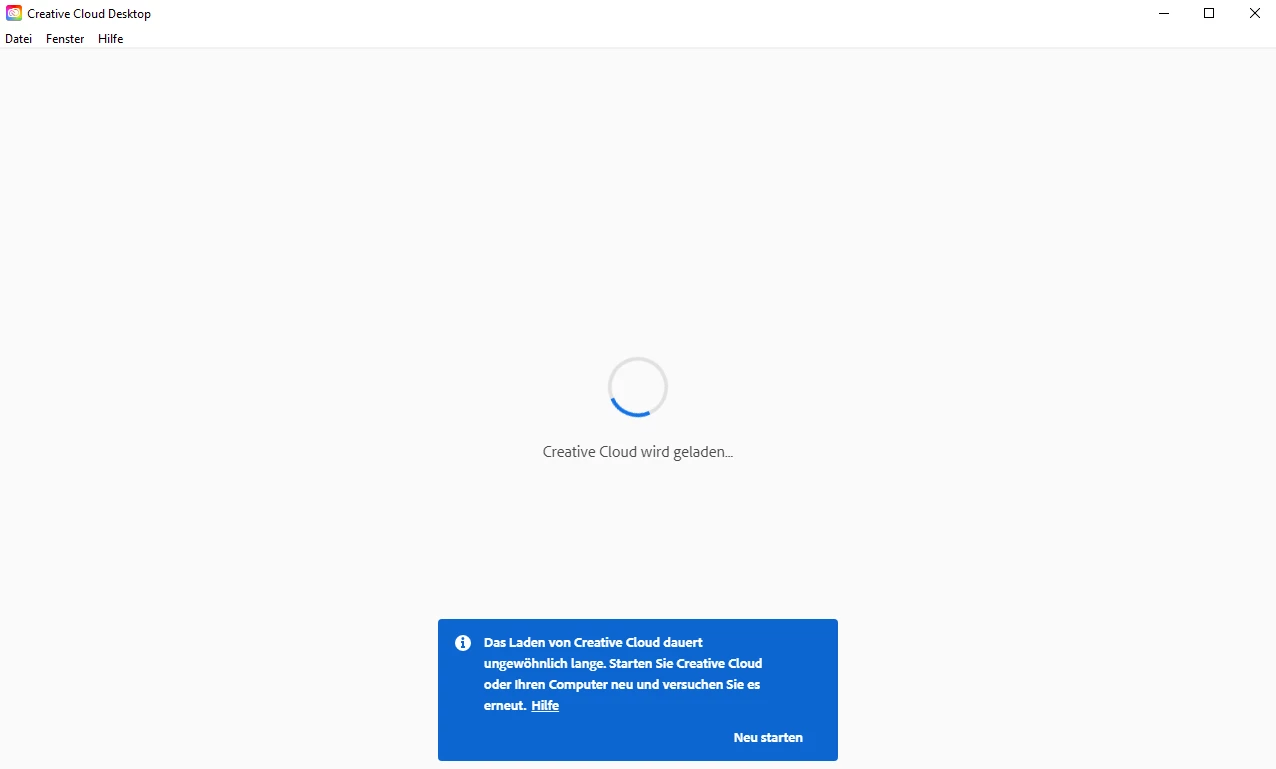
After a few minutes it says on a blue note on the bottom: "It takes longer than usual" and after a few more it says something like it takes really long, you should try to restart the pc.
So I've done really every step described in the community or the adobe help sites and nothing worked.
For example I closed it and cleaned the oobe folder, restartet it as admin. I reinstalled it. I reinstalled it again using any kind of adobe cleaner etc. I reinstalled it again with the alternative download link (that loads the win64 version), I turned of any firewall or security etc. pp.
Also it does run on my laptop that literally has the exact same system, windows version, apps installed etc. so ....
Does anyone have any further ideas or suggestions? I'd be very grateful!
Andreas
 AdChoices