
Jess Menage
Participant
January 13, 2016
Answered

Creative Cloud Desktop App Won't Load

  • January 13, 2016
  • 3 replies
  • 3545 views

Hi,

My creative cloud desktop app has looked liked this for the past few months:
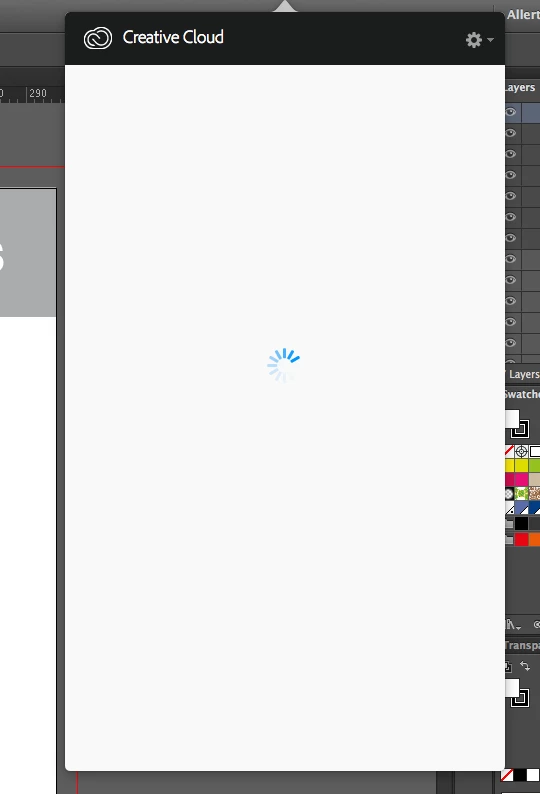
I have tried uninstalling all my programs and re-installing but it hasnt worked. I seem to be connected as I am able to download apps directly from the adobe website. However, I can't seem to sync my fonts from Typekit anymore!

Can someone please help me!

This topic has been closed for replies.
Correct answer Sheena Kaul

Please try the steps below:

3 replies

Participant
October 21, 2020

i want solv for this issue .. ( creative cloud is taking longer than usual to load )

Participant
January 17, 2016

Hio Tony here fromLifemasters.co.za in South Africa - I have the same freeking issue for last 3 months as well.. Trying to build a business - but wasting DAYS on this.....

Sheena Kaul
Legend
January 14, 2016

Hi,

I believe you are getting the spinning wheel on the Adobe CC app.

Please refer to the help document below:

App doesn't open | Progress wheel spins continually


You may also refer to the threads below where this issue has been addressed:

Adobe Creative Cloud / Desktop App / Home Screen: Constant Spinning Wheel

Creative Cloud Desktop App stuck on blue spinning wheel after update.

Regards,

Sheena

Jess Menage
Participant
January 14, 2016

Hi Sheena,

Thanks for your reply however I have tried all of these solutions numerous times and it still wont load! I tried solution 6 last night and I'm still getting the spinning wheel. What else can I do?!!

Thanks,

Jess

Sheena Kaul
Sheena KaulCorrect answer
Legend
January 14, 2016

Please try the steps below: