This topic has been closed for replies.
Correct answer John T Smith

This is an open forum, not Adobe support... click below to contact Adobe staff to help

While the forums are open 24/7 you may not contact Adobe support at all times

Chat help: Mon - Fri  5am - 7pm  (US Pacific Time) <=== NOTE DAYS AND TIME

Be sure to remain signed in with your Adobe ID before accessing the link below

Creative Cloud support (all Creative Cloud customer service issues)

http://helpx.adobe.com/x-productkb/global/service-ccm.html

2 replies

John T Smith
Community Expert
John T SmithCommunity ExpertCorrect answer
Community Expert
April 23, 2017

This is an open forum, not Adobe support... click below to contact Adobe staff to help

While the forums are open 24/7 you may not contact Adobe support at all times

Chat help: Mon - Fri  5am - 7pm  (US Pacific Time) <=== NOTE DAYS AND TIME

Be sure to remain signed in with your Adobe ID before accessing the link below

Creative Cloud support (all Creative Cloud customer service issues)

http://helpx.adobe.com/x-productkb/global/service-ccm.html

Participant
April 23, 2017

If you are using windows, go to administration and you will find many tools. One is to manage passwords. Find the one you user in error and open and remove it. Then try again with the correct one. Hope this helps. Paul

Participant
April 23, 2017

thanks, but no I'm using mac

John T Smith
Community Expert
Community Expert
April 23, 2017

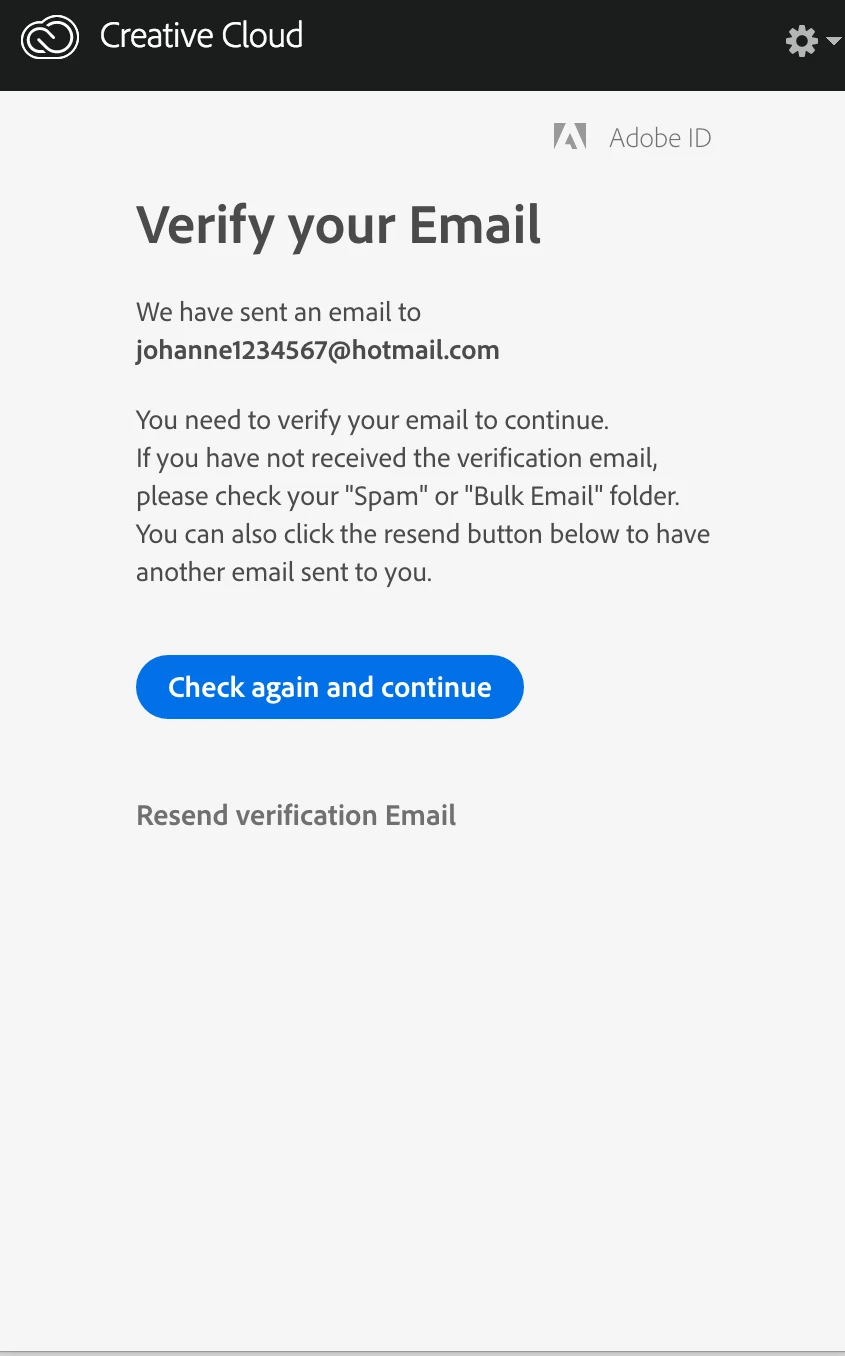
You need to contact Adobe chat using the link I provided to solve the problem of you entering a bad email address