
paulstechtips
Participant
September 6, 2020
Answered

creative cloud gives error on Mac when. launching apps says it is damaged when it is obviously not

  • September 6, 2020
  • 2 replies
  • 579 views
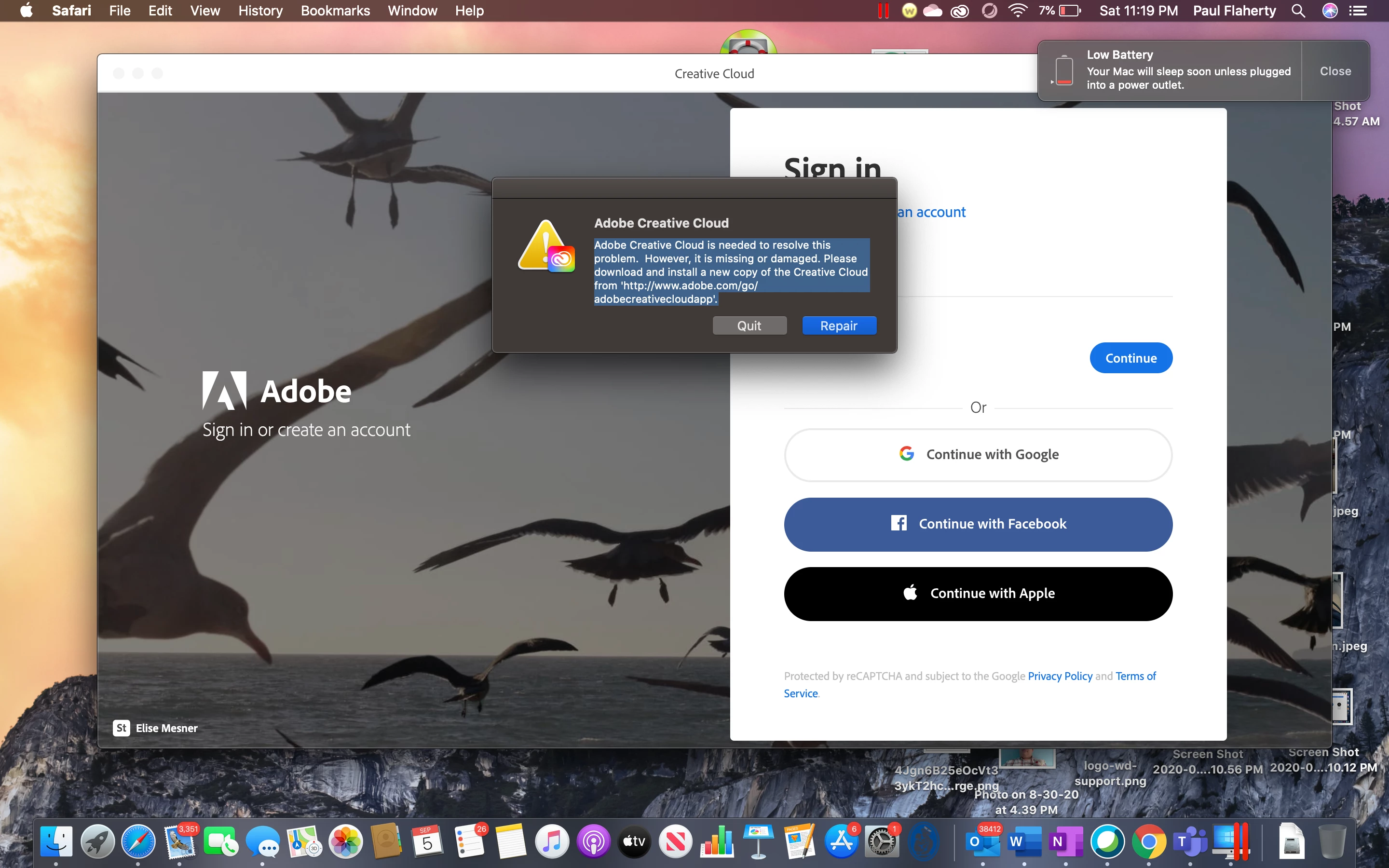
 the creative cloud core app that installs acrobat and it isAdobe Creative Cloud is needed to resolve this problem. However, it is missing or damaged. Please download and install a new copy of the Creative Cloud from 'http://www.adobe.com/go/adobecreativecloudapp'.
This is the error it gives me here is an image of it
 
This topic has been closed for replies.

2 replies

paulstechtips
Participant
September 6, 2020

still get issue

kglad
Community Expert
Community Expert
September 7, 2020

reset the cc app: To reset the Creative Cloud desktop app, make sure it's in the foreground, then press:

Win: Ctrl + Alt + R
Mac: Cmd + Opt + R

if that fails, do a clean cc install:

uninstall every cc app including preferences, https://helpx.adobe.com/creative-cloud/help/uninstall-remove-app.html
then uninstall the cc desktop app, https://helpx.adobe.com/creative-cloud/help/uninstall-creative-cloud-desktop-app.html
clean your computer of cc files per http://www.adobe.com/support/contact/cscleanertool.html
restart your computer (don't skip this)
reinstall the cc desktop app, https://creative.adobe.com/products/creative-cloud.
if you're unable to install the cc desktop app at this stage, use an administrator account (solution 4 here, https://helpx.adobe.com/creative-cloud/kb/creative-cloud-missing-damaged.html)
use the desktop app to install your cc programs/trials

kglad
Community Expert
kgladCommunity ExpertCorrect answer
Community Expert
September 6, 2020