Let me thanks to all for assisting me so quickly.
Still having issues
1st issue - When I leave my machine idling, it will require me to log in, when I enter my password, I am unable to log in however if I switch user and click my username and insert the SAME password I am able to log in..
2nd issue - if I decided to log off my computer, it will ask me to insert the password to close programs when I do my password wud not go through... when I click the "eye" icon I realised that my Z is seen as Y and my Y is seen as Z
so we decided to download US keyboard under the ADMIN profile, the cloud installer finally installs, however, it only shows 5 software which we have installed now.
Under my profile, the cloud installer icon is not seen (only seen under ADMIN's) and if i try installing the cloud installer again under my profile the same issue. it will not accept the password...
3rd Issue - I can log in using Adobe ID on internet however if I am on the App store and I want to install an App when i put in username and password (the same that was used to log in via internet) it does not work. it says password incorrect.
I'm wondering if its a keyboard feature issue
SEE IMAGES BELOW
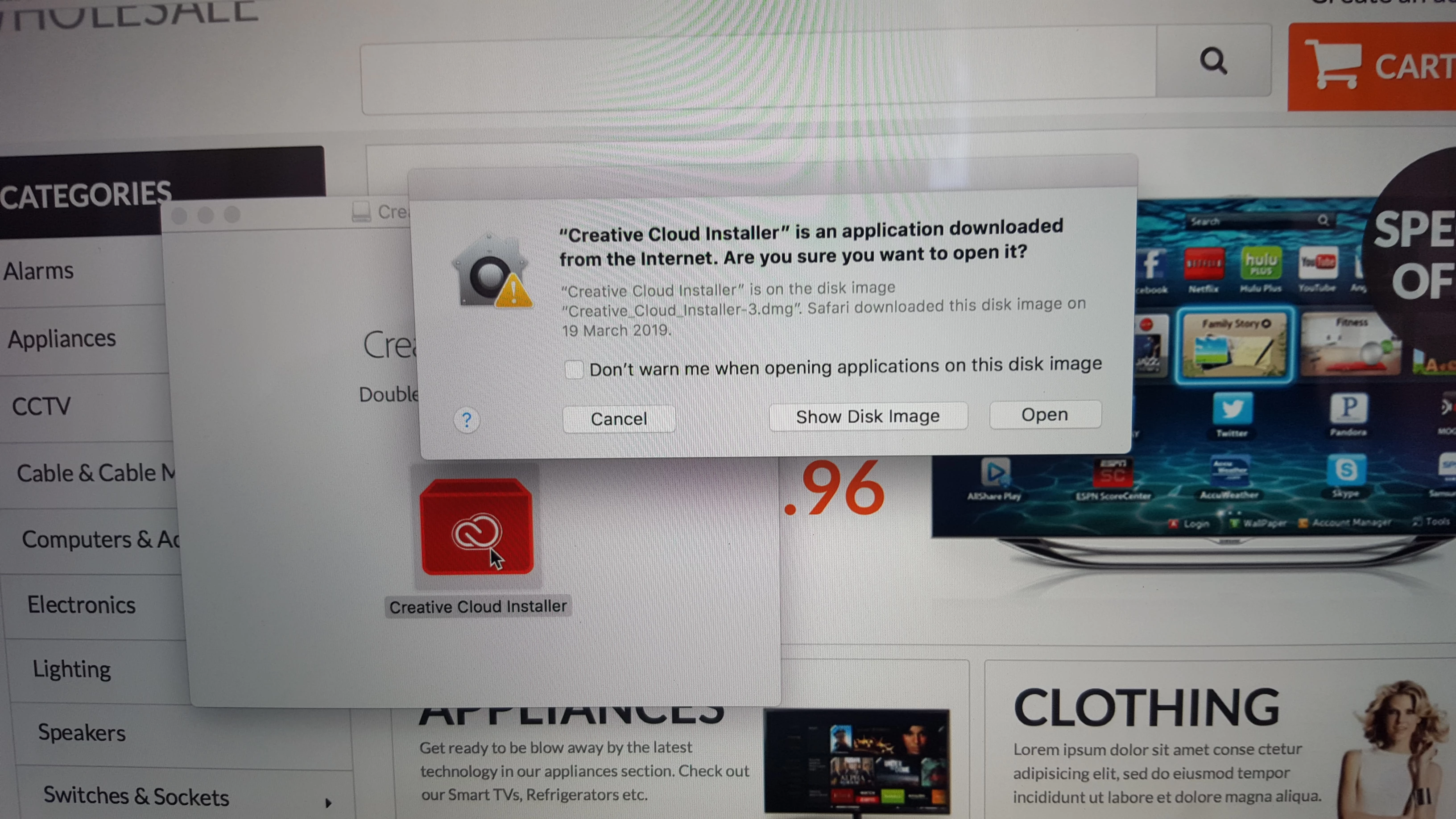
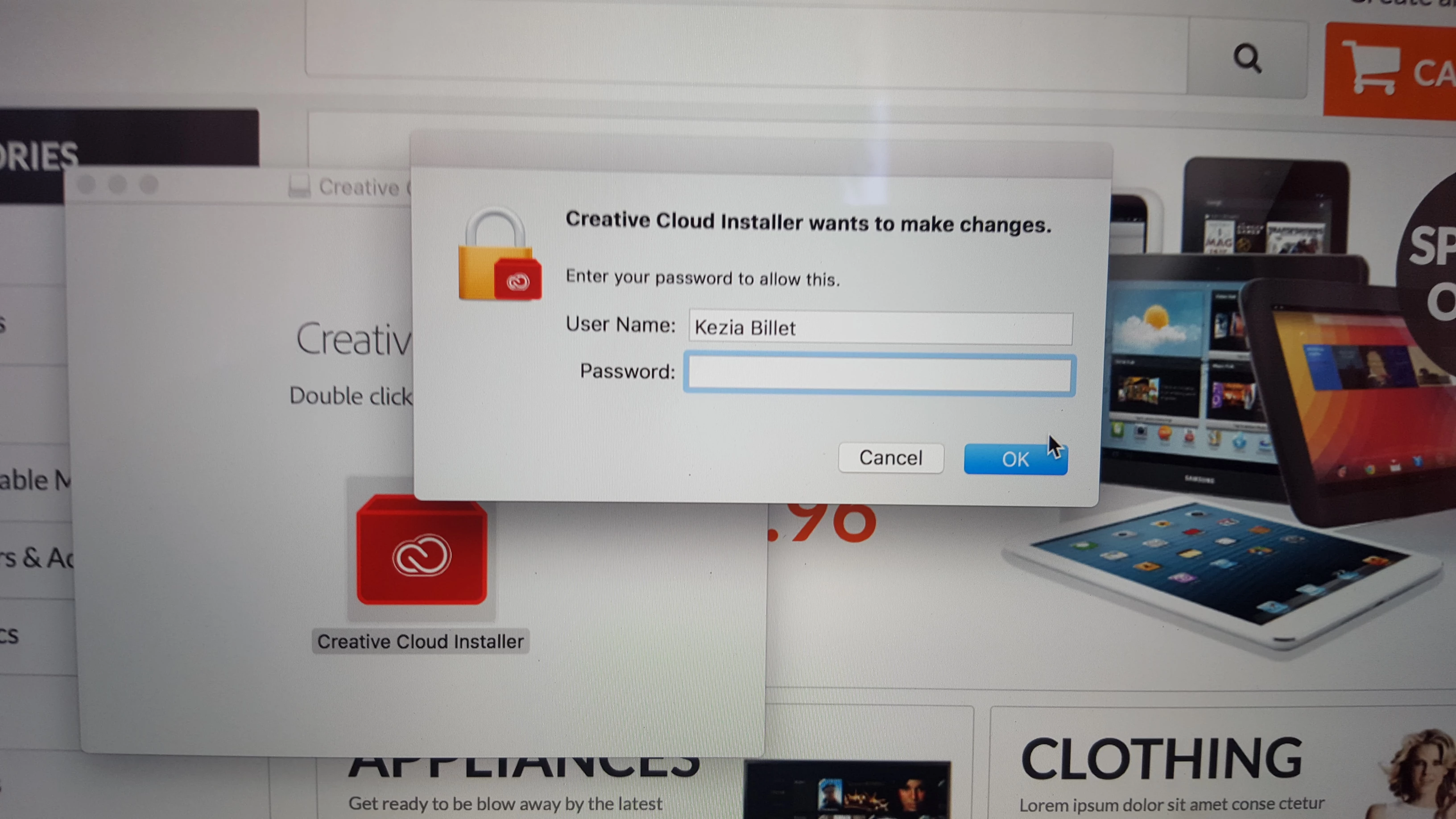
This is my username to log into computer ..however, it's not accepted here.
.jpg)
this is the username Adobe given us and it is not accepted under my profile. However, under the ADMIN's profile, it is accepted after he installed US keyboard but only 5 software was listed
That last prompt is your computer's operating system asking you for permission to make changes to files. That is where you enter your computer username and password, not Creative Cloud.

 AdChoices