Question
Creative Cloud not installing
First I was not able to open CC (ERROR= cc is taking too long to open). after that I unistalled the app. Then again not able to install. Shows please check internet connectivity (Internet is working fine)
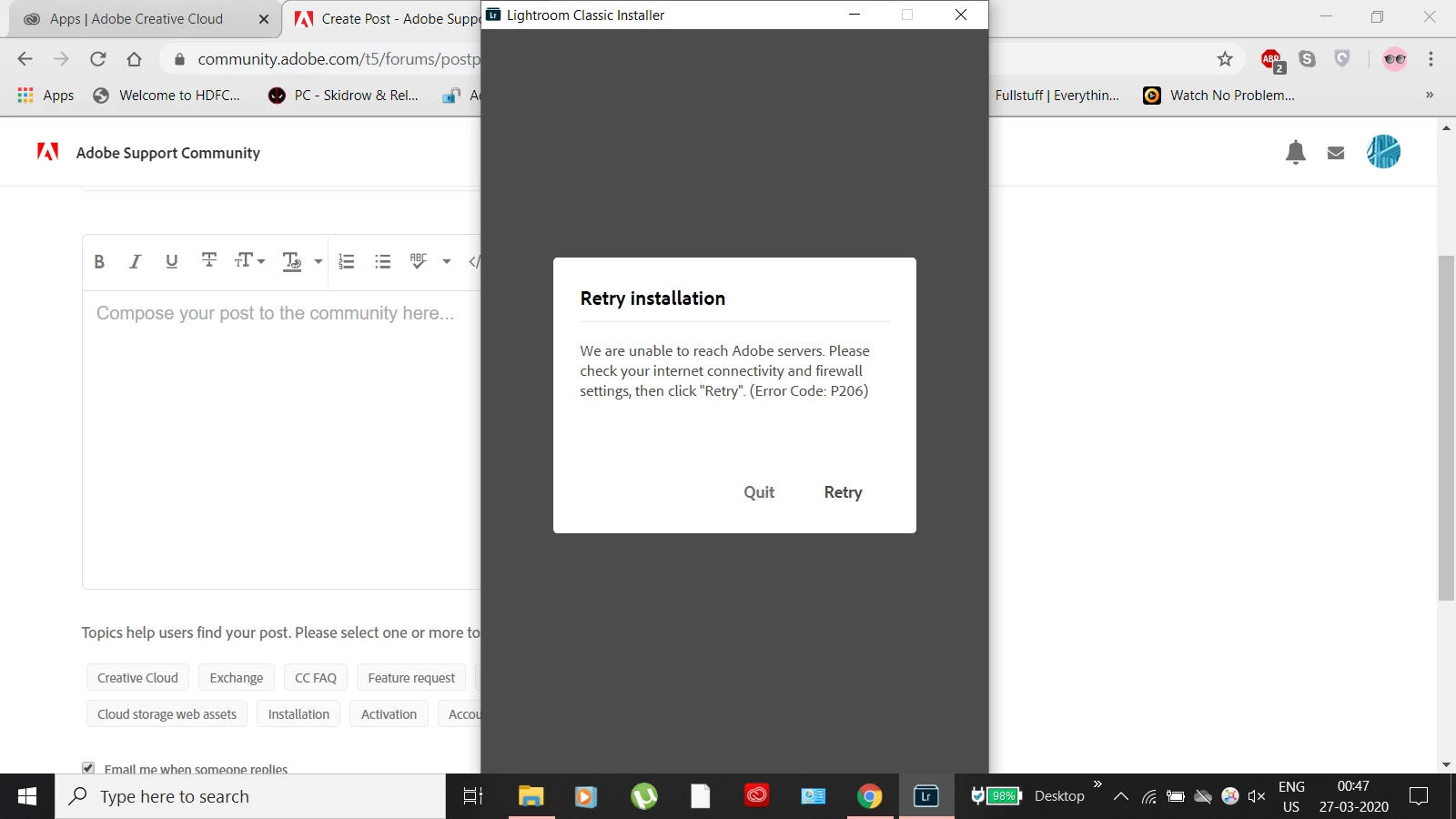

First I was not able to open CC (ERROR= cc is taking too long to open). after that I unistalled the app. Then again not able to install. Shows please check internet connectivity (Internet is working fine)
Already have an account? Login
Enter your E-mail address. We'll send you an e-mail with instructions to reset your password.
 AdChoices