
Participant
August 3, 2017
Answered

Creative Cloud not syncing

  • August 3, 2017
  • 1 reply
  • 846 views

Hi guys,

I have a problem with syncing fonts and files with Creative Cloud: I added some fonts from typekit and they are still being synced. The screen looks like this:
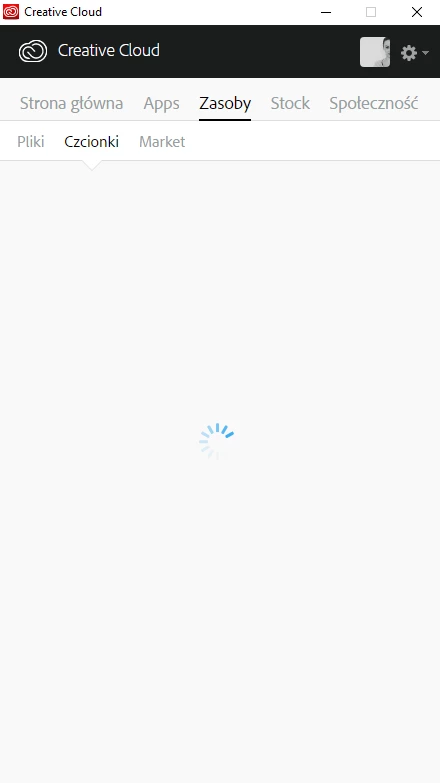
Any idea why? It's been like this since at least two days. I use CC on Windows 10.

Thanks!

This topic has been closed for replies.
Correct answer benw525841597154115

Hi Natalia,

I'm sorry you ran into trouble here. This article would be a good place to start: Adobe Creative Cloud desktop app doesn't open or shows a spinning progress wheel

The steps in that article should fix things but if not, we'll need to dive in with more detail. Please reach out to us at: support@typekit.com.

Cheers,

Benjamin

1 reply

benw525841597154115Correct answer
Adobe Employee
August 3, 2017

Hi Natalia,

I'm sorry you ran into trouble here. This article would be a good place to start: Adobe Creative Cloud desktop app doesn't open or shows a spinning progress wheel

The steps in that article should fix things but if not, we'll need to dive in with more detail. Please reach out to us at: support@typekit.com.

Cheers,

Benjamin