
andyvanzan2707
Inspiring
June 1, 2015
Answered

Creative Cloud refuses to work

  • June 1, 2015
  • 1 reply
  • 481 views

I needed to format my pc and so i lost the creative cloud for desktop as long with my photoshop cc and lightroom. so after i format my pc i went to adobe.com, logged in downloaded the creative cloud, installed and after installed the creative cloud box opens and keeps loading infinitely and doesnt work. reinstalled several times. nothing works.

already try a bunch of tutorial and nothing works.

you(Adobe) guys need to fix this now!!

don't complain that people hack your softwares, if you leave professionals(speacially photographers) that need your softwares, in a bad situation without any help.

im using a Windows 7 Ultimate 64 bits
This topic has been closed for replies.
Correct answer andyvanzan2707

already try that.DIDNT WORK.


the problem was in COMMON FILES. at least for the direct download that also wasnt installing. i delete all adobe files in COMMON FILES and the download has started. i didnt tryed for the creative cloud but for the direct download worked.ill try with cc later and let you guys know. but tks anyway.

1 reply

kglad
Community Expert
Community Expert
June 1, 2015

uninstall your cc desktop, clean per Use the CC Cleaner Tool to solve installation problems | CC, CS3-CS6 and then install your cc desktop app, Download Adobe Creative Cloud apps | Free Adobe CC trial

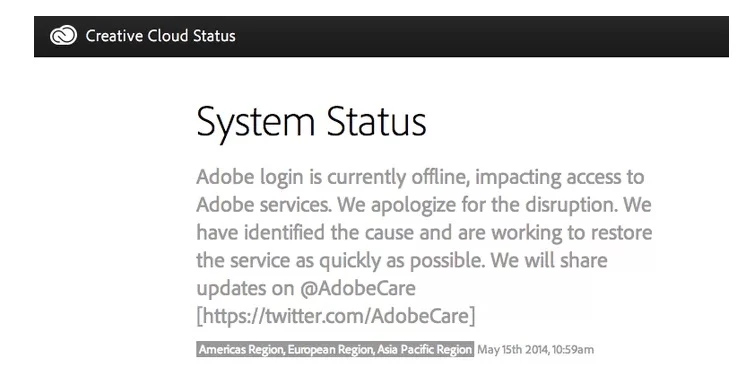
if you want to check adobe online status:  http://status.adobe.com/

andyvanzan2707
Inspiring
June 1, 2015

still doesn't work.

kglad
Community Expert
Community Expert
June 1, 2015

a little more info would be helpful.  what do you see when you open your cc desktop app?