
Exit
  • Global community
    • Language:
      • Deutsch
      • English
      • Español
      • Français
      • Português
  • 日本語コミュニティ
  • 한국 커뮤니티
0

Creative Cloud unresponsive, can't uninstall

New Here ,
Aug 10, 2020 Aug 10, 2020

Hey guys! 

So this may be more of a Windows issue than an Adobe one, but here goes nothing.


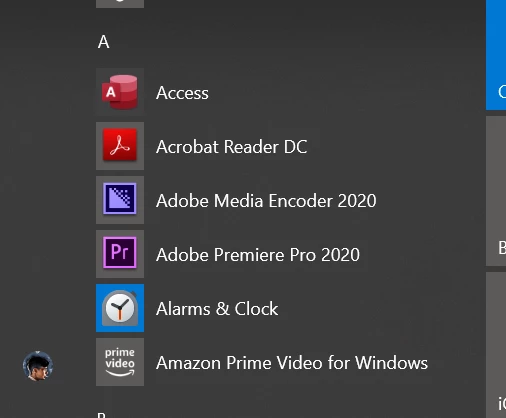
I went to install PhotoShop today (I already had Premiere Pro) and Creative Cloud was crashing immediately every try.  I restarted my computer, and Creative Cloud was missing from my app drawer in the start menu all together:
Screenshot (8).png


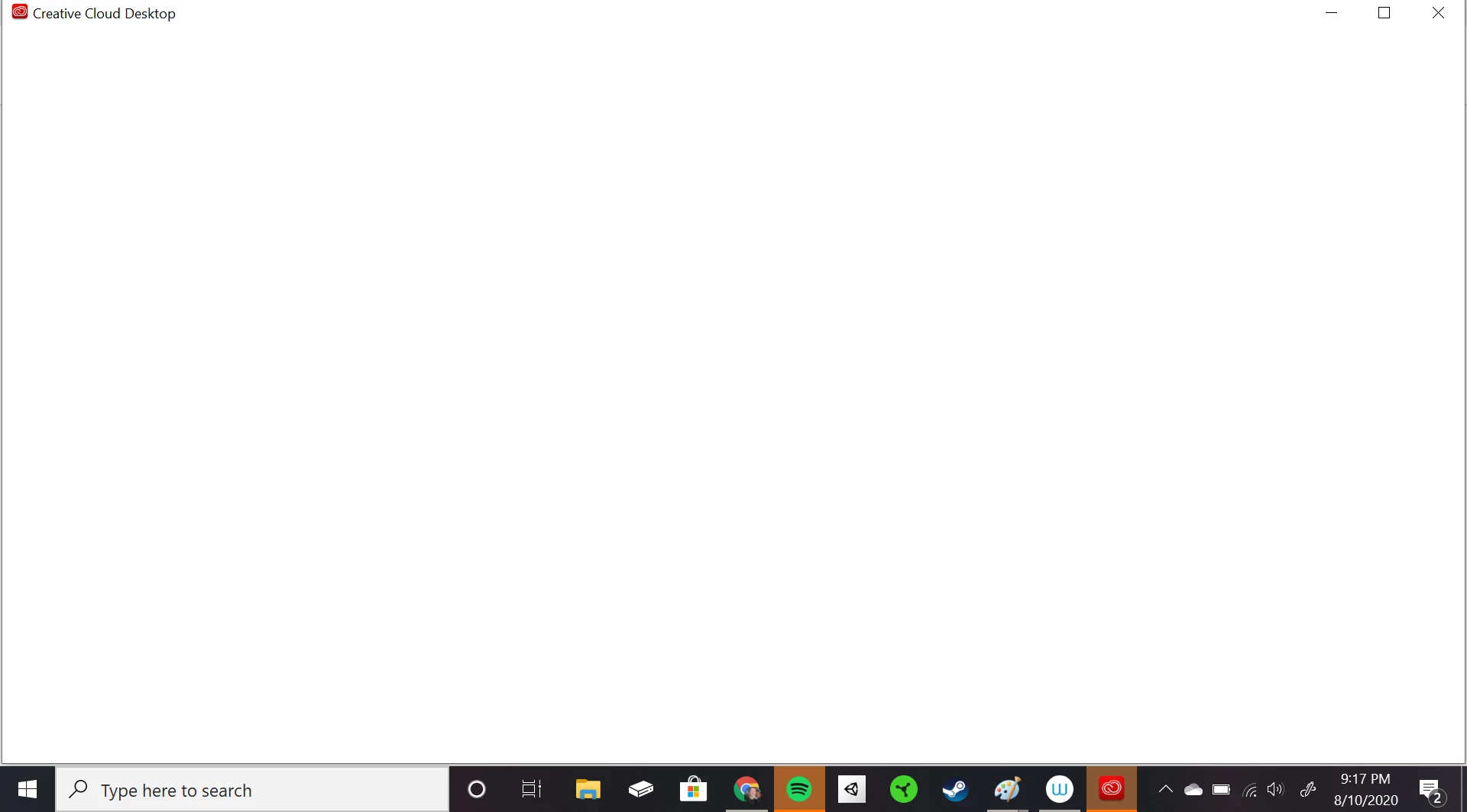
But then I tried again to install PhotoShop, it was still opening Creative Cloud, only it was blank:
Adobe 1.PNG


So I went to my apps in settings and Creative Clouse was still there.

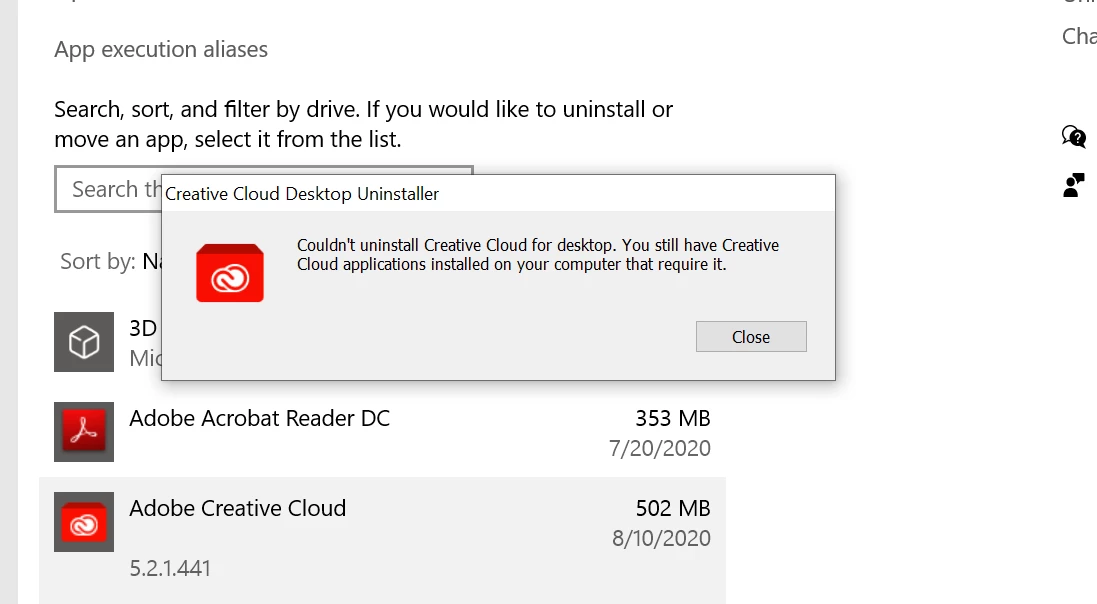
But when I try to uninstall it, I can't because I still have other Adobe products installed:
Adobe 2.PNG


But if I try to uninstall those other apps, it tries to open up Creative Cloud again, which is blank and unresponsive. Creating a never-ending circle of install/uninstall hell haha.


Any help would be great! I'm on a PhotoShop free trial that's wasting away.


Thanks, Everyone

Davis

TOPICS
New user
831
Translate
Report
Community guidelines
Be kind and respectful, give credit to the original source of content, and search for duplicates before posting. Learn more
community guidelines

correct answers 1 Correct answer

Enthusiast , Aug 11, 2020 Aug 11, 2020

Thank you for posting your query here.


First of all, please refer to the following Minimum system requirements article and check if all minimum reqiurements are met. 


Please Click on the Profile Image option that shows at the Top right of the Creative Cloud App . You should get the option to Click on "Sign-out" next to the Adobe ID.


Once done, please Open Task Manager and close all Adobe processes like Creative Cloud, CLibrary, CCXProcess, Adobe Update Service, Adobe Genuine Software Servi

...
Translate
Enthusiast ,
Aug 11, 2020 Aug 11, 2020

Thank you for posting your query here.


First of all, please refer to the following Minimum system requirements article and check if all minimum reqiurements are met. 


Please Click on the Profile Image option that shows at the Top right of the Creative Cloud App . You should get the option to Click on "Sign-out" next to the Adobe ID.


Once done, please Open Task Manager and close all Adobe processes like Creative Cloud, CLibrary, CCXProcess, Adobe Update Service, Adobe Genuine Software Service, Adobe Acrobat Update Service, AcroTray etc.


Please download the Uninstaller tool for Creative Cloud App from the following link on the affected computer: https://helpx.adobe.com/creative-cloud/help/uninstall-creative-cloud-desktop-app.html


Please Open the web link : https://helpx.adobe.com/in/download-install/kb/creative-cloud-desktop-app-download.html

 And scroll down to the Section "Problems installing? Try alternative download links "

 And please Click on :"Windows | Alternative downloads"

 There you will see the Option for "Windows 10 (64-bit)" Please click on "Download" and try using the Creative Cloud App.


Please let us know if that helps.


Thank you.

Translate
Report
Community guidelines
Be kind and respectful, give credit to the original source of content, and search for duplicates before posting. Learn more
community guidelines
New Here ,
Aug 14, 2020 Aug 14, 2020

This worked.

Thank you so much!

Translate
Report
Community guidelines
Be kind and respectful, give credit to the original source of content, and search for duplicates before posting. Learn more
community guidelines
Enthusiast ,
Aug 17, 2020 Aug 17, 2020
LATEST

Thank you very much for confirming that it worked. 

Have a great time ahead! 

Translate
Report
Community guidelines
Be kind and respectful, give credit to the original source of content, and search for duplicates before posting. Learn more
community guidelines