
mariebaet
Participant
March 6, 2019
Question

Creative cloud won't launch

  • March 6, 2019
  • 1 reply
  • 5599 views

I have had this problem before but it was magically solved.
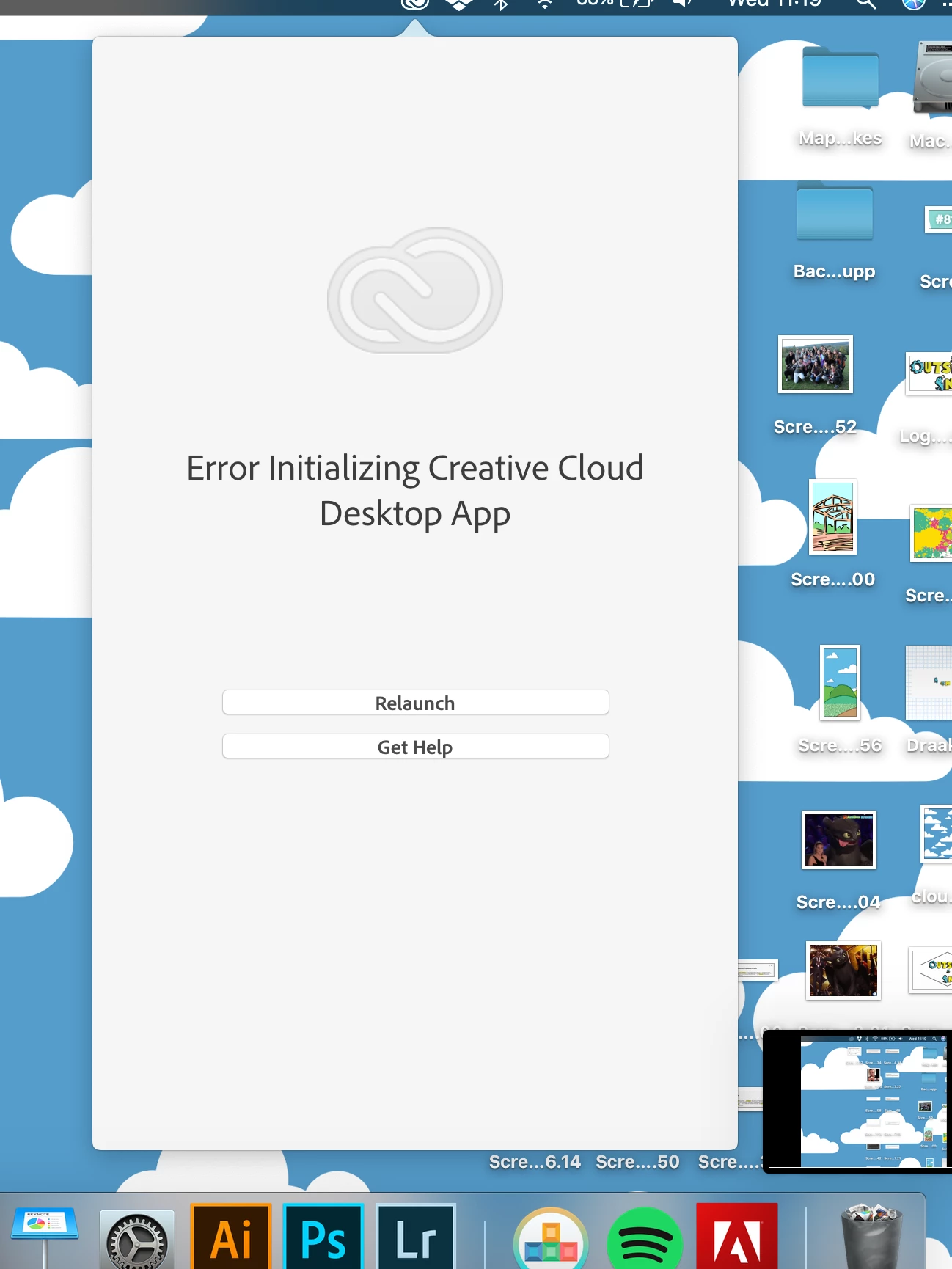
My apps like photoshop, illustrator... still work but the desktop app for adobe won't open.
I tried to relaunch, doesn't work, tried to install a new one, won't install. I looked and tried stuff in my OBEE file, won't work.
I can't install or update apps and it is annoying, costumer support online is out and I tried to telephone but "creative cloud problems" that aren't apps is not an option for support.
Anyone know what I can do?
This topic has been closed for replies.

1 reply

Participant
March 6, 2019

Its hopeless. Every time I need to use it it does not work. Have to uninstall and reinstall they say. Its a hassle. I'm sure its not a hassle when they take payments out of our account.

Driving me nuts.

Inspiring
May 7, 2019

I have the same problem.  One day it works, next it won't open.  All my apps open and run, but I cannot update.  I get this error message

I it repair but and then get this:

When I try to uninstall Adobe CC, it says I have to uninstall all my apps before it can uninstall Adobe CC because apps are using it.  I've tried downloading and reinstalling Adobe CC, but it won't install.  This is the second or third time this has happened.  I work on Windows 10 platform.  I've never turned on or off my UAC and can't seem to find where to check that.  I don't have certain controls as our IS department controls most of the permissions.  When I check the app, it says I have full permissions as an Administrator.

ANY IDEA WHY THIS HAPPENS AND HOW TO FIX WITHOUT UNINSTALLING ALL ADOBE CC APPS AND REINSTALLING THEM?

Abambo
Community Expert
Community Expert
May 7, 2019
ABAMBO | Hard- and Software Engineer | Photographer