
Answered
Creative Cloud won't uninstall
Hi all!
On a Mac here and in a pickle...
Already tried:
- Using Uninstaller in Application/Utilities/Adobe Installer
- Downloading the CC Cleaner.
- Quitting/Force Quitting any associated processes associated with CC and Adobe as a whole prior to running uninstaller.
- Migrating any CC sync files into a back up folder on the desktop.
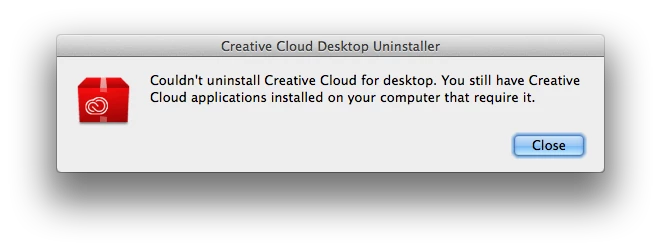
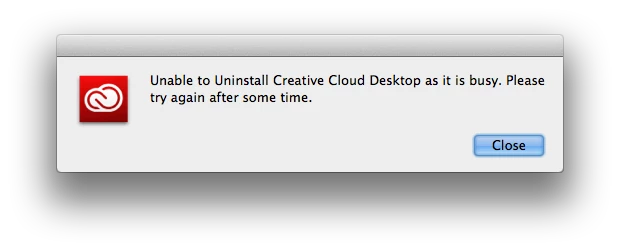
Yet both uninstallers refuse to do their task because apparently either Creative Cloud is still running to some degree in the background, or there are still apps that require Creative Cloud. (The later bordering on Catch 22) It doesn't seem to make any sense.
That said, I'm planning to reinstal because of an error code 1002 for the update.
Any other ideas to how this can be figured out?
Many thanks!
Edit:
Including screenshots of the error messages in question:
 AdChoices