This topic has been closed for replies.
Correct answer kglad

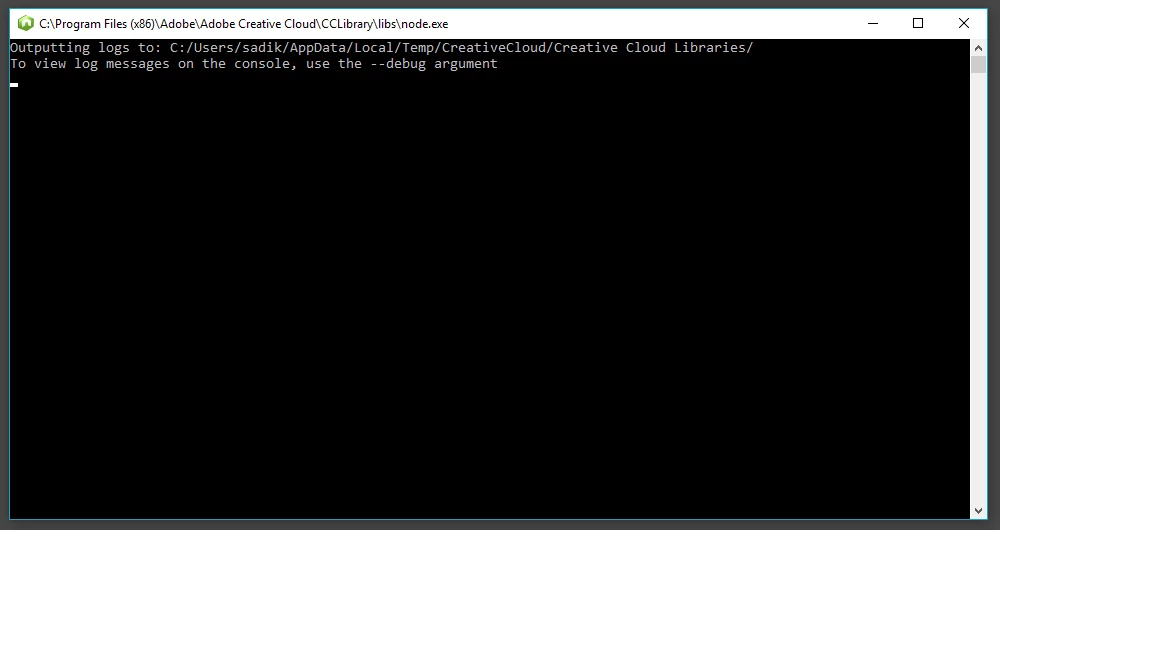
try renaming, node.exe at C:\Program Files (x86)\Adobe\Adobe Creative Cloud\CCLibrary\libs\node.exe

that will prevent syncing and maybe cloud storage, but if you're not using that it might be worthwhile as a temp fix.

you can contact adobe support to see if they have a better solution. using a browser that allows popups and cookies,  contact adobe support during pst business hours by clicking here and, when available, click 'still need help', http://helpx.adobe.com/x-productkb/global/service-ccm.html

1 reply

kglad
Community Expert
Community Expert
December 7, 2016

are you using cloud storage?

are you syncing files?

Participant
December 8, 2016

hi, i'am not using Cloud storage,

i'am working on files per private Network.

kglad
Community Expert
kgladCommunity ExpertCorrect answer
Community Expert
December 8, 2016

try renaming, node.exe at C:\Program Files (x86)\Adobe\Adobe Creative Cloud\CCLibrary\libs\node.exe

that will prevent syncing and maybe cloud storage, but if you're not using that it might be worthwhile as a temp fix.

you can contact adobe support to see if they have a better solution. using a browser that allows popups and cookies,  contact adobe support during pst business hours by clicking here and, when available, click 'still need help', http://helpx.adobe.com/x-productkb/global/service-ccm.html