Answered
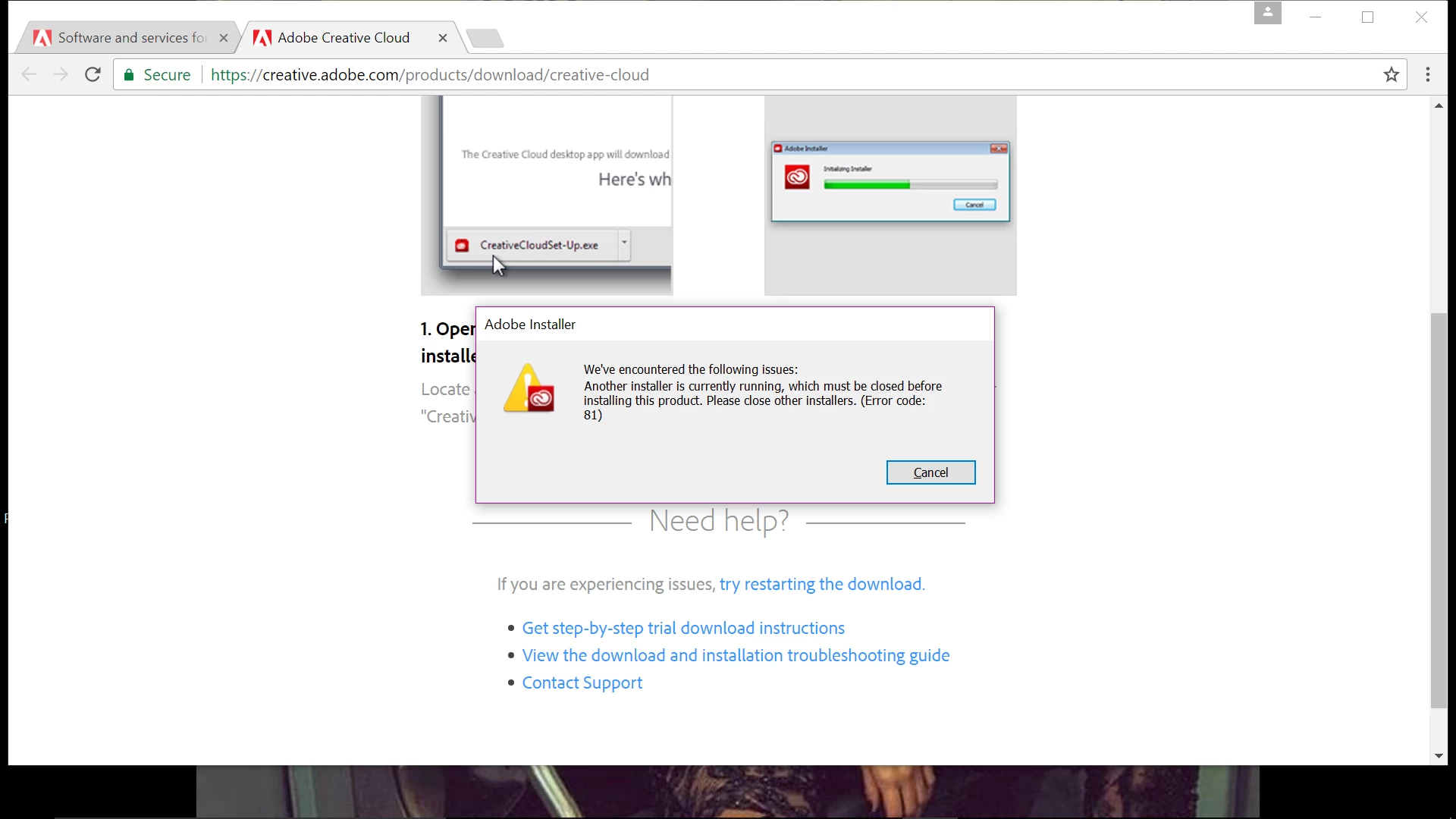
Error Code 81 when installing the Adobe Creative Cloud desktop application

Branching to a new discussion.
Nushki98 have you closed the conflicting installer using the Task Manager? You can find details on how to close conflicting processes at Close conflicting processes or applications interfering with Adobe Creative Cloud app update or install. If you continue to encounter Error Code 81, when installing the Adobe Creative Cloud desktop application then please reboot the computer and try again Nushki98.
Already have an account? Login
No account yet? Create an account
Enter your E-mail address. We'll send you an e-mail with instructions to reset your password.


 AdChoices