
joffd
Inspiring
December 6, 2017
Answered

How do I stop Adobe set up box constantly popping up?

  • December 6, 2017
  • 1 reply
  • 602 views

Using a Mac with High Sierra and CC.

Over the last couple of weeks - probably after some CC updates - whenever I go to save anything in any app, the following pop-up box appears.
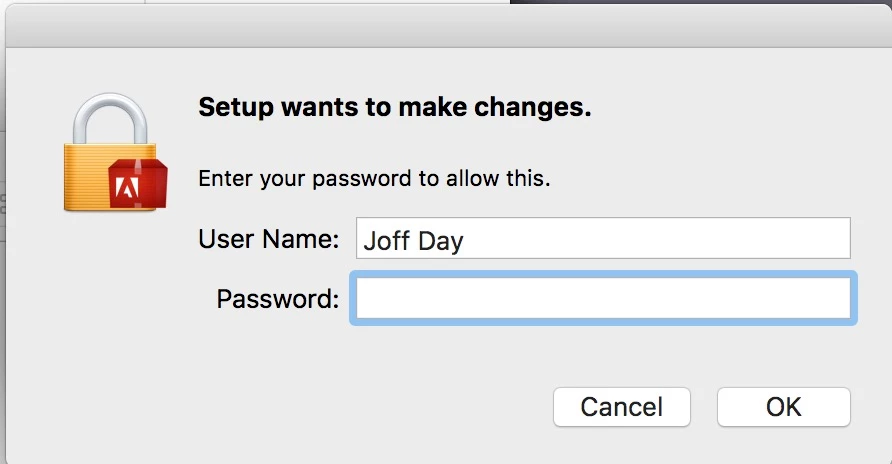
I have, of course, entered my admin password but it still pops up.

What is not clear is what part of Adobe Setup it is wanting to set up!

When I check Activity Monitor it shows this which implies it is linked with Adobe Application Manager.
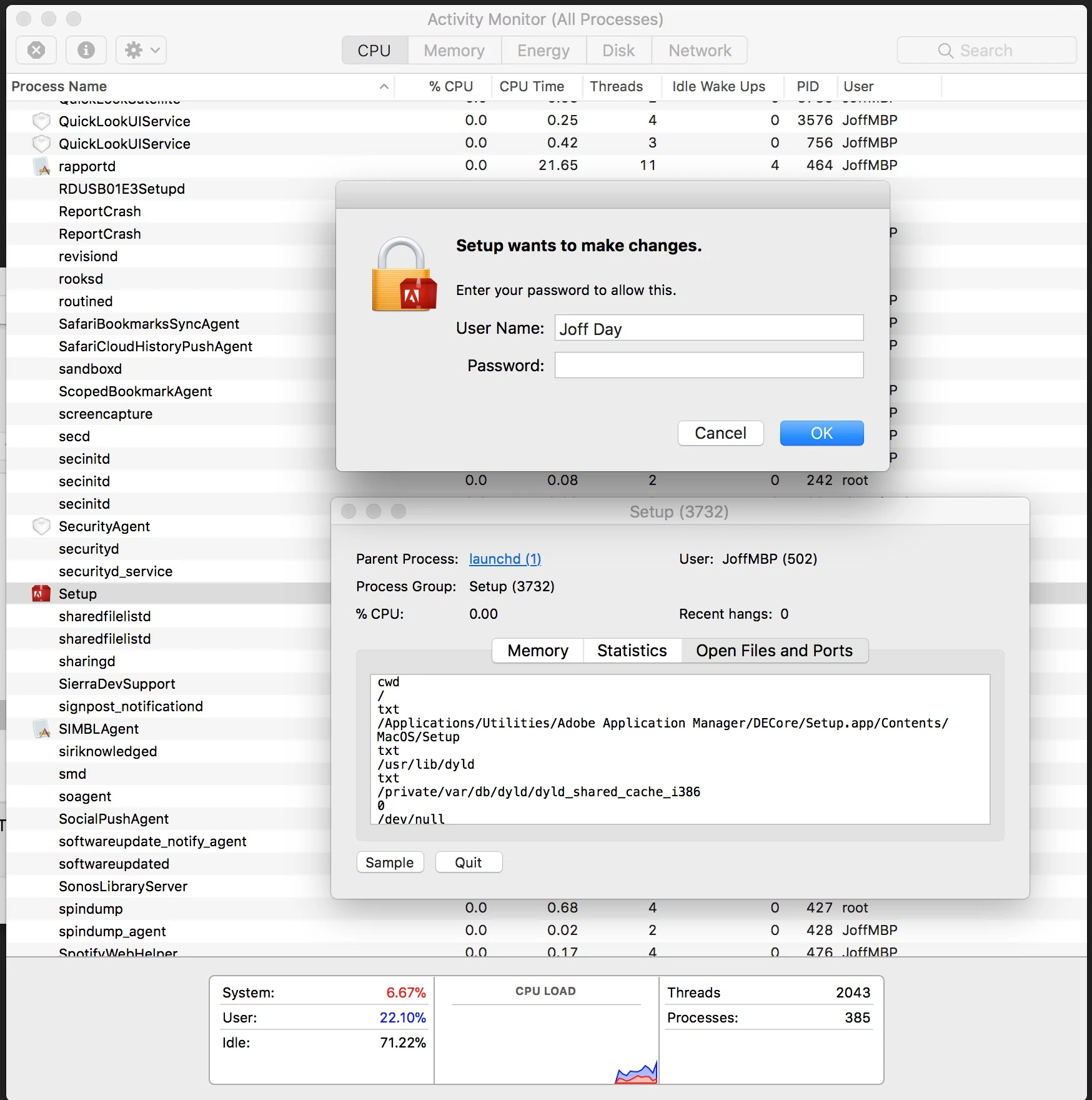
Why does it pop up even if I am saving a TextEdit file.

It's driving me nuts!

Any help to stop this would be greatly appreciated!

This topic has been closed for replies.
Correct answer kglad

Yes, but thanks for checking


my guess is it's trying to make changes but can't.  i don't know why that would be when no changes are pending.

using a browser that allows popups and cookies,  contact adobe support during pst business hours by clicking here and, when available, click 'chat', http://helpx.adobe.com/x-productkb/global/service-ccm.html

1 reply

kglad
Community Expert
Community Expert
December 6, 2017

restart your computer and, before opening any adobe program, check the cc desktop app to see if it's trying to install or update something

joffd
joffdAuthor
Inspiring
December 6, 2017

Yes - I have tried that. All CC apps are up to date and there is nothing to install.

kglad
Community Expert
Community Expert
December 6, 2017

and just to make sure, you are entering your mac (not adobe) password, correct?