Question
how to uninstall adobe creative cloud from login items on MacOS 14.1?
i tried anything with adobe uninstalling apps, and deleting frop files and still a see adobe creative cloud on login items, someone know where deleting it?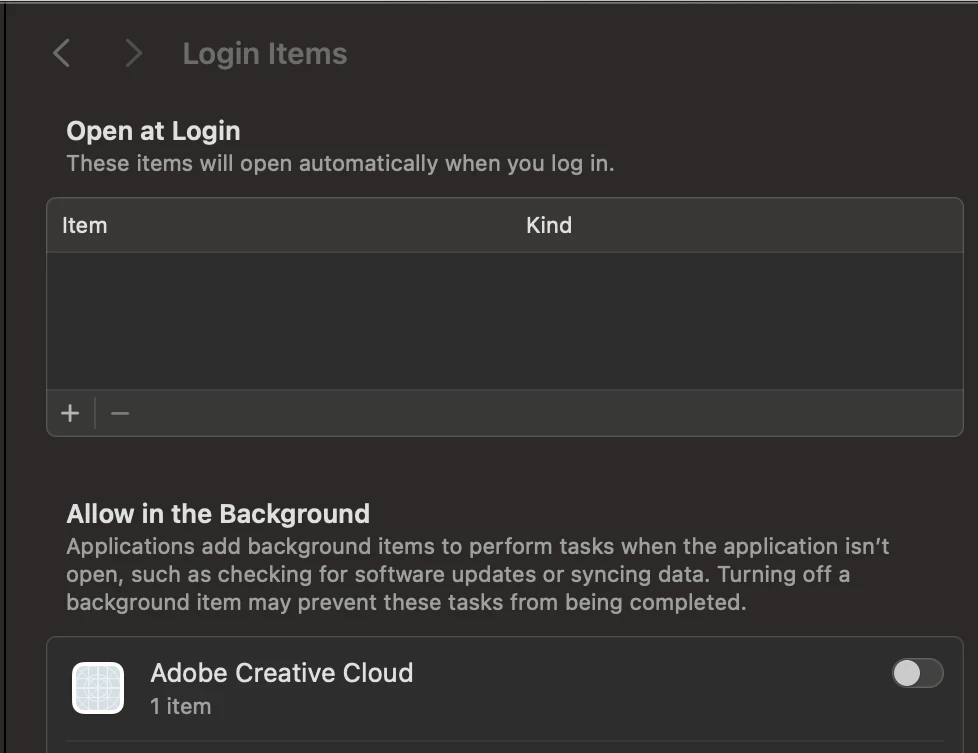

i tried anything with adobe uninstalling apps, and deleting frop files and still a see adobe creative cloud on login items, someone know where deleting it?
Already have an account? Login
Enter your E-mail address. We'll send you an e-mail with instructions to reset your password.
 AdChoices