
Participant
February 16, 2017
Answered

I can't delete the Indesign CC app from my Mac.

  • February 16, 2017
  • 1 reply
  • 995 views

macOS Sierra

10.12.3

Today I downloaded the Creative Cloud app to my MacBook Pro. I actually meant to download CS6 Design Standard, which I already own. So I'm trying to delete the Creative Cloud stuff.

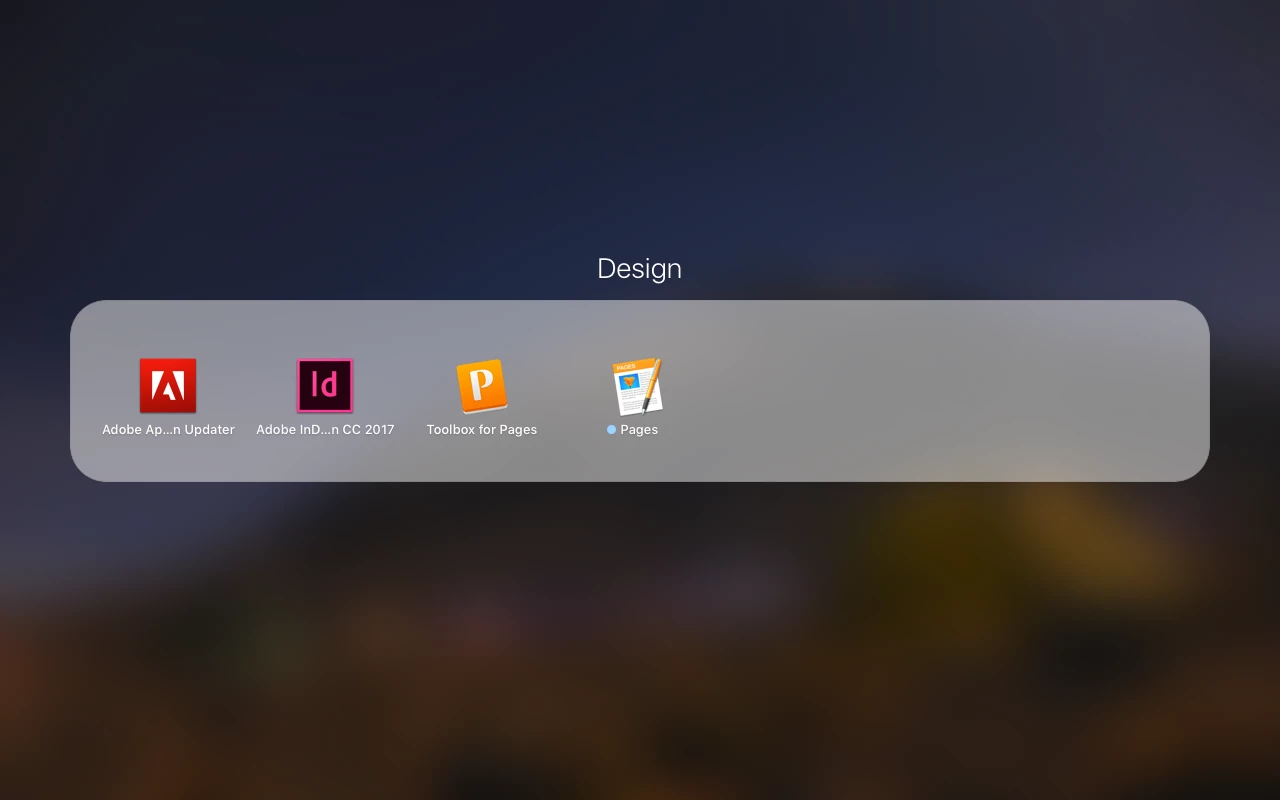
I drag the Adobe InDesign app to the trash, and it doesn't delete. I drag the Adobe Creative Cloud App installer to the trash. It doesn't delete.

How do I get these off of my computer once and for all?

Thanks!
This topic has been closed for replies.
Correct answer kglad

uninstall everything cc including preferences, https://helpx.adobe.com/creative-cloud/help/uninstall-remove-app.html

then uninstall the cc desktop app, https://helpx.adobe.com/creative-cloud/help/uninstall-creative-cloud-desktop-app.html

clean your computer of cc files per http://www.adobe.com/support/contact/cscleanertool.html

restart your computer (don't skip this)

1 reply

kglad
Community Expert
kgladCommunity ExpertCorrect answer
Community Expert
February 16, 2017

uninstall everything cc including preferences, https://helpx.adobe.com/creative-cloud/help/uninstall-remove-app.html

then uninstall the cc desktop app, https://helpx.adobe.com/creative-cloud/help/uninstall-creative-cloud-desktop-app.html

clean your computer of cc files per http://www.adobe.com/support/contact/cscleanertool.html

restart your computer (don't skip this)