
Participant
April 9, 2021
Question

I can't login on Creative Cloud anymore

  • April 9, 2021
  • 3 replies
  • 1155 views

Hi community, 


I hope you can help me to solve my problem.

Creative Cloud automatically logged out on my computer, unfortunatally I am not able to login anymore.


I tried to uninstall the programm multiple times but the following window keeps appearing and nothing changes.
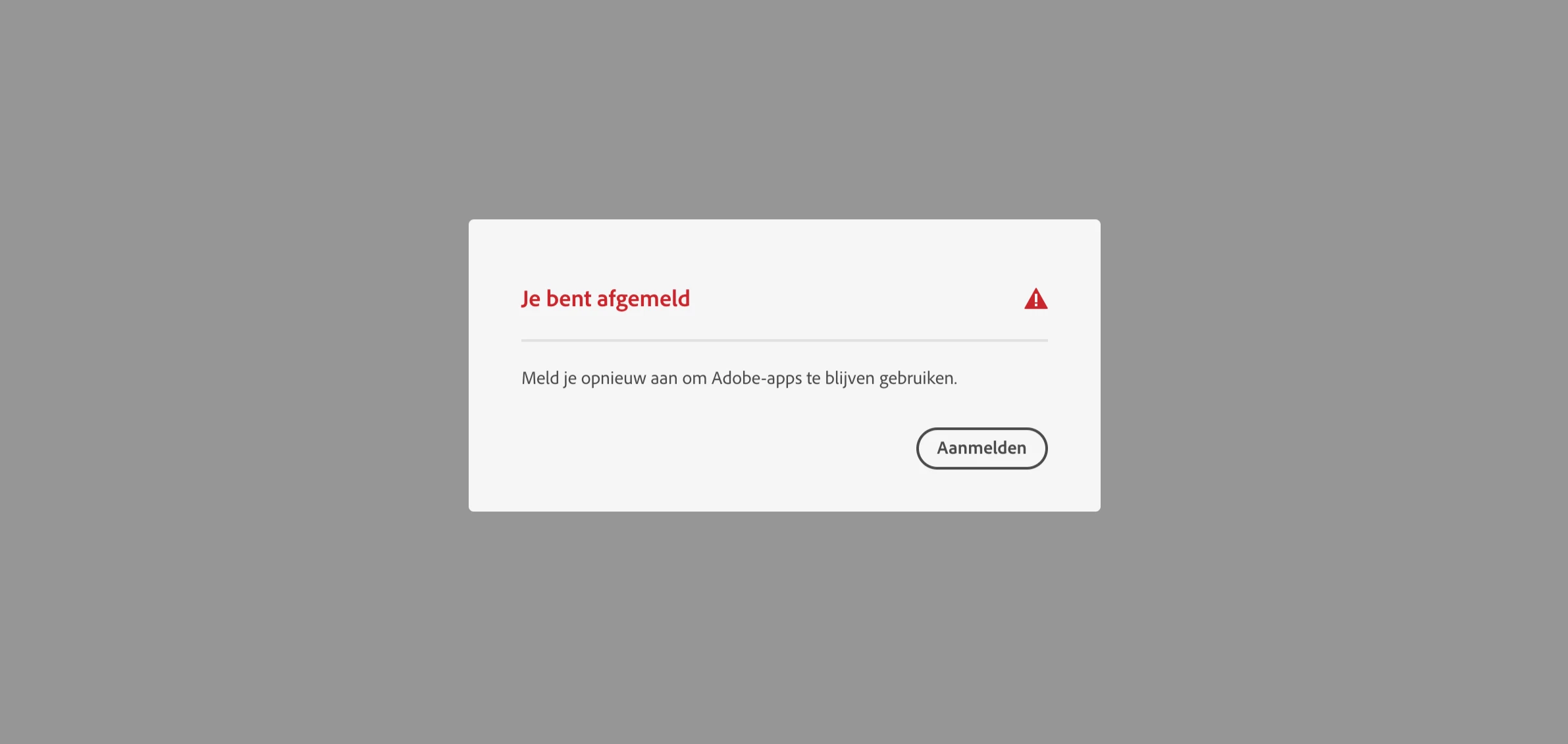
 

In English: you are signed off. Sign in to be able to keep on using the Adobe apps. - Sign in button.


Thanks a lot!

This topic has been closed for replies.

3 replies

Nancy OShea
Community Expert
Community Expert
April 9, 2021

Is your subscription active?  With a browser that accepts cookies and does not have script blockers, please log-in to your account portal below to confirm your account is active and payment details are current.
https://account.adobe.com/plans

1. Open CC Desktop App.
2. Click your Avatar (top right image) > Preferences > General tab > Settings. Select "Always keep Creative Cloud up to date."
3. Click on your Avatar again.
4. Sign-out of Creative Cloud.
5. Close all apps.
6. Restart your computer.
7. Open CC Desktop app.
8. Click your Avatar.
9. Sign-in with your paid ID and password.


Nancy O'Shea— Product User & Community Expert
009FDKAuthor
Participant
May 23, 2021

Tried all of this multiple times.

Does anybody know how to contact adobe? 


Thanks.

Community Expert
May 23, 2021

Hi @009FDK 

Here is a contact page, which has link to office contacts around the globe and the online text contact:
https://www.adobe.com/about-adobe/contact.html 

AxelMatt
Community Expert
Community Expert
April 9, 2021
My System: Intel i7-8700K - 64GB RAM - NVidia Geforce RTX 3060 - Windows 11 Pro 25H2 -- LR-Classic 15 - Photoshop 27 - Nik Collection 8 - PureRAW 6 - Topaz Photo AI