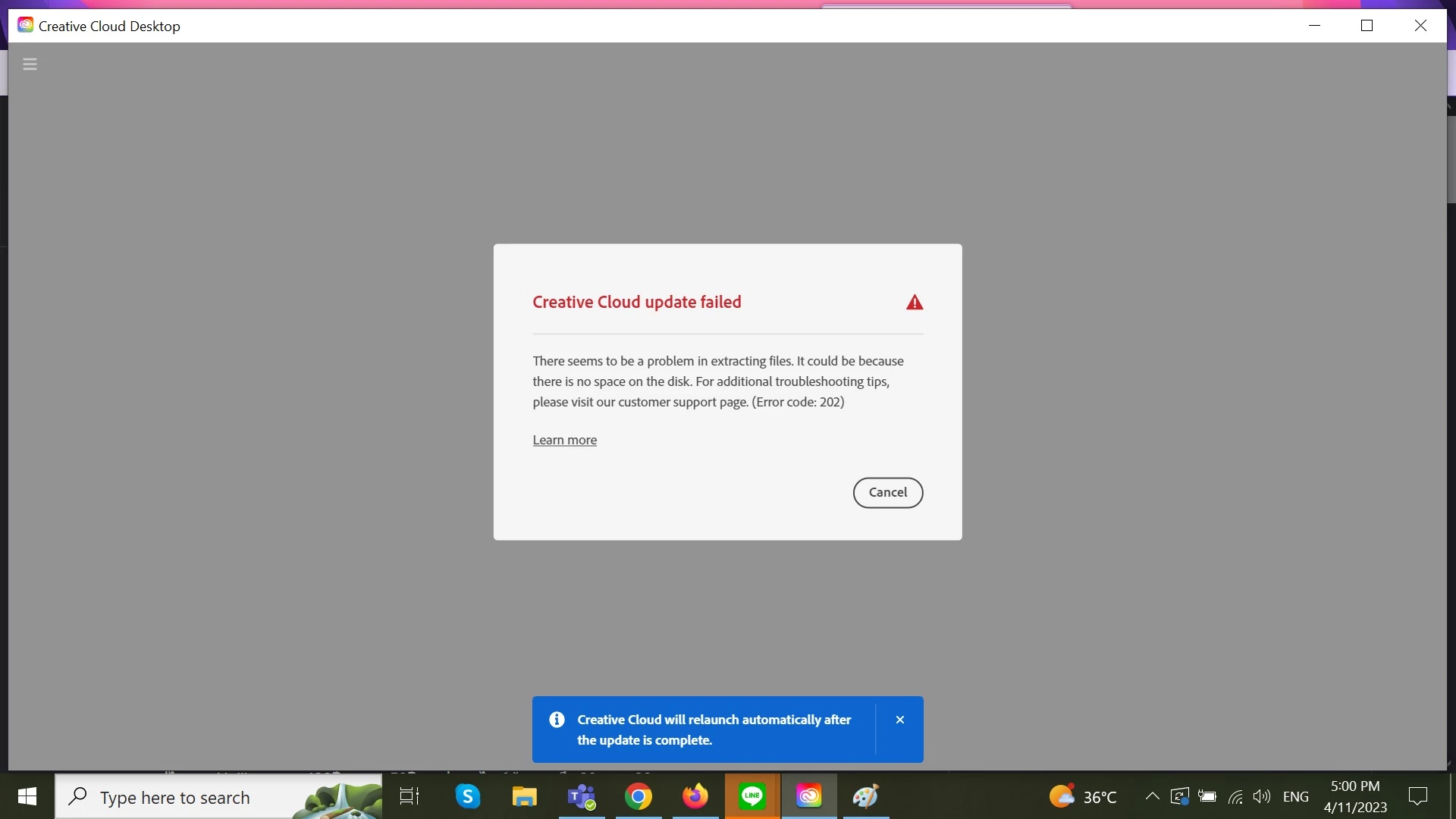
Error 202 indicates the downloaded asset could not be download or extracted. Please make sure you have a stable internet connection when trying to update or download any Adobe app.
Thank you for your help. I tired it but unfornately it did not work. I can use the apps but I can't update, uninstall, or install anything. If you know other methods, I would appreciate it if you could share.
1. The message says maybe there is not enough space on the disk. So... how much space is on the disk, please?
2. Maybe your version of Windows 10 is out of date. What version of Windows 10 do you run? Please let us know if you need help finding the answer to either question.
I tried with all your steps but it doesn't work either. I want to uninstall the desktop apps but it forced me to update Creative Could first, I have tried it but the update failed every time. Do you have other tips about this? Thank you in advance.

 AdChoices