Exit
  • Global community
    • Language:
      • Deutsch
      • English
      • Español
      • Français
      • Português
  • 日本語コミュニティ
  • 한국 커뮤니티
0

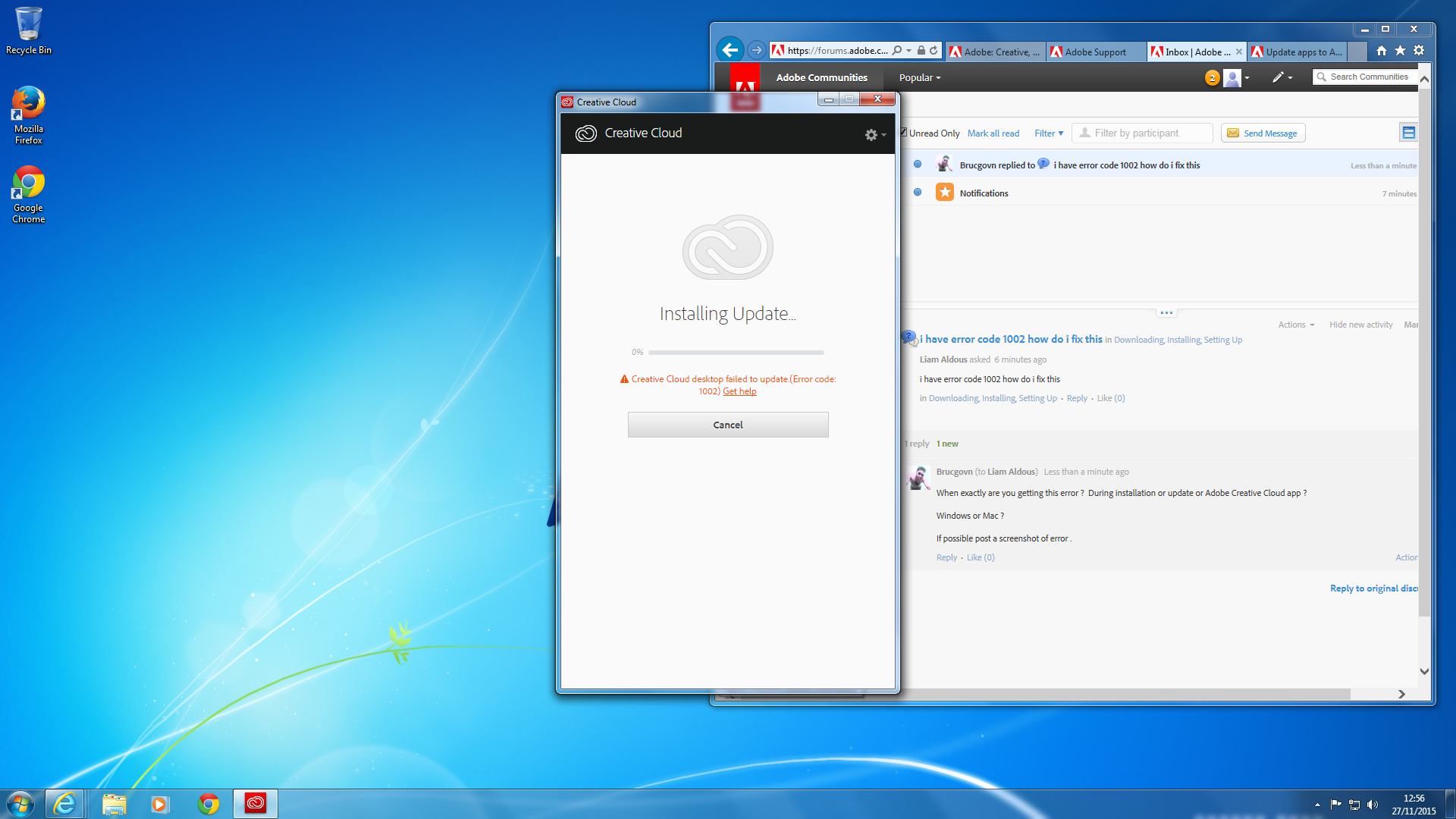
i have error code 1002 how do i fix this

New Here ,
Nov 27, 2015 Nov 27, 2015

i have error code 1002 how do i fix this

4.1K
Translate
Report
Community guidelines
Be kind and respectful, give credit to the original source of content, and search for duplicates before posting. Learn more
community guidelines
LEGEND ,
Nov 27, 2015 Nov 27, 2015

When exactly are you getting this error ?  During installation or update or Adobe Creative Cloud app ?

Windows or Mac ?

If possible post a screenshot of error .

Translate
Report
Community guidelines
Be kind and respectful, give credit to the original source of content, and search for duplicates before posting. Learn more
community guidelines
New Here ,
Nov 27, 2015 Nov 27, 2015

Im On Windows

Translate
Report
Community guidelines
Be kind and respectful, give credit to the original source of content, and search for duplicates before posting. Learn more
community guidelines
LEGEND ,
Nov 27, 2015 Nov 27, 2015

Step 1)

Restart the computer once .

Step 2)

Disable Anti-Virus and Firewall temporarily.

Step 3)

Press Windows button (located between Ctrl and Alt buttons) along with R button together at a time , you will get a run command window.

Type in below command and hit 'Enter' key.

%temp%

It will open temp folder.

Delete all contents of Temp folder , you can skip those file which cannot be deleted.

Relaunch Adobe Creative Cloud app and try to update again.

Still same??

Try with steps mentioned in below link :

Creative Cloud Help | Uninstall the Creative Cloud desktop app

Let us know if you need further assistance

Translate
Report
Community guidelines
Be kind and respectful, give credit to the original source of content, and search for duplicates before posting. Learn more
community guidelines
New Here ,
Nov 27, 2015 Nov 27, 2015

Thankyou ill try that

Translate
Report
Community guidelines
Be kind and respectful, give credit to the original source of content, and search for duplicates before posting. Learn more
community guidelines
New Here ,
Nov 27, 2015 Nov 27, 2015

‌ddid this work?

Translate
Report
Community guidelines
Be kind and respectful, give credit to the original source of content, and search for duplicates before posting. Learn more
community guidelines
LEGEND ,
Nov 27, 2015 Nov 27, 2015

You can go ahead and try , let me know if you same issue , we can try with further steps.

Steps mentioned in the link is just normal un-installation and re-installation process. Only difference here is using CC Uninstaller tool to uninstall the app , That's it.

Translate
Report
Community guidelines
Be kind and respectful, give credit to the original source of content, and search for duplicates before posting. Learn more
community guidelines
New Here ,
Nov 30, 2015 Nov 30, 2015
LATEST

Unfortunately I run on a secure network, with remote admin so anything like this is a no go for me. Thanks anyway. Even though the proxy server box pops up I can still run PS from my startup menu, so for now I will let IT deal with it. It's disgusting from Adobe that there is not more help especially when businesses (like ours) spend thousands on subscription.

Translate
Report
Community guidelines
Be kind and respectful, give credit to the original source of content, and search for duplicates before posting. Learn more
community guidelines