New Participant
January 4, 2024
Answered

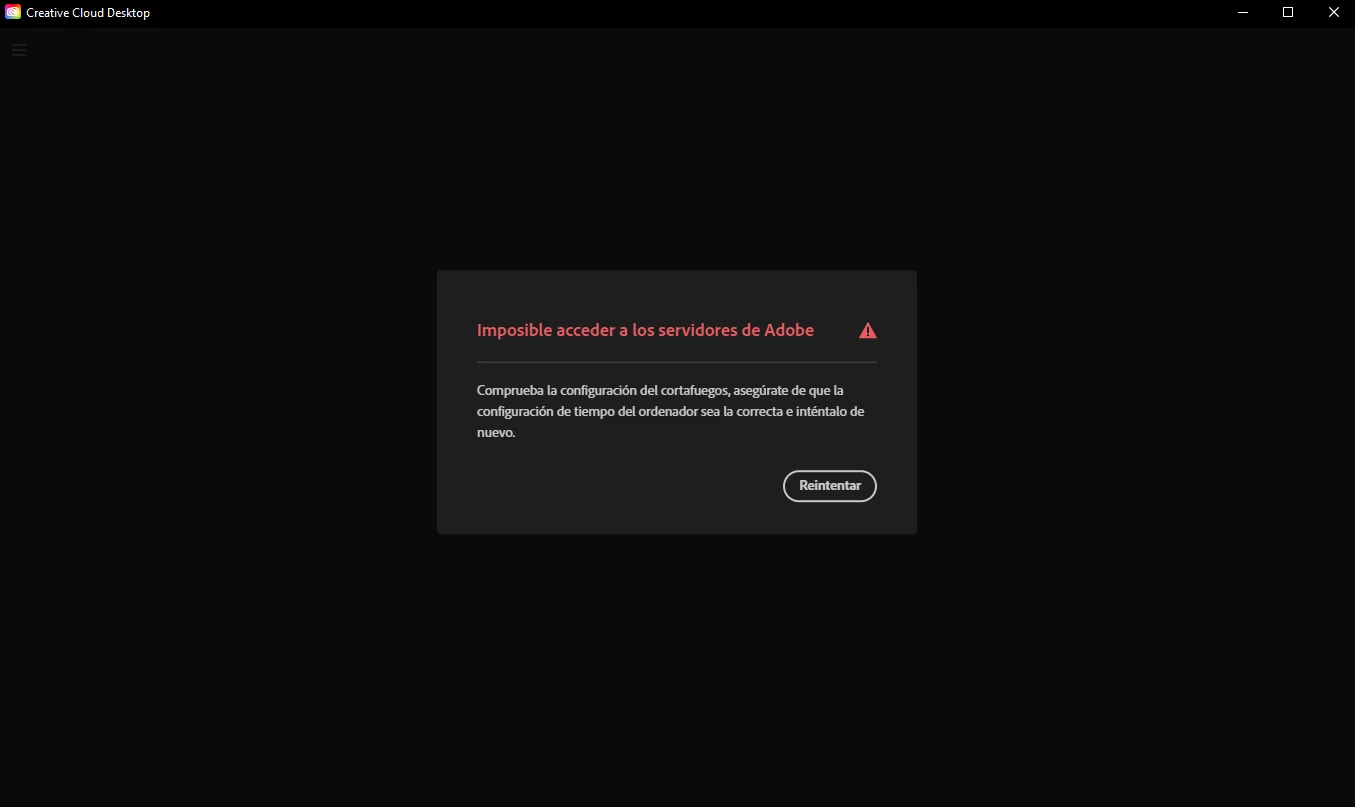
Impossible to access adobe servers

  • January 4, 2024
  • 2 replies
  • 544 views

having this error and can't install adobe from another PC, any help? not connectivity issues and not any disk space issues.

This topic has been closed for replies.
Correct answer Paz34597314z1qt

fixed it by removing all authentication servers from host file in windows
"C:\Windows\System32\drivers\etc"
y'all gonna find host file with no extension, you open it with notepad and you're going to see all adobe urls, remove all of them, save the file. (I recommend doing a backup of the host file)
and yeah, my problem got fixed.

2 replies

Paz34597314z1qtAuthorCorrect answer
New Participant
January 4, 2024

fixed it by removing all authentication servers from host file in windows
"C:\Windows\System32\drivers\etc"
y'all gonna find host file with no extension, you open it with notepad and you're going to see all adobe urls, remove all of them, save the file. (I recommend doing a backup of the host file)
and yeah, my problem got fixed.

kglad
Community Expert
January 4, 2024

great.


p.s. for others, that step is included in my previous post.

kglad
Community Expert
January 4, 2024

adobe connection errors are common and are not related to whether you're connected to the internet.  they're related to connecting to adobe's secure servers.


if you have a non-current os, your default browser must support tls 1.2, https://helpx.adobe.com/x-productkb/multi/eol-tls-support.html


to test your default browser's tls you can use , https://clienttest.ssllabs.com:8443/ssltest/viewMyClient.html


otherwise, confirm that you can connect to the secure adobe servers by reading, http://helpx.adobe.com/x-productkb/policy-pricing/activation-network-issues.html


do you see both logos after clicking "link"?


if you can and still see a connection error try these steps, https://helpx.adobe.com/download-install/kb/common-network-connectivity-issues.html


if those all fail, white list the adobe network endpoints, https://helpx.adobe.com/enterprise/kb/network-endpoints.html


or, if you’re trying to activate a perpetual license, you can try offline activation by disconnecting your computer from the internet, starting activation and using https://aoes-stage.licensingstack.com/aoes/aoes/v1/imsauthstatus