
Answered
Installation Failed Photoshop cc 2017 on Yosemite 10.10.5
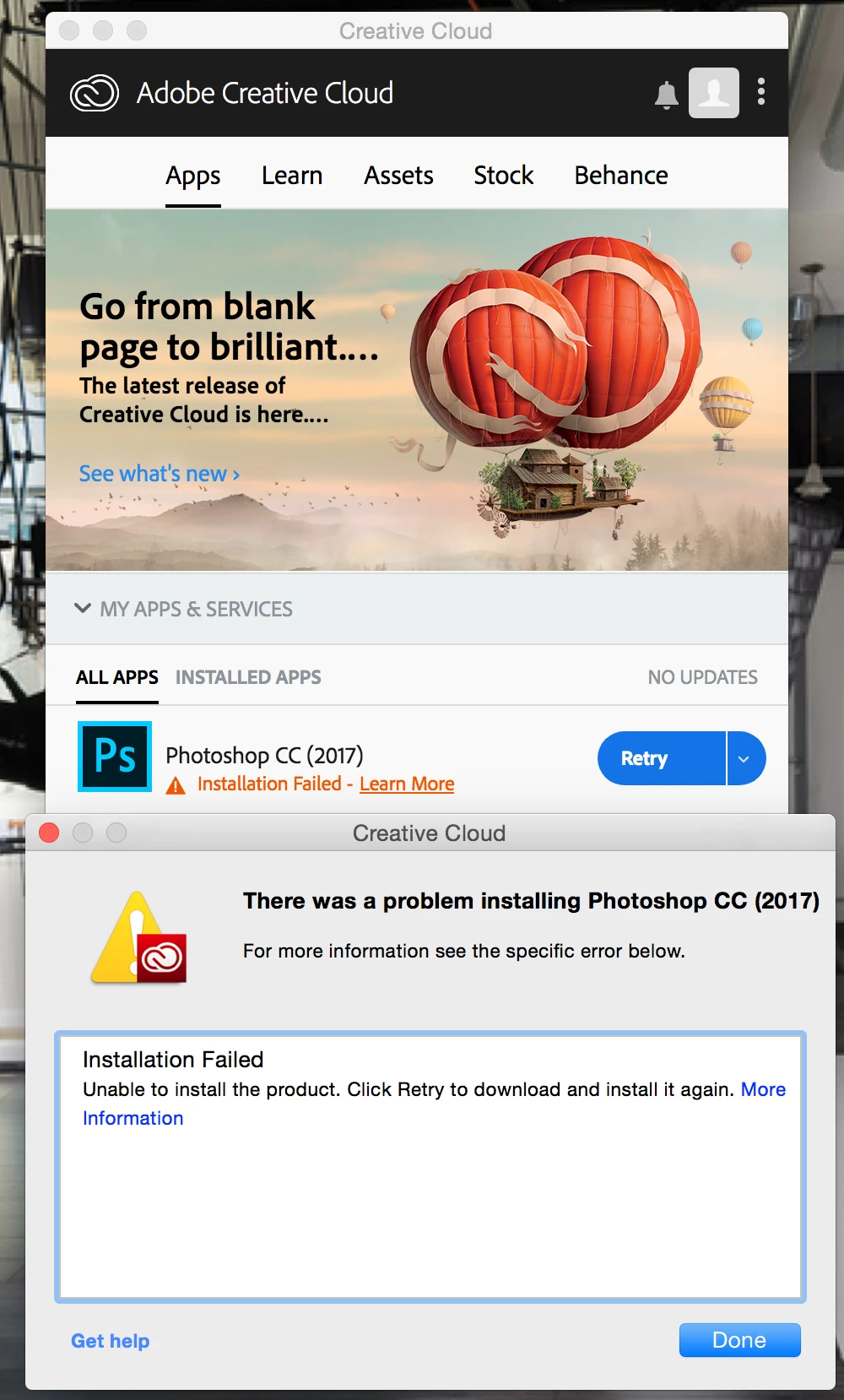
Adobe creative cloud showed an update for Photoshop CC 2017 that after trying to install a Error Message showed saying There was a problem installing Photoshop CC (2017). However, no error code is showed at all.
I uninstalled Photoshop CC 2017 and tried to install again through Creative Cloud and I got the Same Error Message.
Tried to Reinstall Creative Cloud and then Installing Photoshop CC 2017 and again I got the same error message.
Then I deleted AAMUpdater and OOBE folder in Library and also run Adobe CreativeCloudCleanerTool and still same Error Message trying to install Photoshop CC 2017.
Please, some one can help me? I need to deliver a photoshoot session photos and I am getting crazy here with this Photoshop Error.
 AdChoices