
Installation Failed
Hi,
Im downloading photoshop, and just when I am about to download it, a window pops up saying "Install. Preparing for instal..." And then pops up another window asking for administrator password because:
"Setup wants to make changes. Type your password to allow this." So I type in my password and here is a picture:
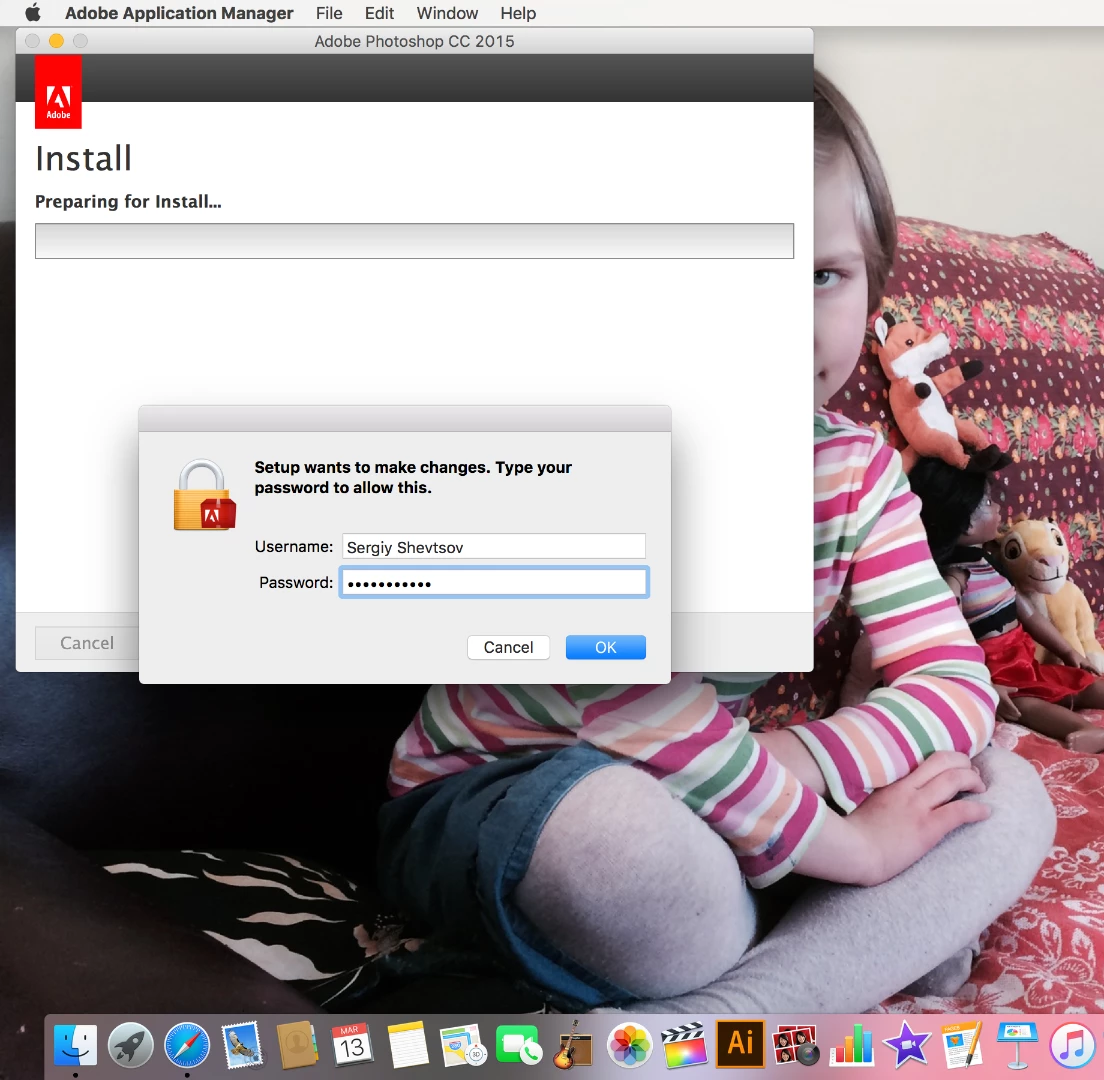
But when I click ok, this happens:
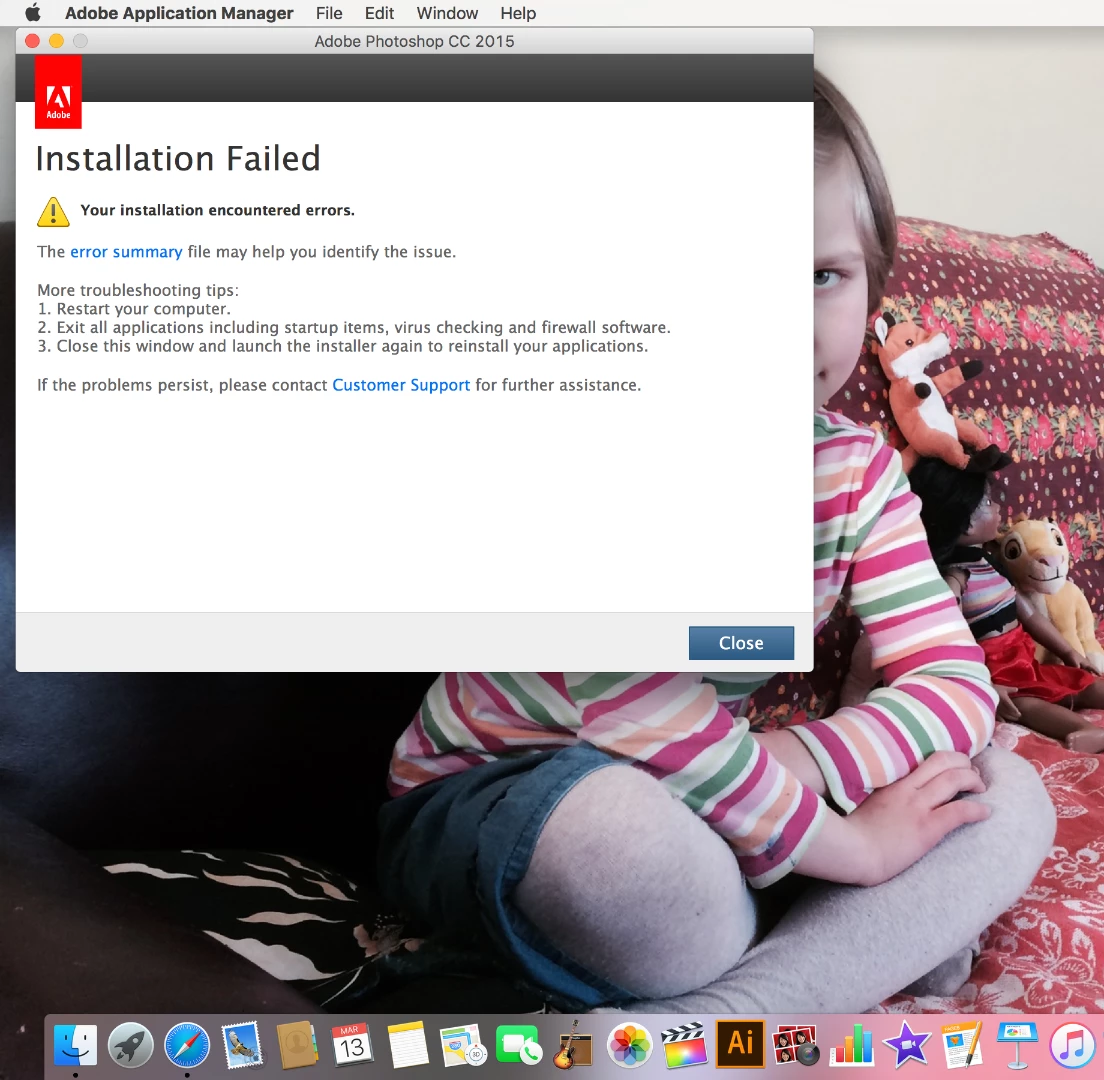
I tried everything it told me to do.
Here is the error summary:

Error summary webpage: file://///tmp/27B1722E-7E15-4D5F-B71C-8EA8FF5FB51D/summary.htm
check it out
Mac specifications:
Hardware Overview:
Model Name: MacBook Pro
Model Identifier: MacBookPro11,2
Processor Name: Intel Core i7
Processor Speed: 2 GHz
Number of Processors: 1
Total Number of Cores: 4
L2 Cache (per Core): 256 KB
L3 Cache: 6 MB
Memory: 8 GB
Boot ROM Version: MBP112.0138.B16
SMC Version (system): 2.18f15
Serial Number (system): C02LR8KYFD56
Hardware UUID: C96E8AE7-61A9-5EF8-82A1-4F637D30AE82
Wi-Fi:
Type: AirPort
Hardware: AirPort
BSD Device Name: en0
IPv4:
Configuration Method: DHCP
IPv6:
Configuration Method: Automatic
Ethernet:
MAC Address: b8:e8:56:49:90:70
Media Options:
Media Subtype: Auto Select
Proxies:
Exceptions List: *.local, 169.254/16
FTP Passive Mode: Yes
Service Order: 0
System Software Overview:
System Version: OS X 10.11.3 (15D21)
Kernel Version: Darwin 15.3.0
Boot Volume: Macintosh HD
Boot Mode: Normal
Computer Name: MacBook Pro - Sergiy
User Name: Sergiy Shevtsov (sergiy_shevtsov)
Secure Virtual Memory: Enabled
System Integrity Protection: Enabled
Time since boot: 49 minutes
Please help. Thank you in advance.
 AdChoices