
Question
Installing CS4 on New Computer, Getting Error, "Licensing for this product has expired"
I recently got a new computer and am trying to install CS4. I have contacted Adobe support several times and was told to download several links (two .exe's, and a WinRAR archive). I run all of these things, go all the way through the setup process, and get, "Licensing for this product has expired". I was even issued a new serial number by Adobe and told that my case was closed. I've tried all of the fixes listed here: https://helpx.adobe.com/creative-suite/kb/error-licensing-product-expired-cs4.html
but still no joy.
My last conversation with tech support ended with this gem, so here I am.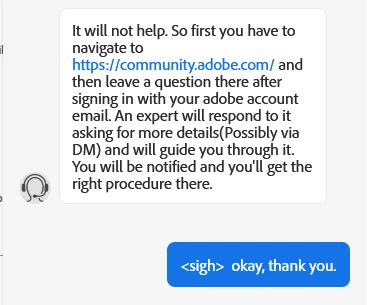
Any suggestions?
 AdChoices