

Latest new CC apps - what is going on with naming/versioning?
Hi,
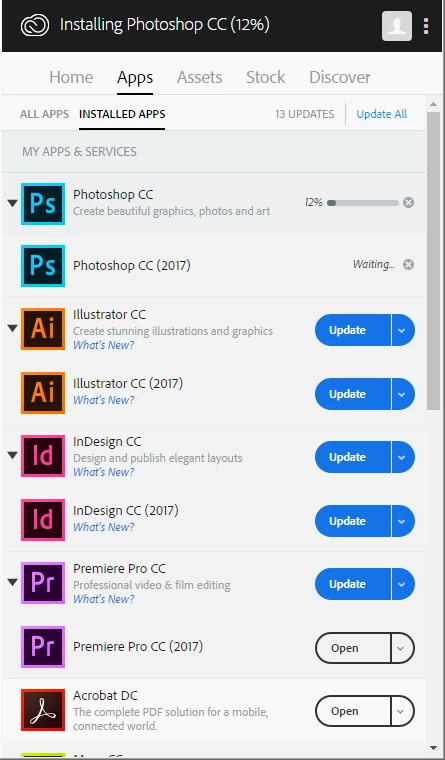
On opening Adobe CC system tray app in Windows 7 today I am seeing apps "doubled" up - those with "2017" suffixes and those without, both of which have "Update" as the primary action. Confused so far? Read on..
After choosing to update these apps I now get, for example, two versions of Photoshop listed in Windows:
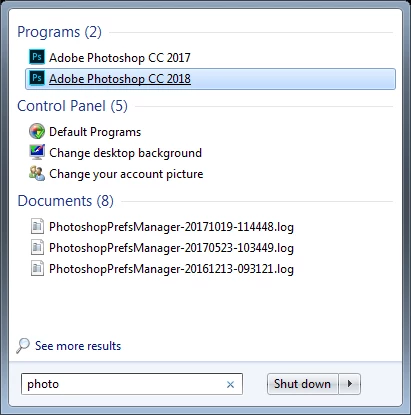
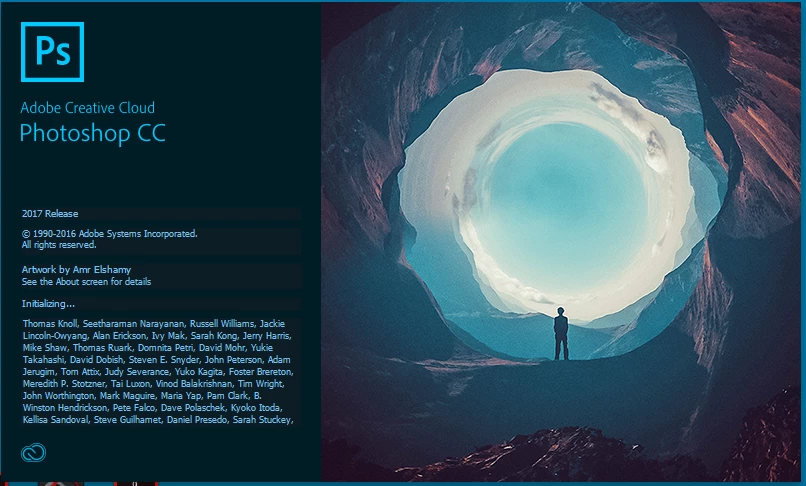
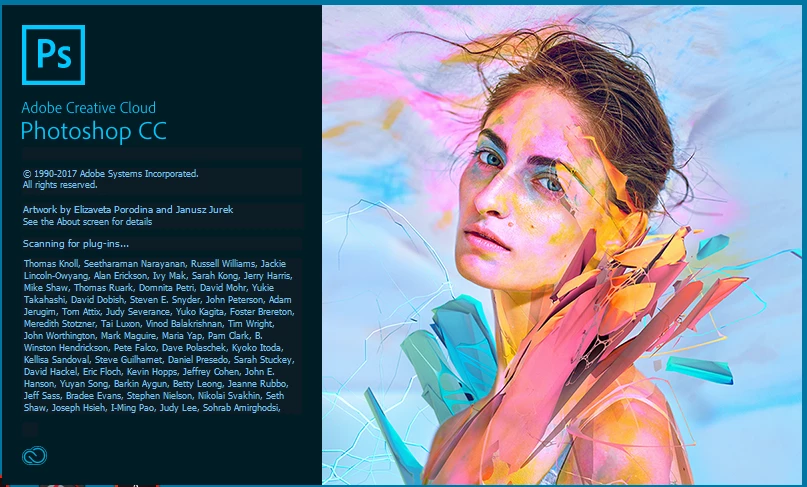
The "2018" version name doesn't match what was listed in the Adobe CC update window (which was presumably the non-2017 suffixed version), or the product name/version information displayed in the splash screens or Help > About dialogs. I can run both 2017 and 2018 versions, but not at the same time. Comparison of Splash/About menus below.
Photoshop 2017 Splash screen:
Photoshop 2018 Splash screen:
Photoshop 2017 Help > About dialog:
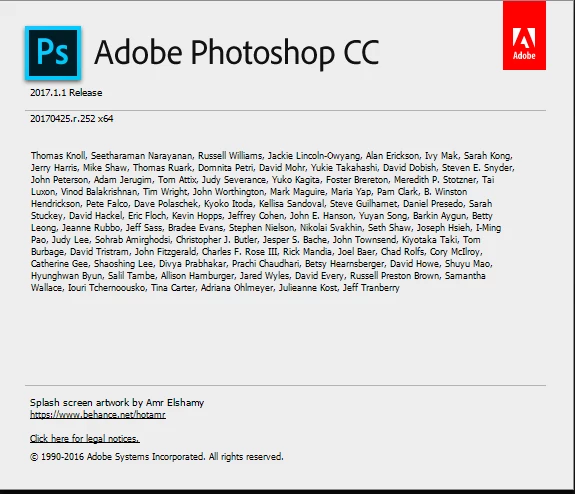
Photoshop 2018 Help > About dialog:
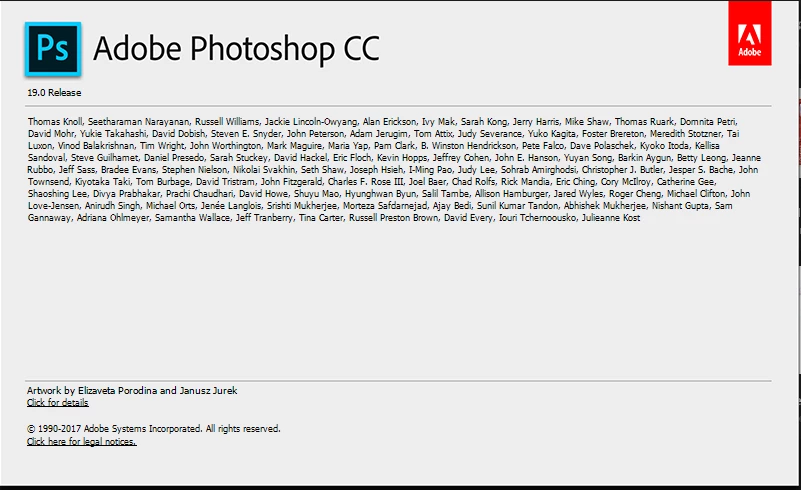
On the Adobe Photoshop "Features" page the product name on your timeline for October 18th 2017 omits any version information at all, compared to previous timeline versions, e.g. Photoshop CC (2017.0.1):
Photoshop CC new features | More library asset support
Retaining old versions and installing new ones wasn't mentioned in the Adobe email announcing the new apps, or the click-through page (Latest Creative Cloud version | Adobe Creative Cloud features), so all a bit confusing.
Thanks,
Blake
 AdChoices