
peternichollsmusic
Participant
October 13, 2019
Answered

Mac Menu bar opens to huge window and cannot get back to previous (see pics)

  • October 13, 2019
  • 3 replies
  • 675 views

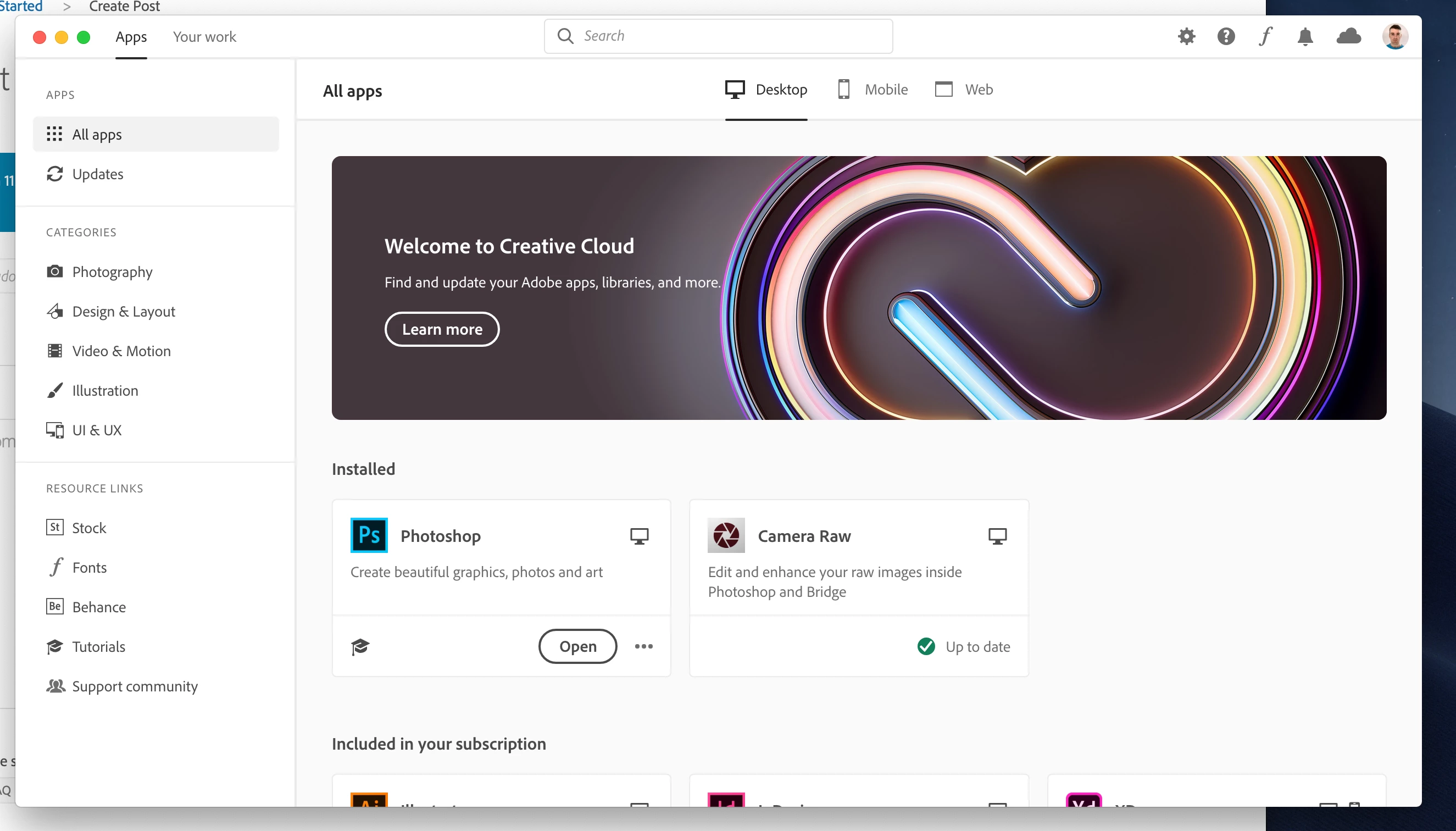
Hi, I've been using CC for a long time now. However on my iMac (Mojave) I'm suddenly getting this big window:
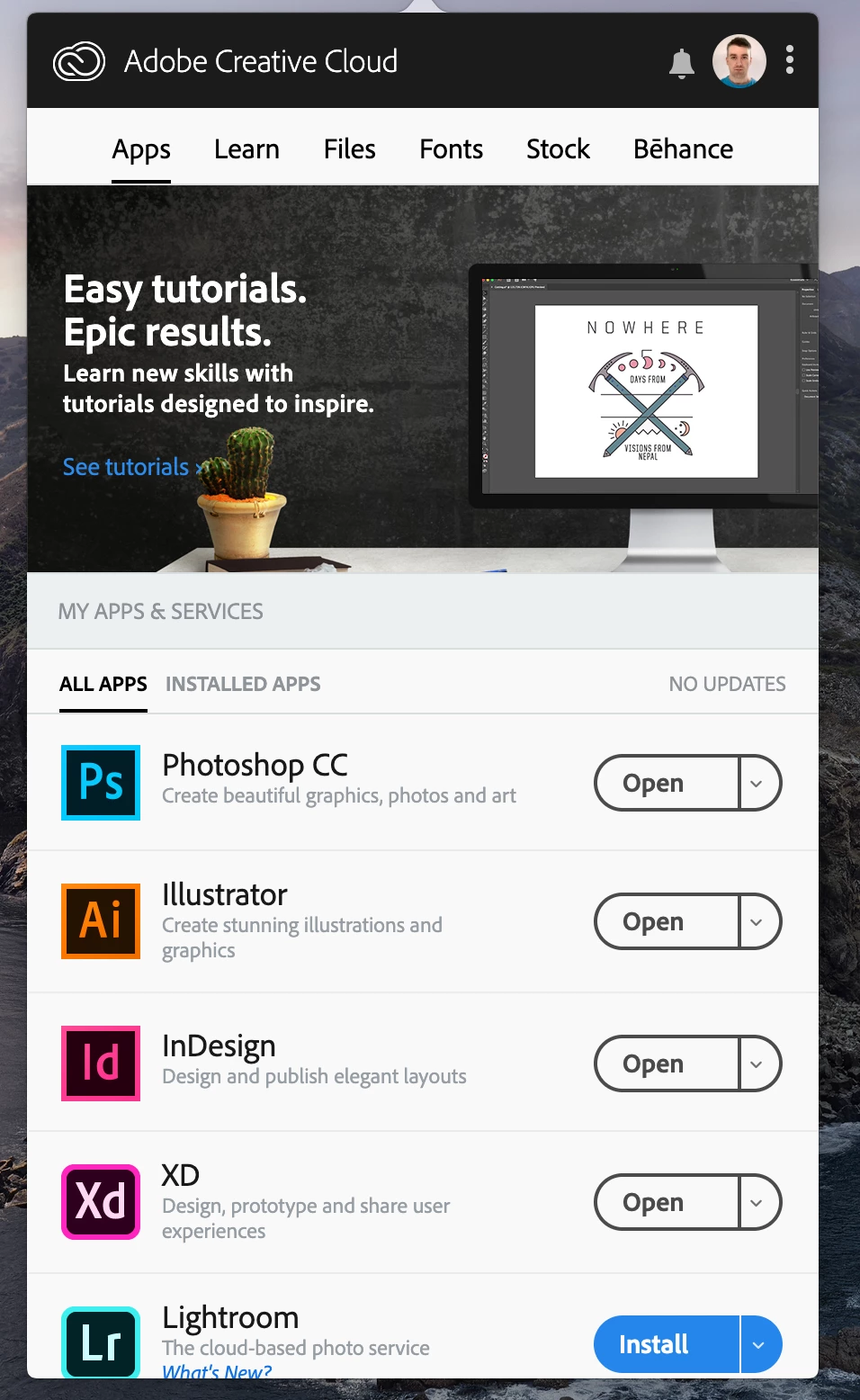
and cannot find anyway at all to return the display to this (as shown from my laptop):
 

Please help, as this is driving me nuts! 

This topic has been closed for replies.
Correct answer Broer61

Hi, this is the new "Creative Cloud" app on your desktop, the old one is from the previous version. So you cannot change some setting to revert to the old "pull-down" menu. I think we have to get used to it. I thought the pull-down from the Creative Cloud was easier to start Photoshop, I am thinking of putting Photoshop and Lightroom back in my Dock.

3 replies

JGmod5300
Participant
October 16, 2019

I much prefer the old menu over the "new" large window.  I understand that the larger window might be better for some, but the old menu, IMHO, was far more efficient for experienced users with established workflows.  Adobe should let people have the option, like they used to, to choose the menu or the window.

Just Shoot Me
Legend
October 13, 2019

Nothing wrong with either of your Mac computers. One has the newest version of the CC DTA, AFAIK No icon in the notification area, and the other still has the older version.


Again, AFAIK, to Close that new version you just click the X or Apple menu Close Adobe CC DTA, or whatever.

Participant
October 15, 2019
How do we pin the menu back into the bar and the CC icon?
Broer61
Participant
October 20, 2019

You have to navigatie to your "Programs" folder and there locate "Adobe Creative Cloud" and from there start "Adobe Creative Cloud" (/Programs/Adobe Creative Cloud/Adobe Creative Cloud)


I now see that the clicking the read (X) button keeps the icon in the menubar. That's better. 🙂

Broer61
Broer61Correct answer
Participant
October 13, 2019

Hi, this is the new "Creative Cloud" app on your desktop, the old one is from the previous version. So you cannot change some setting to revert to the old "pull-down" menu. I think we have to get used to it. I thought the pull-down from the Creative Cloud was easier to start Photoshop, I am thinking of putting Photoshop and Lightroom back in my Dock.