Participant
June 12, 2018
Answered

Mac OS 10.5.8 and Creative Cloud installations?

  • June 12, 2018
  • 2 replies
  • 814 views

Hallo alle zusammen.

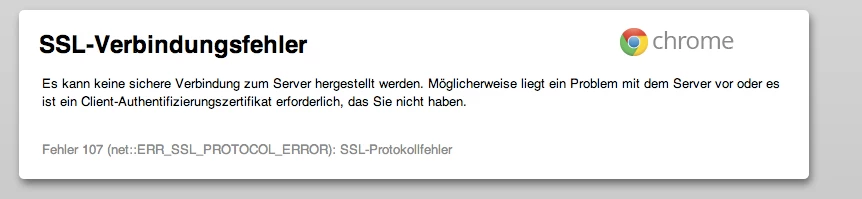
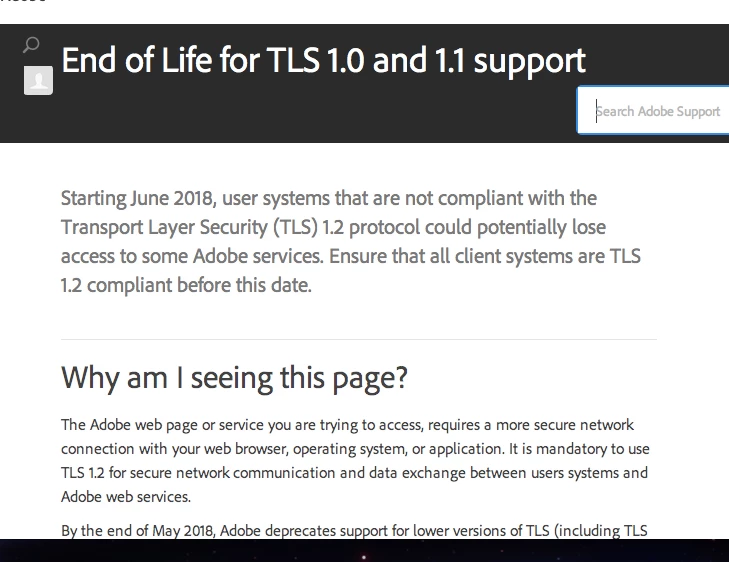
Heute nachmittag musste ich mein MacBook aus tausend Gründen völlig neu aufsetzen. Dieses Macbook mit dem letztmöglichen Update auf Mac OS X Version 10.5.8 lässt aber nicht zu, dass ich weiterhin mit CC arbeiten kann. Entweder der Browser ist zu neu oder die Schaltfläche zum Abokauf ist nicht klickbar, bzw nur blau hinterlegt oder es passiert das was im Anhang zu sehen ist. Einloggen klappt aber nach wie vor. "Nur" der download funktioniert nicht.

Gibt es für mich überhaupt eine "händische" Lösung? Oder ist mein MacBook schlicht und einfach zu alt? 😞

Vorher lief nämlich tatsächlich alles völlig einwandfrei. Ich stehe vor einem Rätsel.
This topic has been closed for replies.
Correct answer Jeff Arola

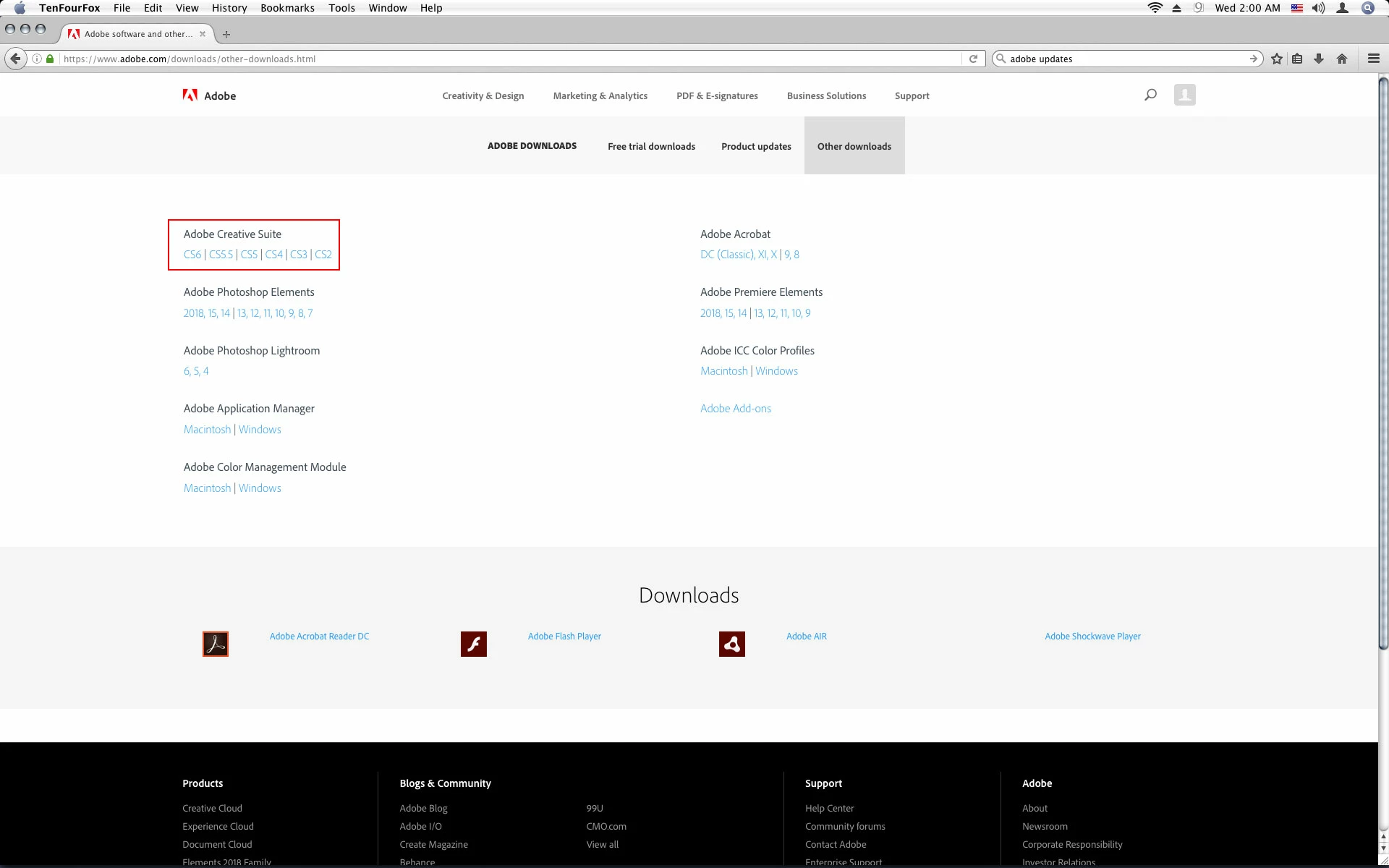
Try the link below to get a creative suite or application:

https://www.adobe.com/downloads/other-downloads.html

Does your macbook have an Intel Processor?

2 replies

Jeff Arola
Community Expert
Community Expert
June 13, 2018

Could you verify your using Mac OS X 10.5.8 Leopard?

As far as i know, no part of Creative Cloud is compatible with Leopard, Intel or PPC.

I believe the oldest mac os  to run any creative cloud application is Mac OS X 10.6.8 and that is limited to the very oldest of creative cloud applications.

Maybe you mean your trying to download a creative suite application?

Participant
June 13, 2018

Hallo ihr beiden.

Ja da war dass was ich befürchtete. Ich denke dass mein Betriebssystem zu alt ist um die die creative suite apps zu nutzen. Ich wundere mich alledings, dass alles funktionierte bevor ich das MacBook neu aufsetzte.

Danke an euch!

Jeff Arola
Community Expert
Jeff ArolaCommunity ExpertCorrect answer
Community Expert
June 13, 2018

Try the link below to get a creative suite or application:

https://www.adobe.com/downloads/other-downloads.html

Does your macbook have an Intel Processor?

Raimundo Illanes
Inspiring
June 12, 2018

Maybe you just need to upgrade you Mac OS X server.