
Mac: Unable to disable processes Adobe Desktop Service, CC Library, CCXProcess, Adobe Installer...
Hi,
I'm using Lightroom Classic CC and Photoshop CC on a Mac OS 10.13.6 and I have installed Creative Cloud 4.6.0.384. Due to my limited system capacity (i5 8GB RAM) I'm very concerned with system resources and I would like to have as less processes running as possible so I can save RAM while I'm using Lightroom or, at least, until I open it and I'm using other programs.
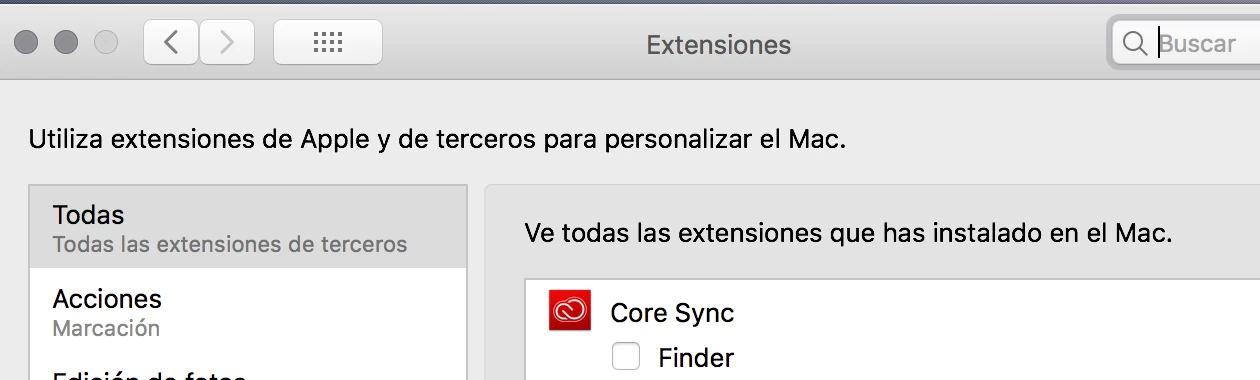
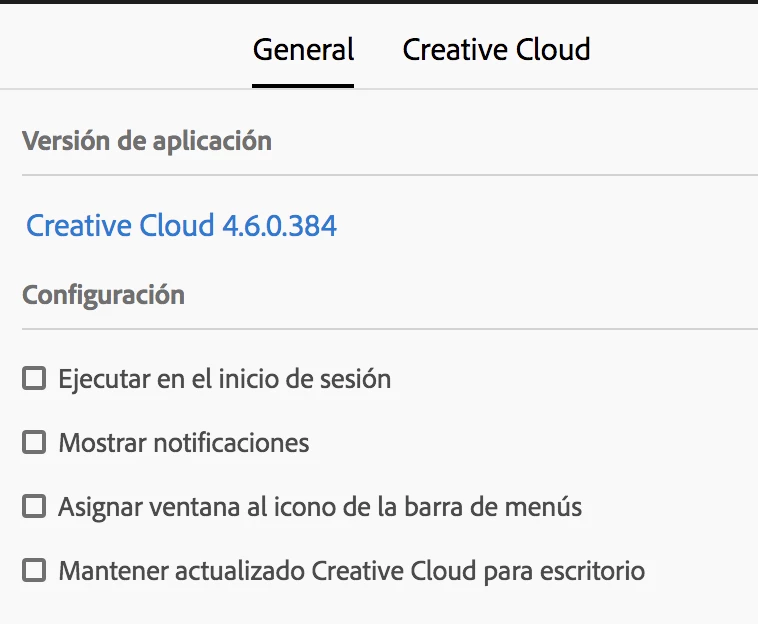
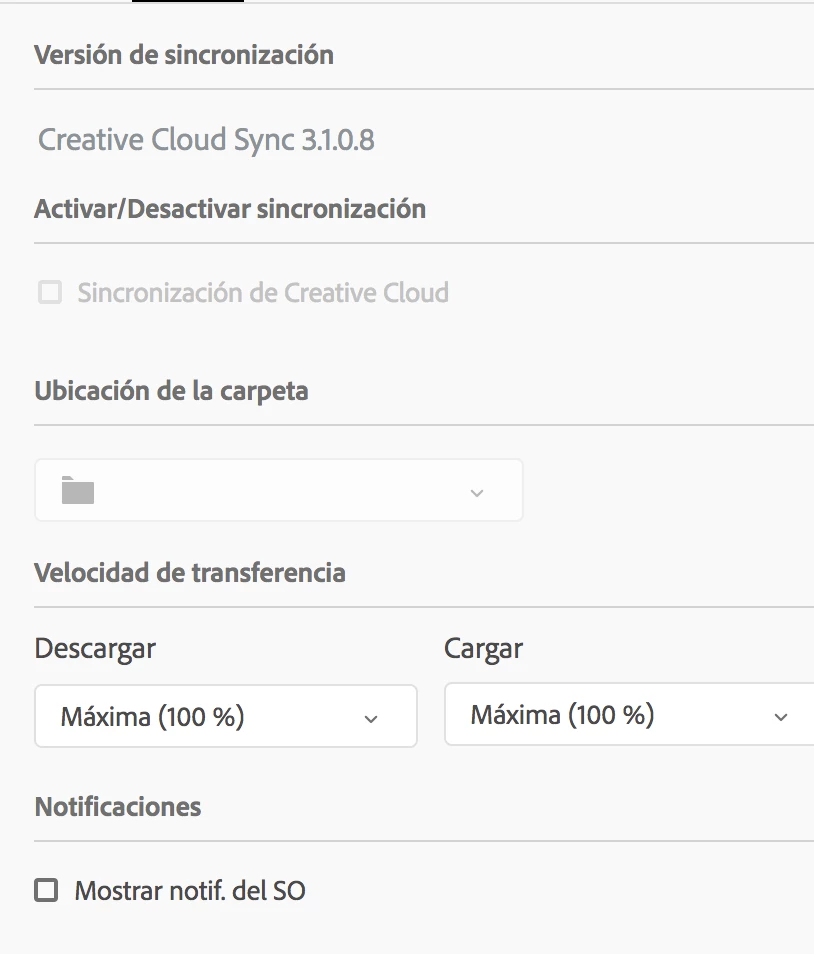
Within the Preferences tab of the Creative Cloud I have disabled everything, including Launch at Login, Show Notifications, Keep CC updated.I disabled also Creative Cloud Sync and Typekit Fonts. I also went to the "Extensions" panel of Mac preferences and disabled Core Sync. I went to the Startup elements on the Users preferences and checked that there is nothing there related to Adobe.
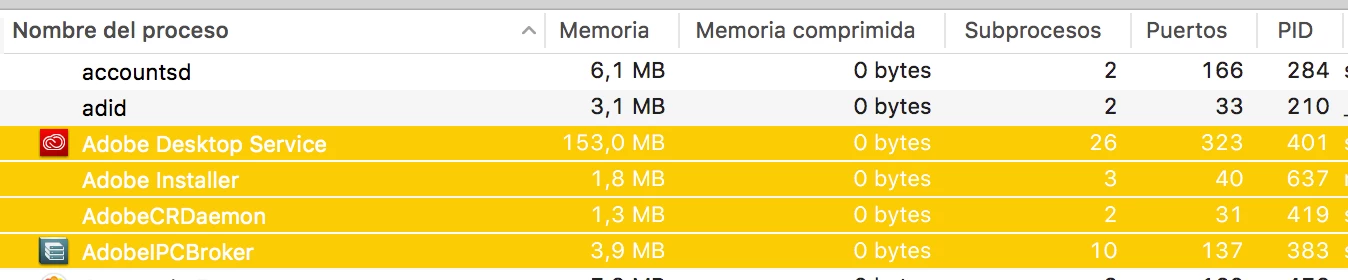
Now, when I start my computer the Creative Cloud app icon does not show up on the menu bar of the Mac but if I open my Activity Monitor app there are at least 5 processes that are always running, like Adobe Desktop Service, CC Library, CCXProcess and Adobe Installer.
Is there any way to stop this processes of running always on the background when I start my computing without uninstalling Lightroom or breaking the installation of future updates through CC App?
I attach some screenshots.

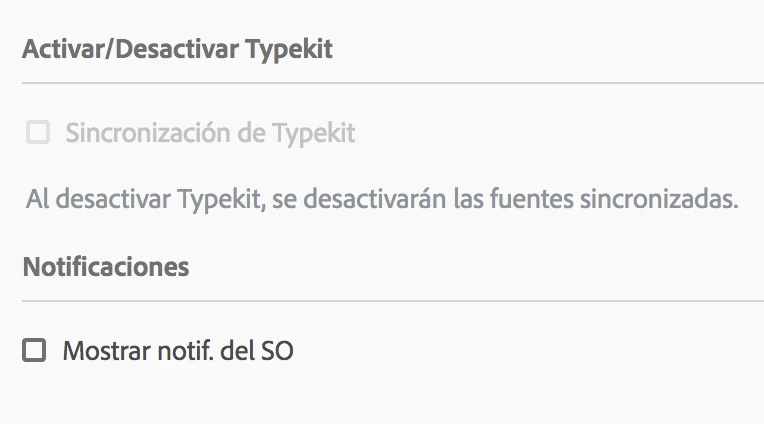
Thanks, best.


 AdChoices