
Participant
October 13, 2018
Answered

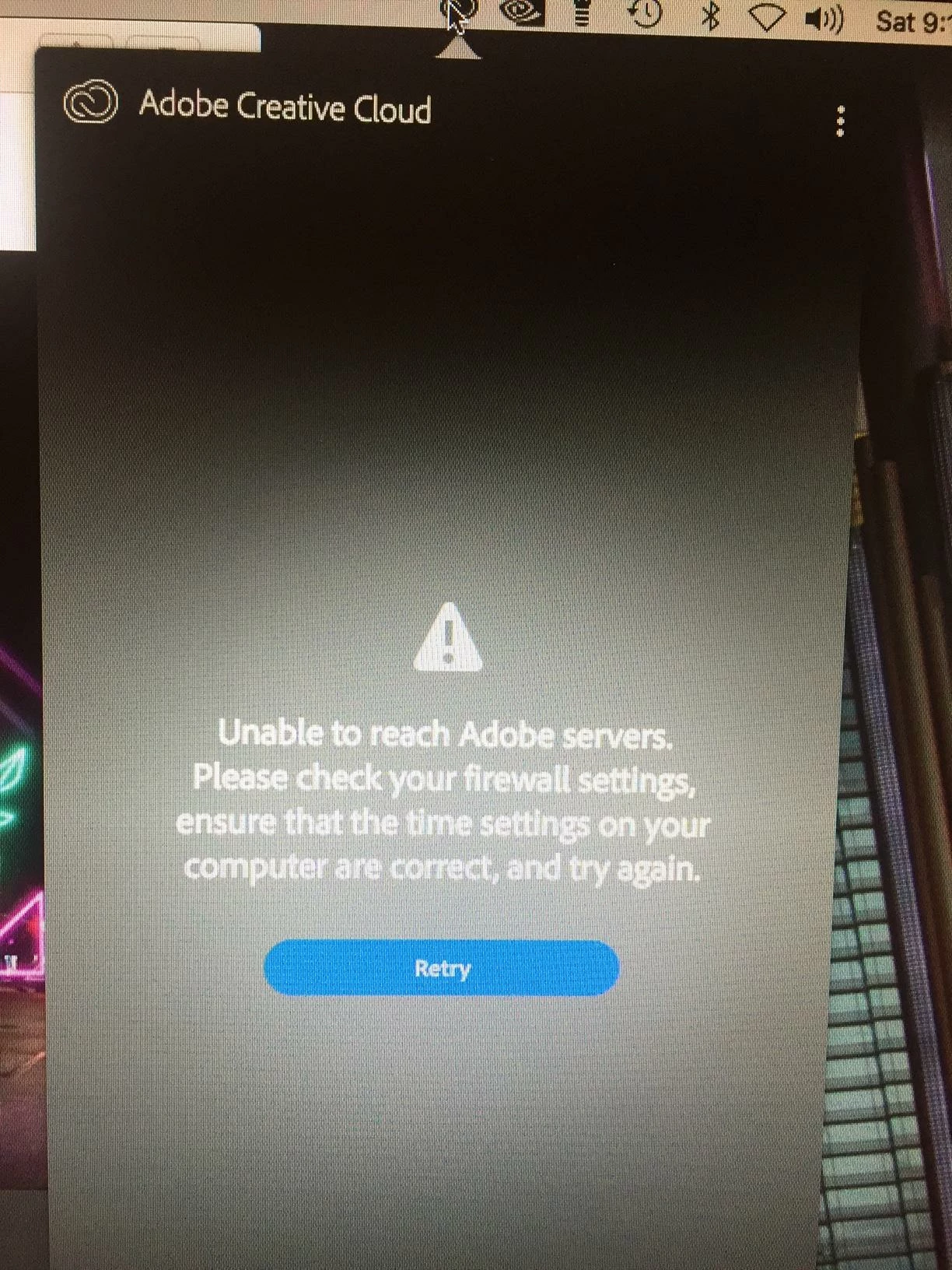
Message Unable to reach Adobe Servers from Adobe Icon

  • October 13, 2018
  • 1 reply
  • 494 views

On my Mac Pro 2012 12 core running 10.13.6 (64 gb memory) I am getting the following message "Unable to reach Adobe servers Please check your firewall settings, ensure that the time settings on your computer are correct and try again. I am able to run all my applications (Prelude, Premier, Audition etc) So it looks like these are reaching the Adobe servers. Right now if I want to upgrade my apps. I cannot. I have shut down all my firewall settings and still have the problem. What is meant by time settings
This topic has been closed for replies.
Correct answer Govardhan.V

You may refer below link :

Unable to reach Adobe servers.

Creative Cloud - Unable to reach Adobe servers

Reference :

Resolve connection errors with Adobe Creative Cloud and Creative Suite applications

If you are using Office or Corporate enterprise network , make sure that sites are reachable . Also make sure Hosts file does not contain any Adobe url entires with loopback address 127.0.0.1

If you still face same issue , uninstall and reinstall the application.

Still same ?? Let us know.

1 reply

Govardhan.V
Govardhan.VCorrect answer
Participating Frequently
October 13, 2018

You may refer below link :

Unable to reach Adobe servers.

Creative Cloud - Unable to reach Adobe servers

Reference :

Resolve connection errors with Adobe Creative Cloud and Creative Suite applications

If you are using Office or Corporate enterprise network , make sure that sites are reachable . Also make sure Hosts file does not contain any Adobe url entires with loopback address 127.0.0.1

If you still face same issue , uninstall and reinstall the application.

Still same ?? Let us know.