
Answered
Need Help with Recurring problem - 'Update Failed' on MacBook Pro
I have LightRoom CC (2015) installed on a MacBook Pro with an up to date operating system (Sierra 10.12.5). The install went fine however I can't get the update that is available. About Lightroom shows I am on Lightroom 2015 Camera Raw 9.0. I was able to install the update on my IMac which is now at 2015.12 Camera Row 9.12. I have not begun using Lightroom on my MacBook yet but I'm about to try and I would like it to be on the same version as my desktop.
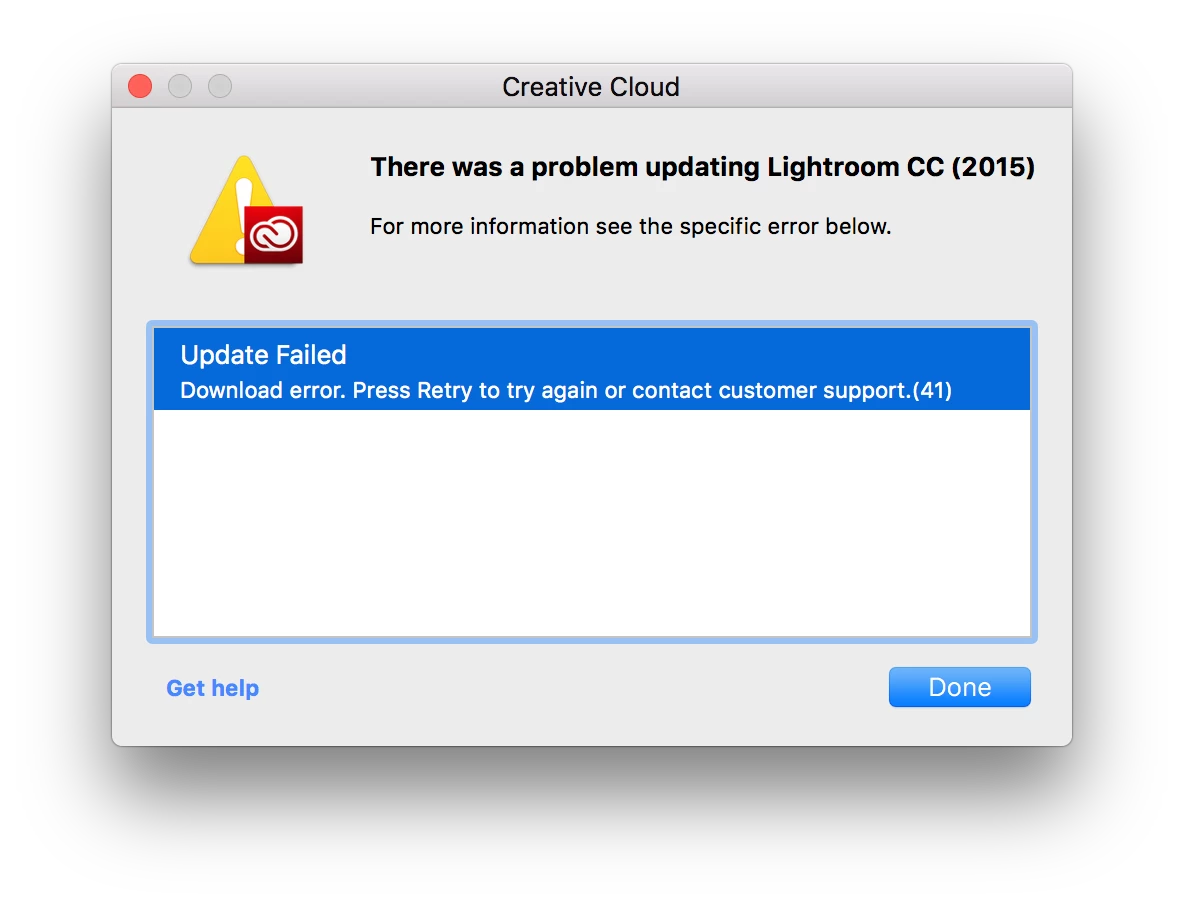
I have re-tried many times including uninstalling and reinstalling Lightroom. I keep getting Update Failed and when I click on learn more I get this dialog box:


 AdChoices