This topic has been closed for replies.

2 replies

Peru Bob
Community Expert
Community Expert
February 8, 2021
with your help center 

By @JS Bouwer

Just so you know:

This is a user to user forum. We are not Adobe employees.

JS BouwerAuthor
Participant
February 9, 2021

Thx a mil.

I realize it.

kglad
Community Expert
Community Expert
February 7, 2021

first try, resetting the cc app. to reset the Creative Cloud desktop app, make sure it's in the foreground, then press: Win: Ctrl + Alt + R Mac: Cmd + Opt + R

if that fails, reset your preferences -  https://helpx.adobe.com/photoshop/using/preferences.html

JS BouwerAuthor
Participant
February 7, 2021

Hi.

Thx.

I will try this thx.

Stefaan


JS BouwerAuthor
Participant
February 8, 2021

did either work?


Hi.

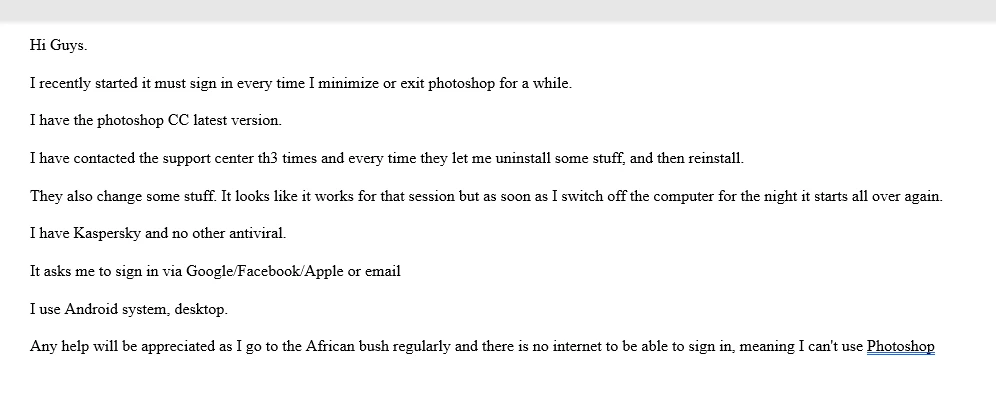
I tried but could not get it to work. I have a friend who is a computer expert who is looking to see if he can help me.

This system that works in a cloud is might be practical for USA and Europe but not for Africa.

We have large areas with no internet/cellphone signal.

Will let you know thx

Stefaan