
Copy link to clipboard
Copied
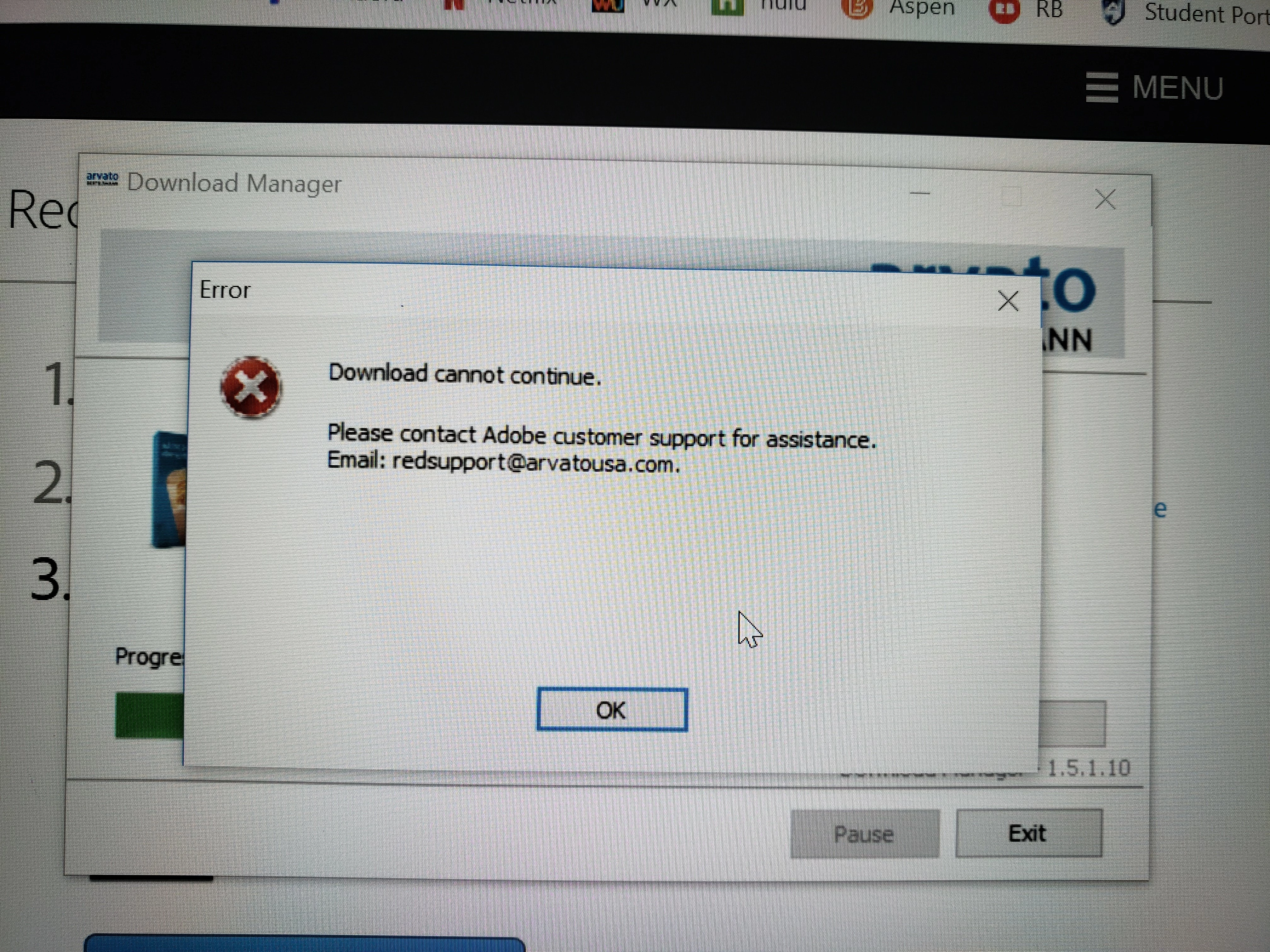
I am trying to install Elements that I purchased on my new laptop and am getting the error, “download cannot continue… Please contact adobe customer support for assistance”. There is literally no other information and no other options to troubleshoot or proceed other than contacting support. This is a brand new laptop, this is a brand new purchase, and a first time install. 
kglad links in reply #4 here https://forums.adobe.com/thread/2555634 to download program installers
Copy link to clipboard
Copied
Where did you purchase Elements from?
That is not an Adobe email address.
Copy link to clipboard
Copied
From Lenovo, when I purchased my laptop
Copy link to clipboard
Copied
>From Lenovo, when I purchased my laptop
The kglad link I provided will lead you to the installer for Elements... but you will need to serial number provided by the vendor to be able to install
If you don't have a serial number, contact the vendor where you made the purchase
Copy link to clipboard
Copied
kglad links in reply #4 here https://forums.adobe.com/thread/2555634 to download program installers
Copy link to clipboard
Copied
So, downloading 2018 CC should resolve this issue? I'll try it tomorrow, if that is the proposed resolution.
Copy link to clipboard
Copied
If you want to use Photoshop CC 2018 you will need a $10 per month subscription. It is not free to people who have Photoshop Elements, which is a different app.
The link posted included downloads for Photoshop Elements.
Copy link to clipboard
Copied
Did not have to download CC, just needed a different download link and install went smoothly! Thanks!
Get ready! An upgraded Adobe Community experience is coming in January.
Learn more