
New Participant
November 26, 2020
Question

No option to install my software through Creative cloud desktop app

  • November 26, 2020
  • 1 reply
  • 2087 views

Hi all,


I'm having trouble installing my software. When I browse to the software online I see everything I have access to.
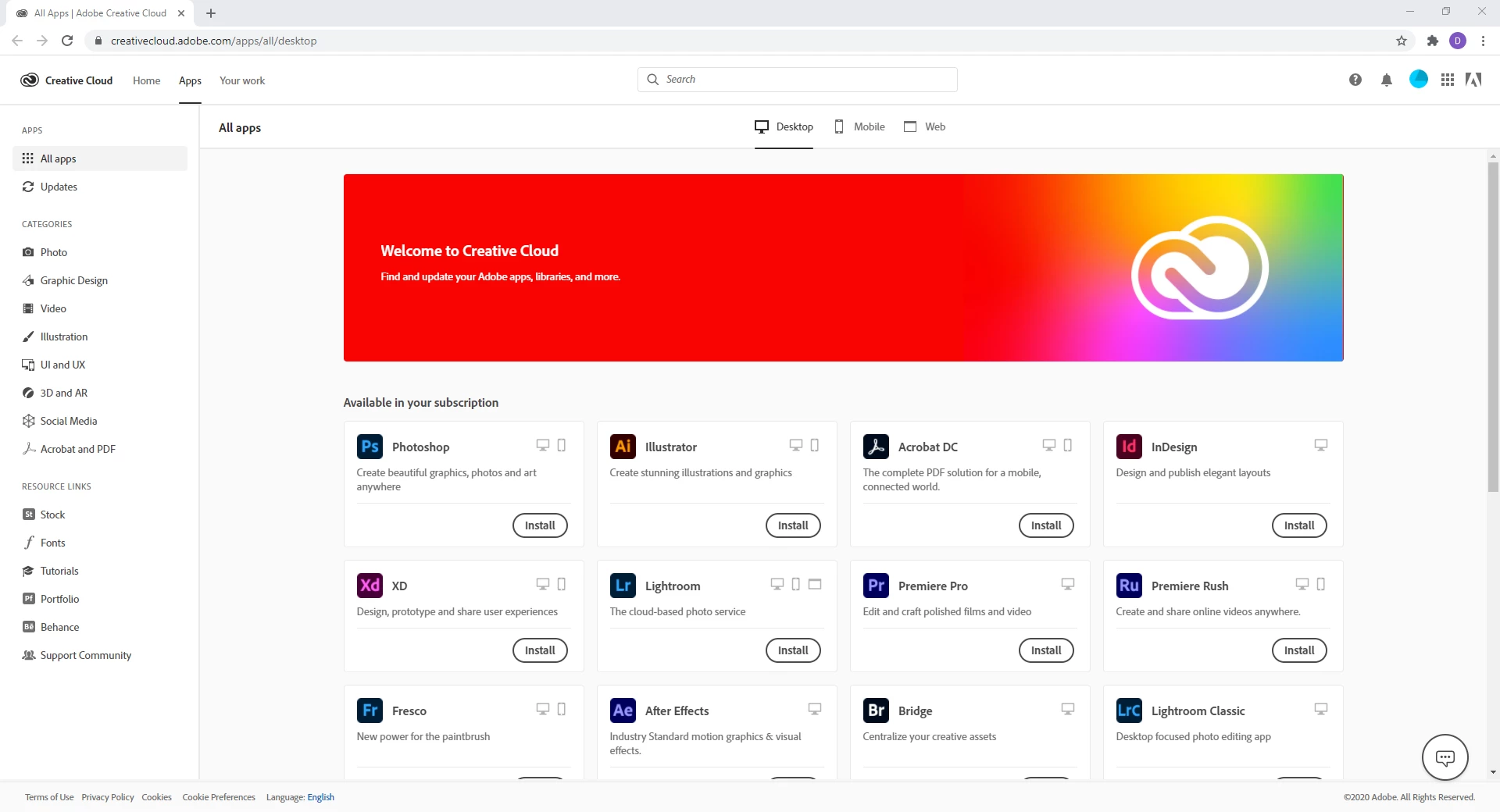
 

So I press install on Photoshop, which downloads the Creative cloud application. I then open it up and sign in to to the app.


At this point, I'm shown this screen, where none of my software is listed anywhere that I can see.
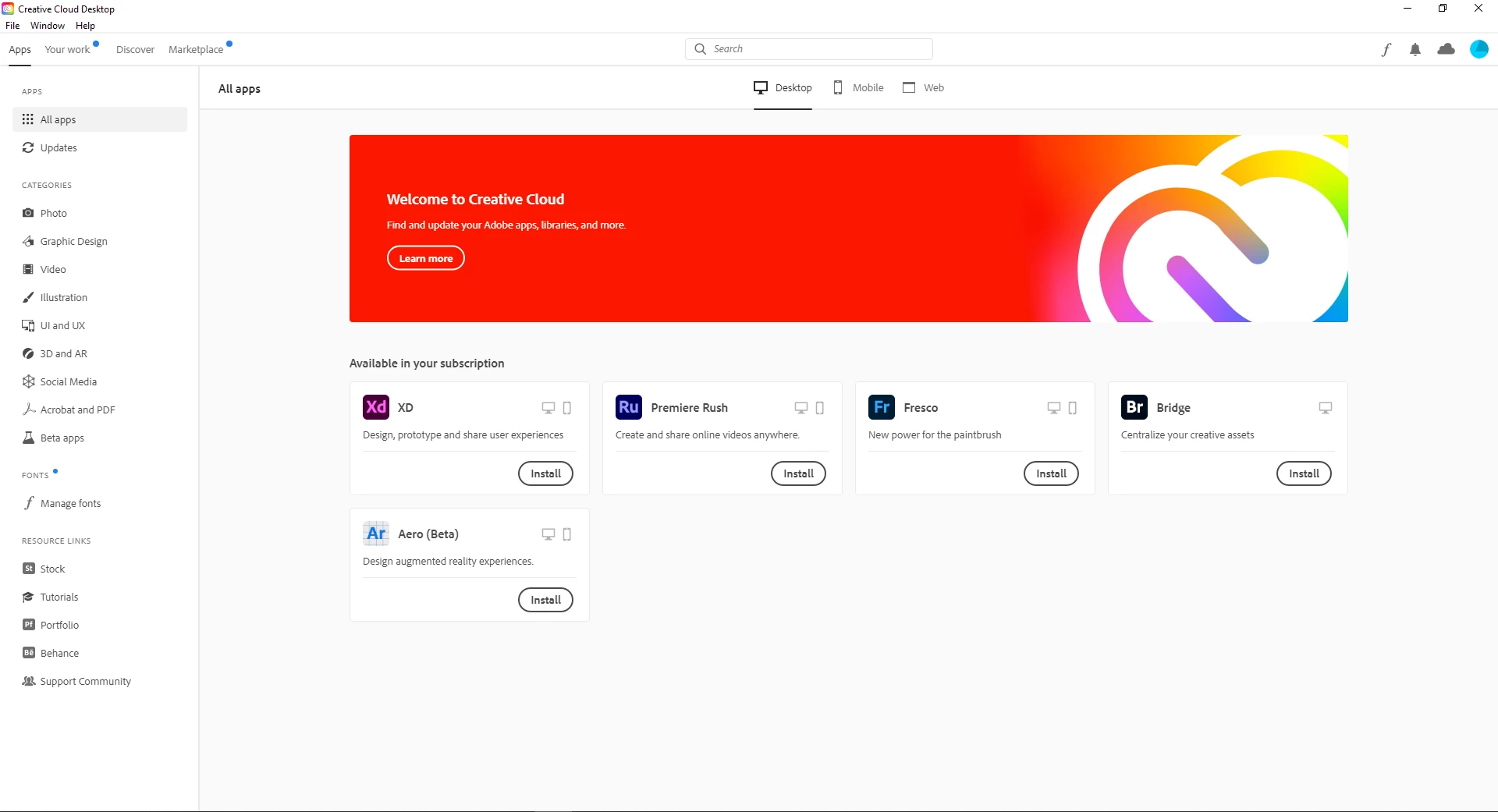
 

Can anyone tell me what I have missed?


Thanks

Dan

This topic has been closed for replies.

1 reply

AxelMatt
Community Expert
November 26, 2020

Please check if you computer meets the appropriate system requirements: Adobe Creative Cloud system requirements


If this doesn't help I would recommened a clen reinstallation:

My System: Intel i7-8700K - 64GB RAM - NVidia Geforce RTX 3060 - Windows 11 Pro 25H2 -- LR-Classic 15 - Photoshop 27 - Nik Collection 8 - PureRAW 5 - Topaz Photo