
Problem with the correct display of colors in Adobe CC on Nvidia Geforce GTX 1080 graphics card and 4k monitor
Hello,
After replacing the graphics card in my PC and adding a 4k monitor the following problems has appeared:
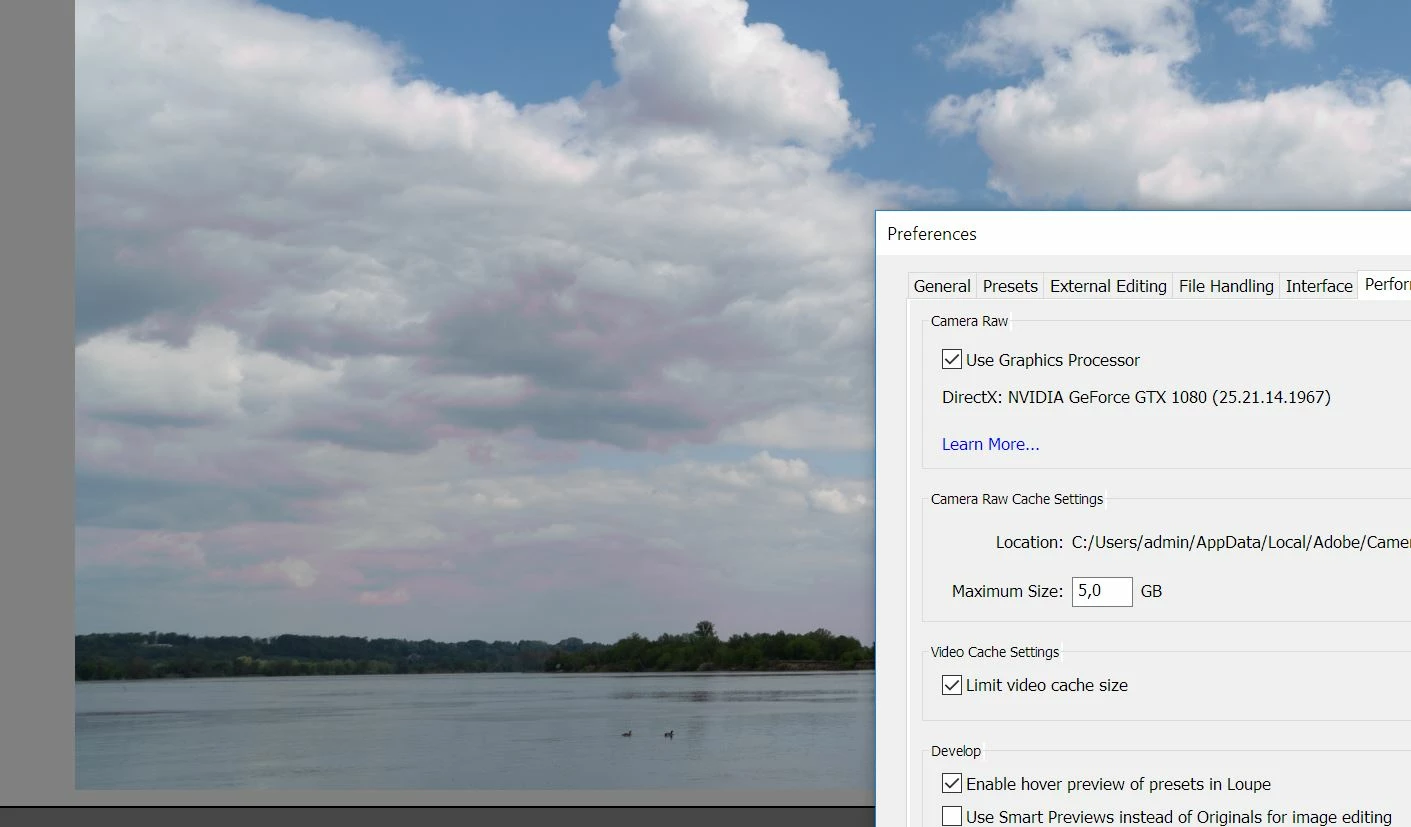
In Adobe Lightroom CC with "Use Graphics Procesor" set to "On" - a strange pink color appears on photos (IIyama 4K display)
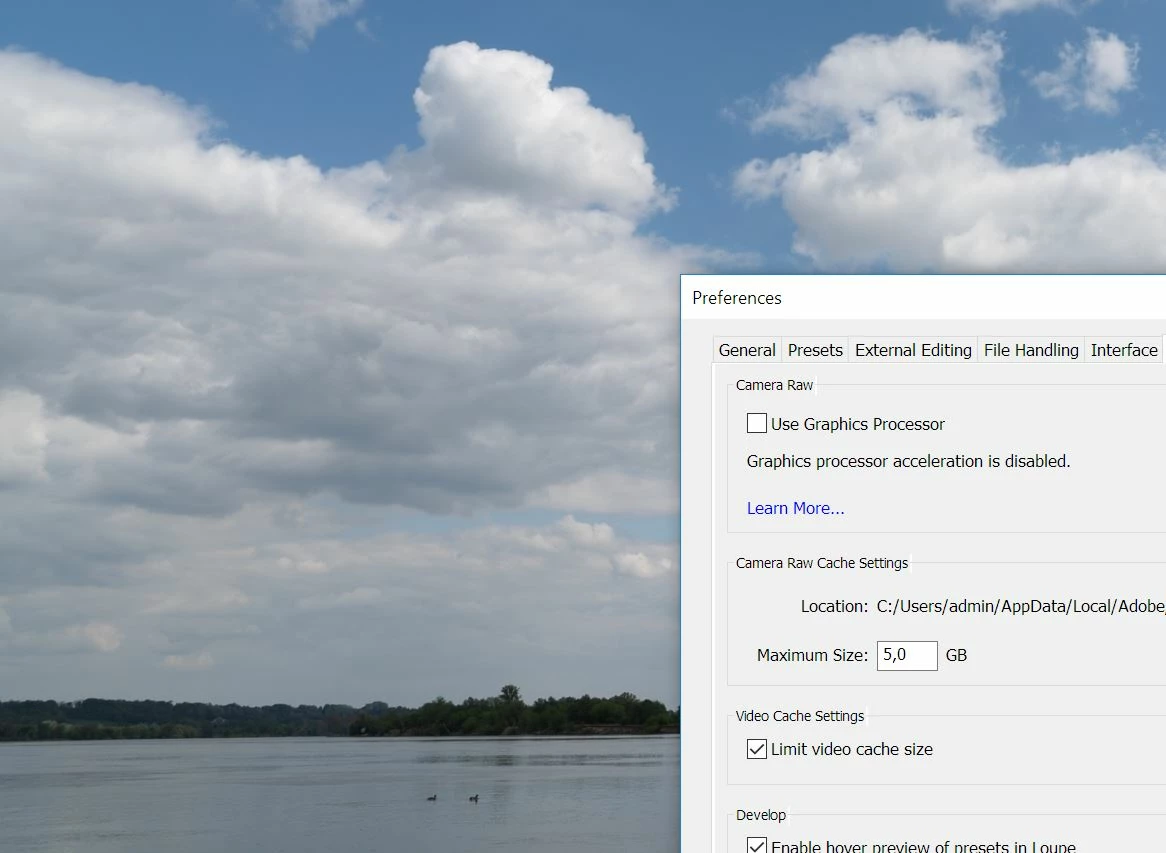
Adobe Lightroom CC with "Use Graphics Procesor" set to "Off" - everything is fine (IIyama 4K display)
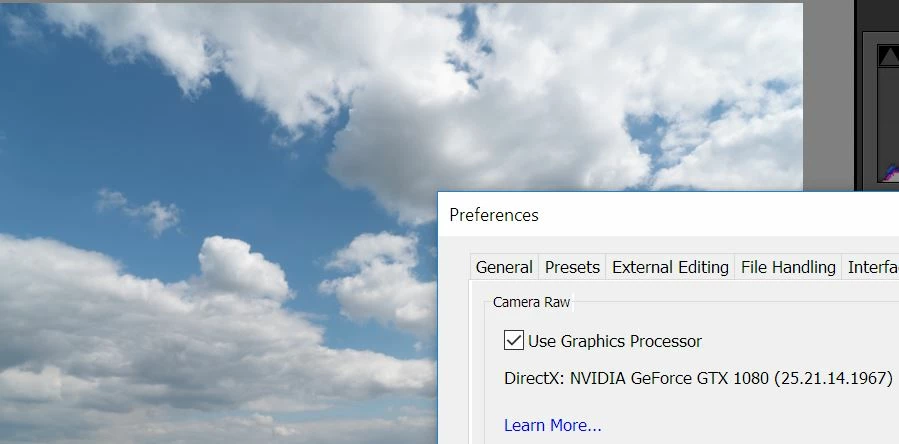
The same Adobe Lightroom CC with "Use Graphics Procesor" set to "On" on my second IIyama monitor 1920x1200 - everything is ok
In Adobe Ilustrator CC fake pink color appears in gradients (the problem applies to both IIyama monitors)

....after export as *.png file everything is ok

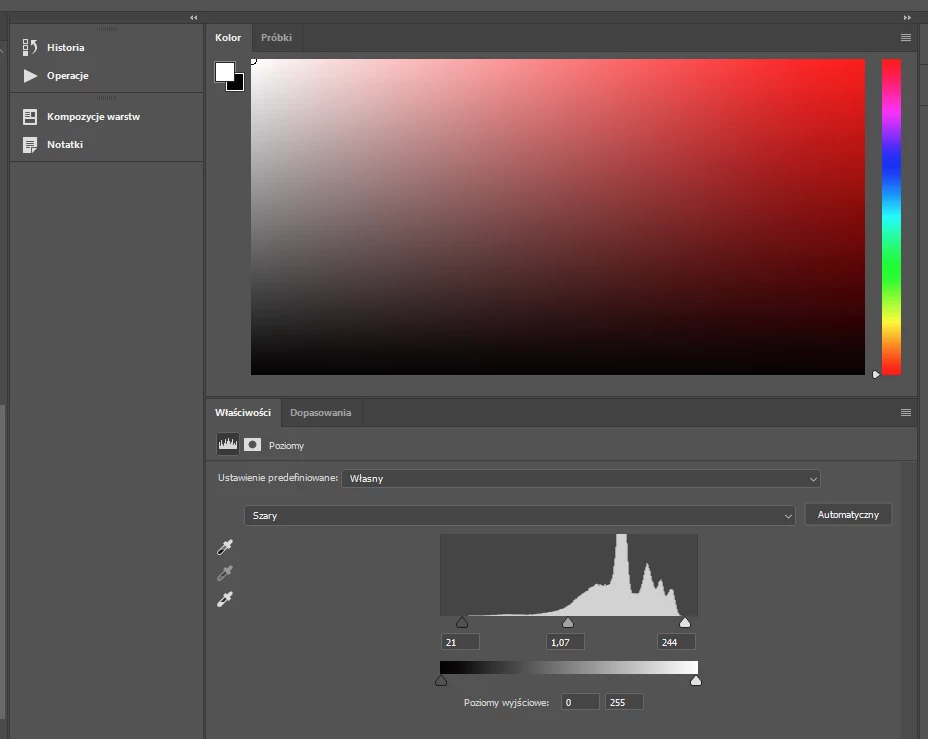
In addition, even Photoshop CC system window displays incorrect colors (IIyama 4K display)
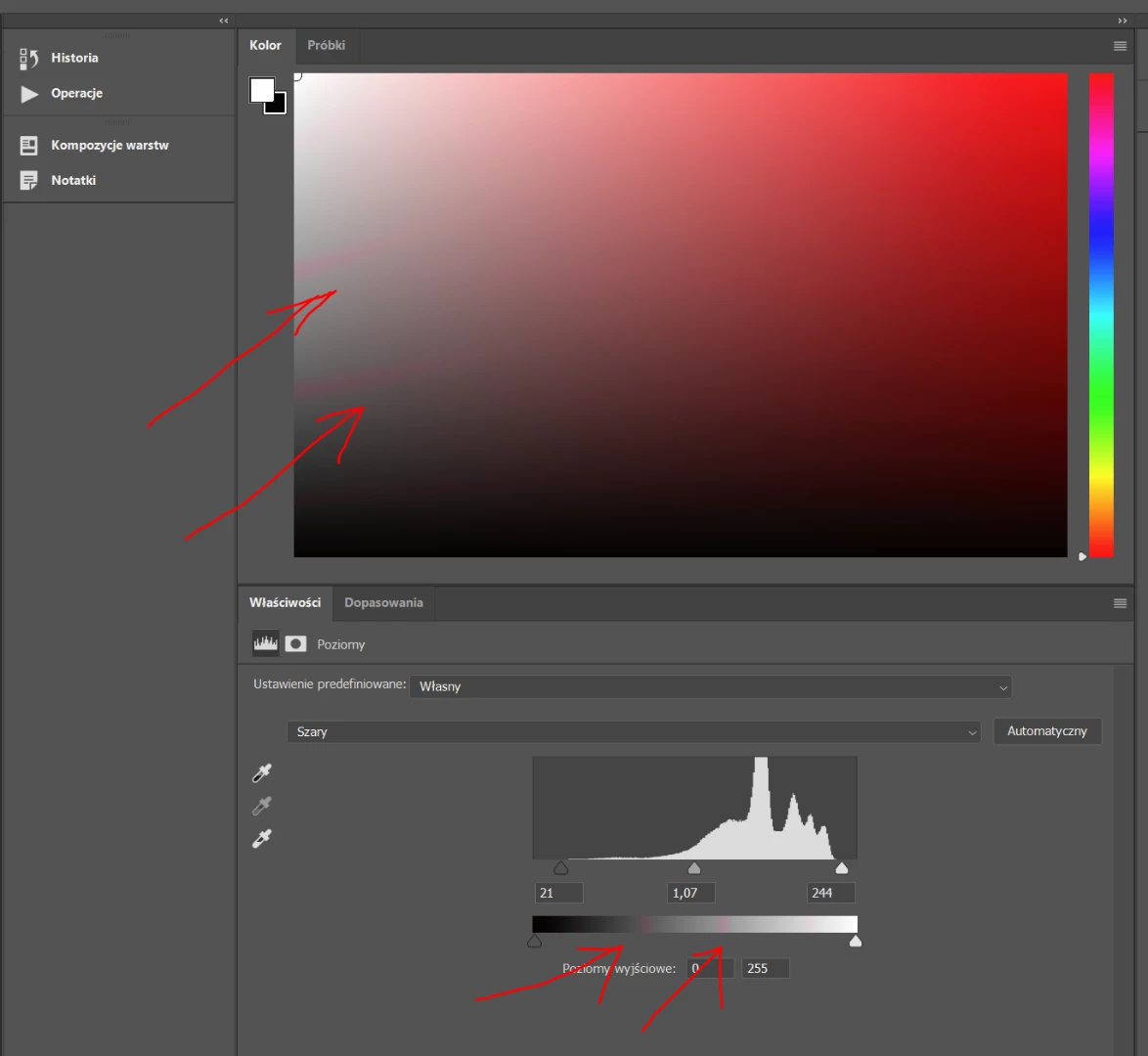
The same system window from Photoshop CC looks good on my second IIyama monitor (1920x1200)
In Adobe Premiere CC, Adobe Animate CC and Adobe After Effect CC everything is fine.
I have all the drivers in current versions. The monitors were calibrated using x-rite software - i1Profiler
 AdChoices