
timr10084633
Participant
November 27, 2017
Answered

Re: CS3 - Still getting Activation Error Message with new Installer

  • November 27, 2017
  • 1 reply
  • 423 views

Hi Lindag

Has the installation continued to work beyond the 30 day trial? I'm not clear if the "never register" option works perpetually - if so, why would anyone register?

To Adobe Staff - can you please advise if this "never register" route is any different from registering?

My experience - the Cleaner could not fix all issues associated with the Host File, repeatedly giving this return:
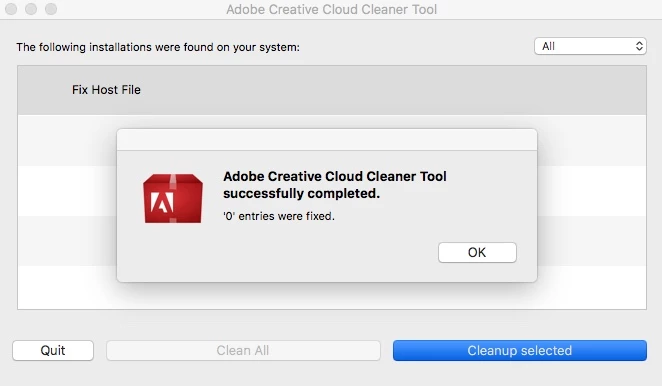
As a result, even after running Cleaner, deleting cache.db and installing Java, various restarts and multiple attempts, I get this failure to connect message. Checking Javascript browser setting shows no problem; Internet connection is fine.
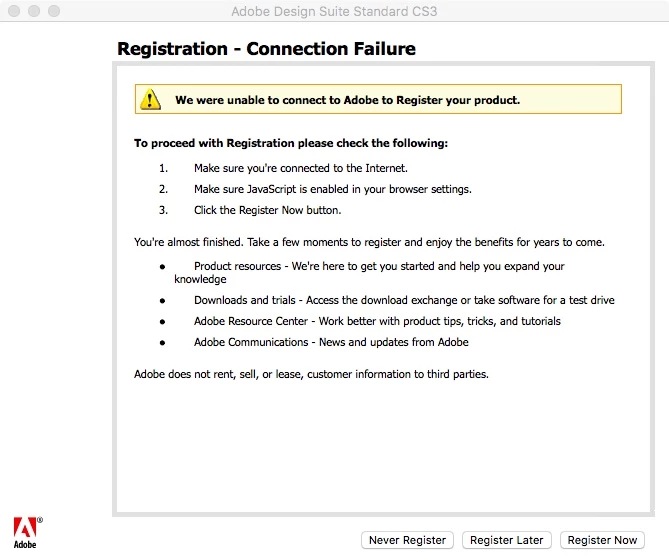
My installation - OSX 10.12.6 (Sierra) on Late 2012 iMac 27".

    This topic has been closed for replies.
    Correct answer Jeffrey_A_Wright

    Hi Jeff - the "never register" option does not confirm that the need to register (hence my question). When I later go Help>Registration the software still asks to register.

    Also, the software key is a new one, generated after putting my or purchase key into adobe.com and for use only with the replacement installer. The old key was registered back in 2008 when I first bought the software.


    Yes, Tim, I know you will need to use the new serial number, and the installation files moving forward, the previous registration on http://www.adobe.com/ is your license to use Creative Suite 3.  There is no need to register the new serial number.

    If the option of Never Registered is not being saved then it is likely due to insufficient access being given to update the necessary registry settings.  Try running Photoshop CS3 as an administrator to see if it allows the setting to be saved.

    1 reply

    Bani Verma
    Legend
    November 28, 2017

    (Branched out as a new discussion)

    Hi Timr10084633,

    As you have mentioned you are trying to install and activate Adobe CS3 suite on your Mac OS Sierra, however it fails with a connection failure error message.

    Just to confirm have you tried all the steps given in the following help document: Resolve "temporary activation expired" error for CS3 and Acrobat 8 ? If not please give it try and share the results.

    Let us know if this helps.

    timr10084633
    Participant
    November 29, 2017

    Hi Bani - yes, all completed as part of the process

    Tim

    Jeffrey_A_Wright
    Legend
    November 29, 2017

    Tim, if you click Never Register are you able to clear the request to register Creative Suite 3?  Please also confirm that your original Creative Suite 3 serial number is registered to your account at http://www.adobe.com/.  For complete details regarding the process see Find your serial number .