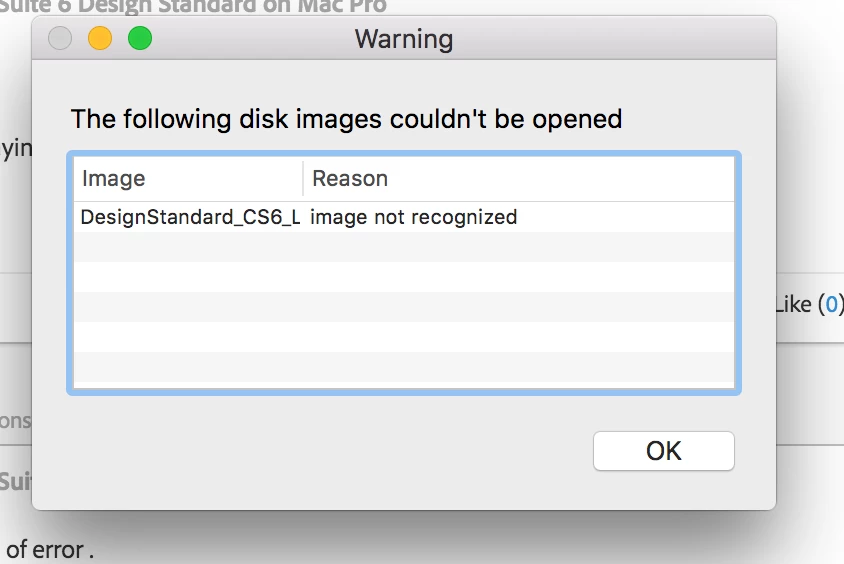
It says 2.5 GB, but it is the second time I have downloaded it.
Yep , I thought so .
Will do one thing , we will clear Tmp folder and redownload again ,
Trash previously downloaded Dmg files which are incomplete .
If possible , try downloading from different browser like Chrome or Firefox, what happens sometimes especially while downloading large files , most of the cases over duration , there will be server/ request timeout issues or Browser issues where browser are unable to download large files completely .
Steps to clear Tmp folder :
1) Right click on Finder icon and select "Go-To Folder " option.
2) You will get a text box, type-in below command and then hit 'Return' key.
/TMP
It will open TMP folder. Trash all contents present inside.
Let me know if you still unable to download files completely.

 AdChoices