Question
Startup Utility Failure on iMac
Every morning my iMac encounters the following error message and often completely crashes in the afternoon.
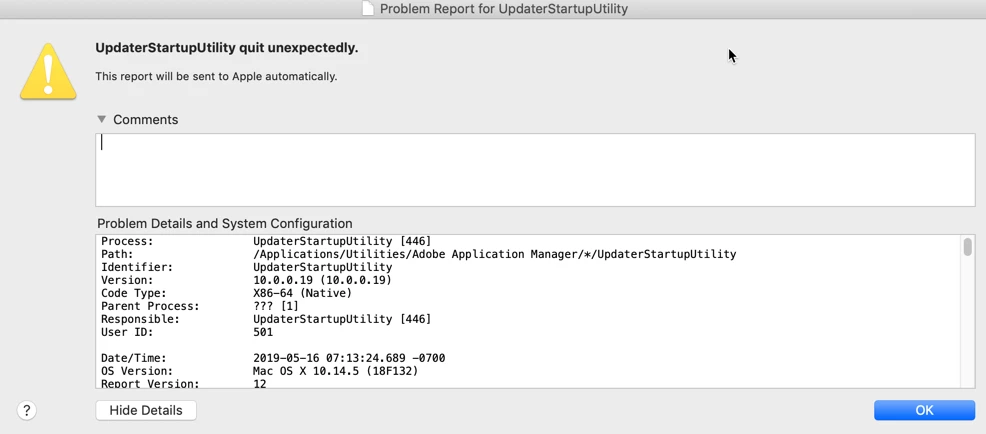
Note the Applications Path is Adobe Application Manager. Has anyone figured out to stop this?

Every morning my iMac encounters the following error message and often completely crashes in the afternoon.
Note the Applications Path is Adobe Application Manager. Has anyone figured out to stop this?
Already have an account? Login
Enter your E-mail address. We'll send you an e-mail with instructions to reset your password.
 AdChoices