
Question
The installation failed
The installer encoutered an error when 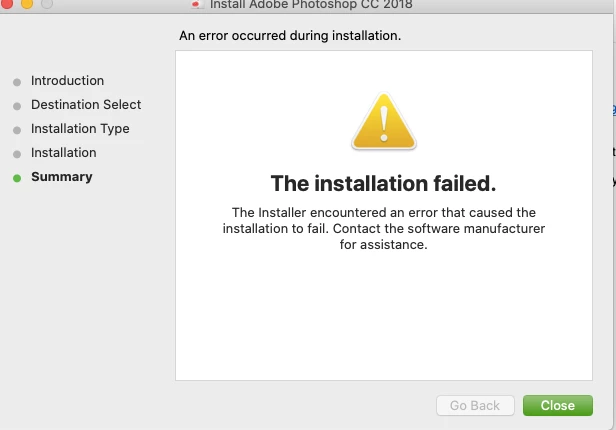
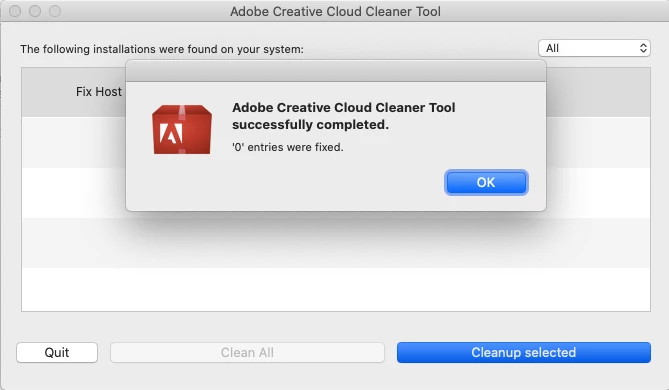
I have already attempted this
Mac OSLog in as an administrator to edit the hosts file in Mac OS.
- In a Finder window, choose Go > Go To Folder.
- Type /etc.
- Select the hosts file and open it.
- Back up the hosts file: Choose File > Save As, save the file as hosts.backup, and then click OK.
- Search the hosts file for entries that reference activate.adobe.com (for example, 127.0.0.1 activate.adobe.com) and delete these entries.
- Save and close the file.
There is no reference of adobe files within the host that contain activate.adobe.com
 AdChoices