
Updates not Recognized as Updated-- help!
Hello!
I've had this problem for a while now. My Creative Cloud tells me I have 5 updates. I update them and it says it's done and the "5 Updates" warning goes away. Next time I turn on my computer (has to power down and back on) it tells me I have the same 5 updates. The details about each update are the exact same, so I know they are not newer updates. I am not totally sure if the updates are failing to install or if Adobe CC is failing to recognize that the updates were installed and I don't need to update anymore. I apparently have the CS6 family as well as the CC family so I don't know if that is messing it up.
At one point I thought I fixed it by deleting Prelude, that worked for a while, and now the problem is back. This has held true through an update the the Creative Cloud Manager itself.
You can see in the first picture below that I updated the 5 apps 1 day ago. You can see on the 2nd picture, taken 2 seconds later, that it wants me to update those same apps.
Please help. 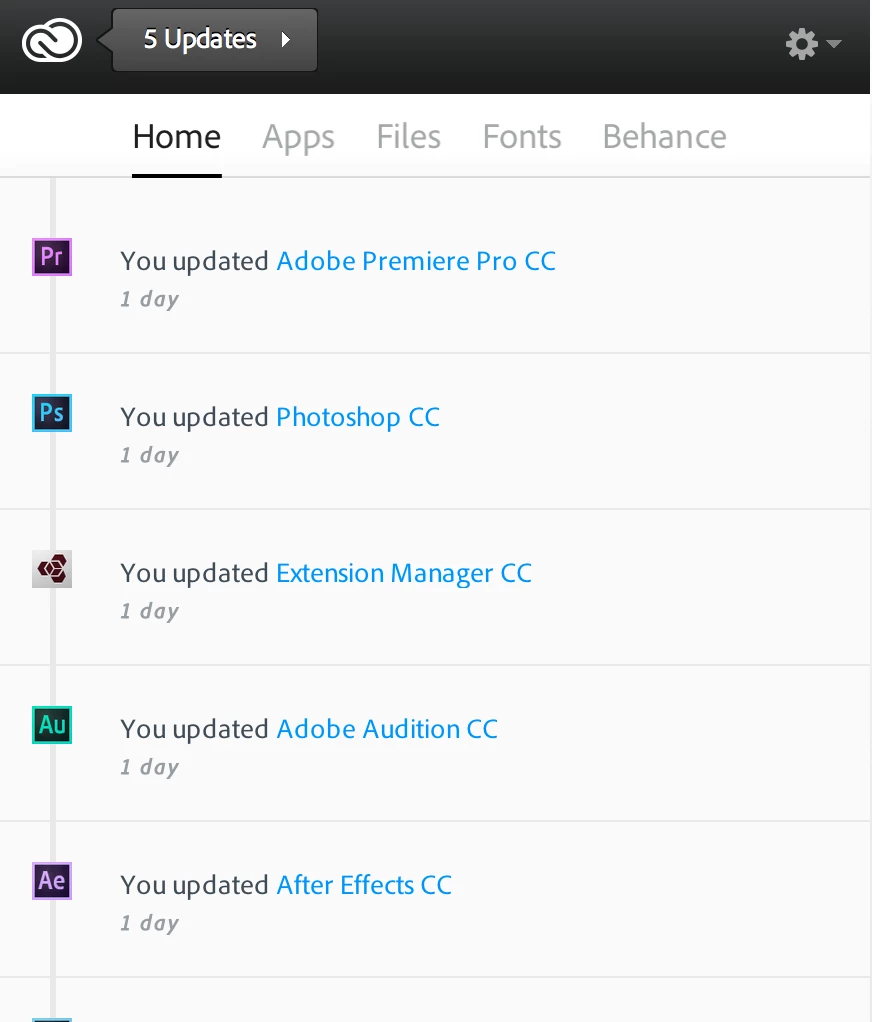
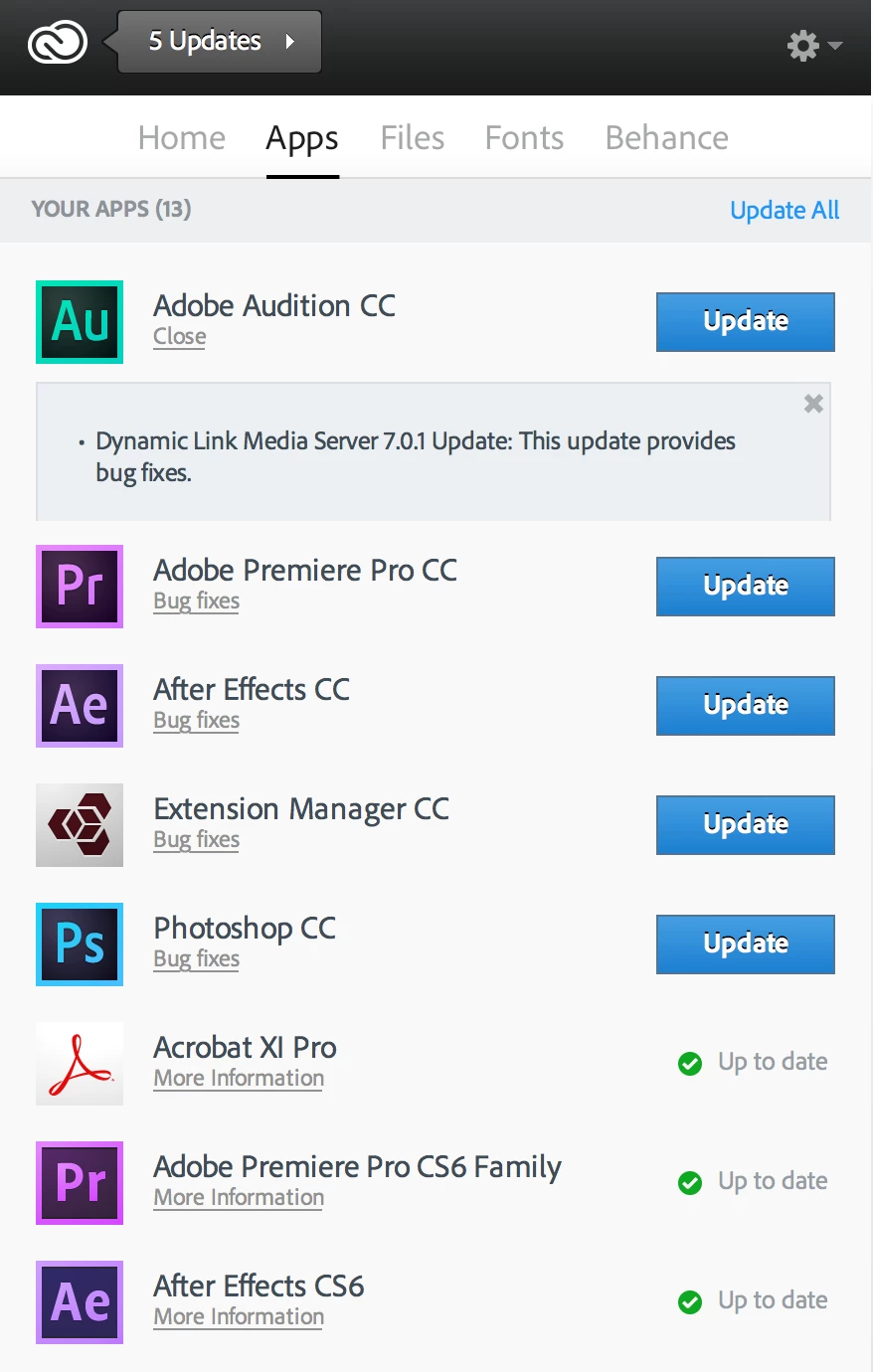
 AdChoices