
Participating Frequently
January 12, 2019
Answered

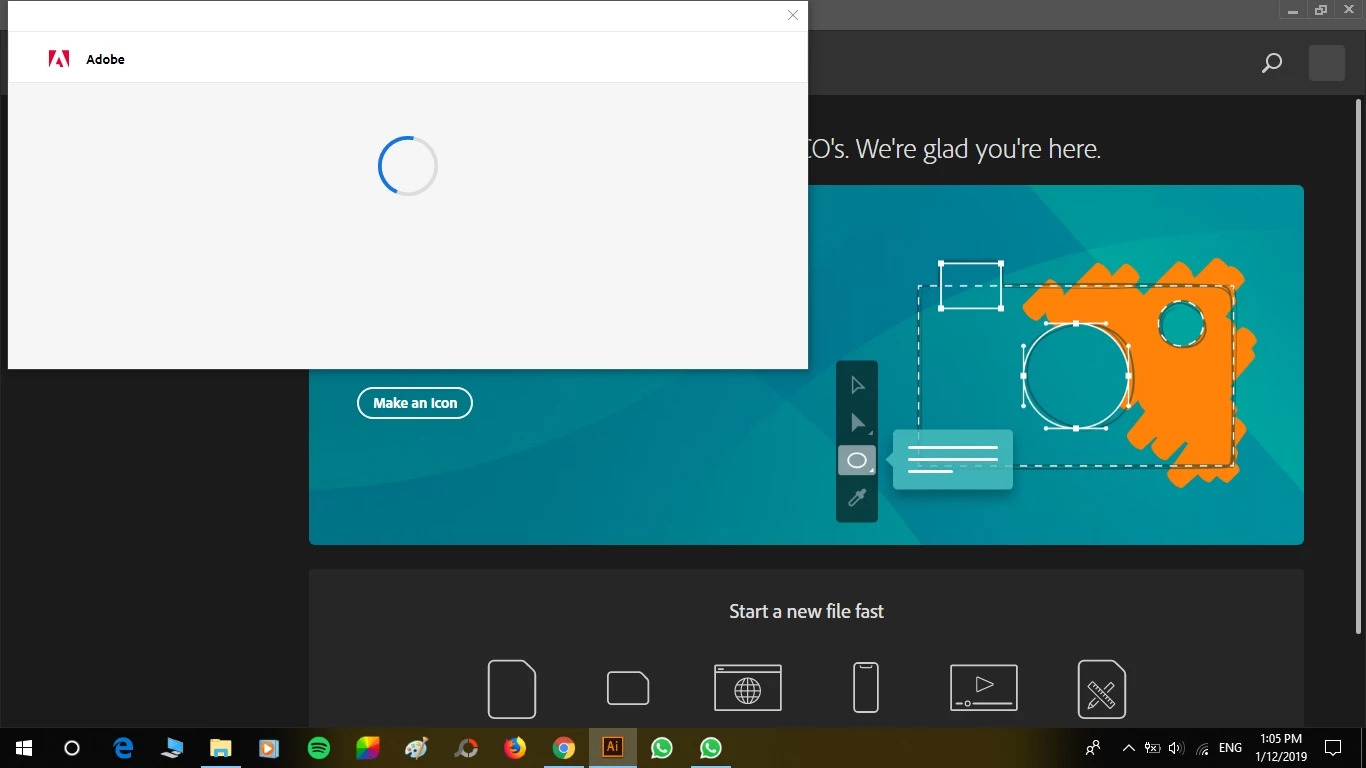
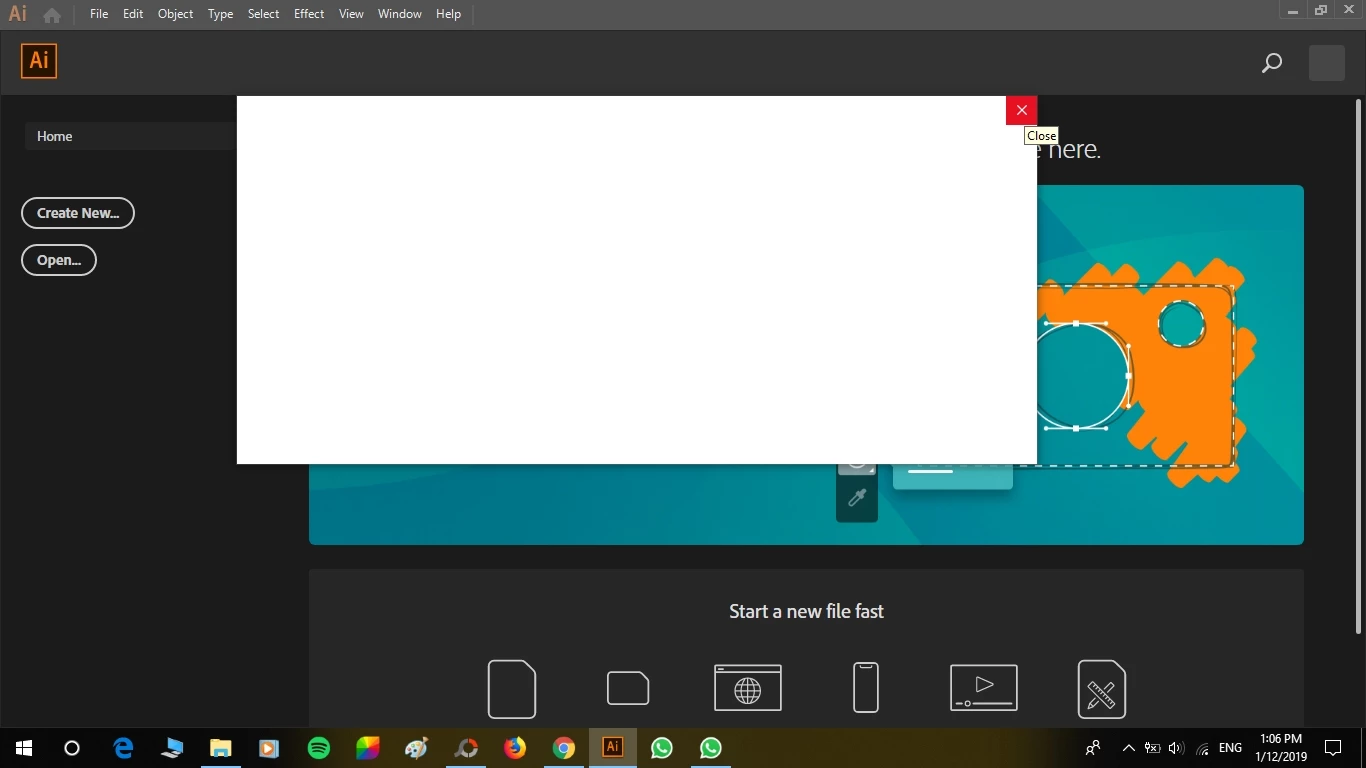
White box after installation with nothing on it except for an X ( Trial Version)

  • January 12, 2019
  • 1 reply
  • 4707 views

I have just installed the trial version of Illustrator and every time I open it there is a white box which doesn't let me do anything. The only thing that is visible on this box is an 'X'. As soon as that X is clicked, Illustrator gets closed. Please help. Thank you ^^
This topic has been closed for replies.
Correct answer Jeffrey_A_Wright

Yes, the same that the browser isn't supported. I am about to download safari and check if that works.


Coco Cancan, if Javascript is being blocked in multiple web browsers then please review any installed security software that may be blocking access.  Javascript is used as part of the download, install, and running of Adobe applications.

1 reply

Monika Gause
Community Expert
Community Expert
January 12, 2019

Can you try and turn off your internet connection and see if it works?

Participating Frequently
January 12, 2019

Thank you Monika ^^ I did that and apparently, it was something about the subscription. When I clicked at the X on the tour box behind the white box, it started working. Thank you for suggesting that, you made my day =)))

Jeffrey_A_Wright
Community Manager
Jeffrey_A_WrightCommunity ManagerCorrect answer
Community Manager
January 16, 2019

Yes, the same that the browser isn't supported. I am about to download safari and check if that works.


Coco Cancan, if Javascript is being blocked in multiple web browsers then please review any installed security software that may be blocking access.  Javascript is used as part of the download, install, and running of Adobe applications.