

Why can't I download Photoshop CC 2015.5 on my home desktop?
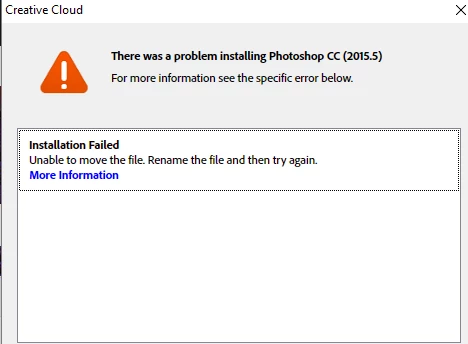
My Creative Cloud app won't allow me to download PS CC 2015.5 on my home desktop. I have an account through the university where I teach.
I have pasted the error messages I receive every time I try to download Photoshop. Adobed tells me to rename the filke and try again but it doesn't tell me HOW to rename the file.
----------
Exit Code: 146
-------------------------------------- Summary --------------------------------------
- 2 fatal error(s), 0 error(s), 1 warnings(s)
FATAL: Error (Code = 146) executing in command 'MoveDirectoryCommand' for package: 'AdobePreview1.2.0All-win64', version:1.2.0
FATAL: Error occurred in install of package (Name: AdobePreview1.2.0All-win64 Version: 1.2.0). Error code: '146'
WARN: Failed to move directory 'C:\adobeTemp\ETR7D2.tmp\1\Application\preview.generate' to 'C:\Program Files\Common Files\Adobe\Plug-Ins\CC\Generator\preview20155.generate'
-------------------------------------------------------------------------------------

 AdChoices