
Participant
February 10, 2021
Question

Adobe CC not syncing on MAC OSC - Error Code 119

  • February 10, 2021
  • 1 reply
  • 817 views

Hi there


In need of some help... 


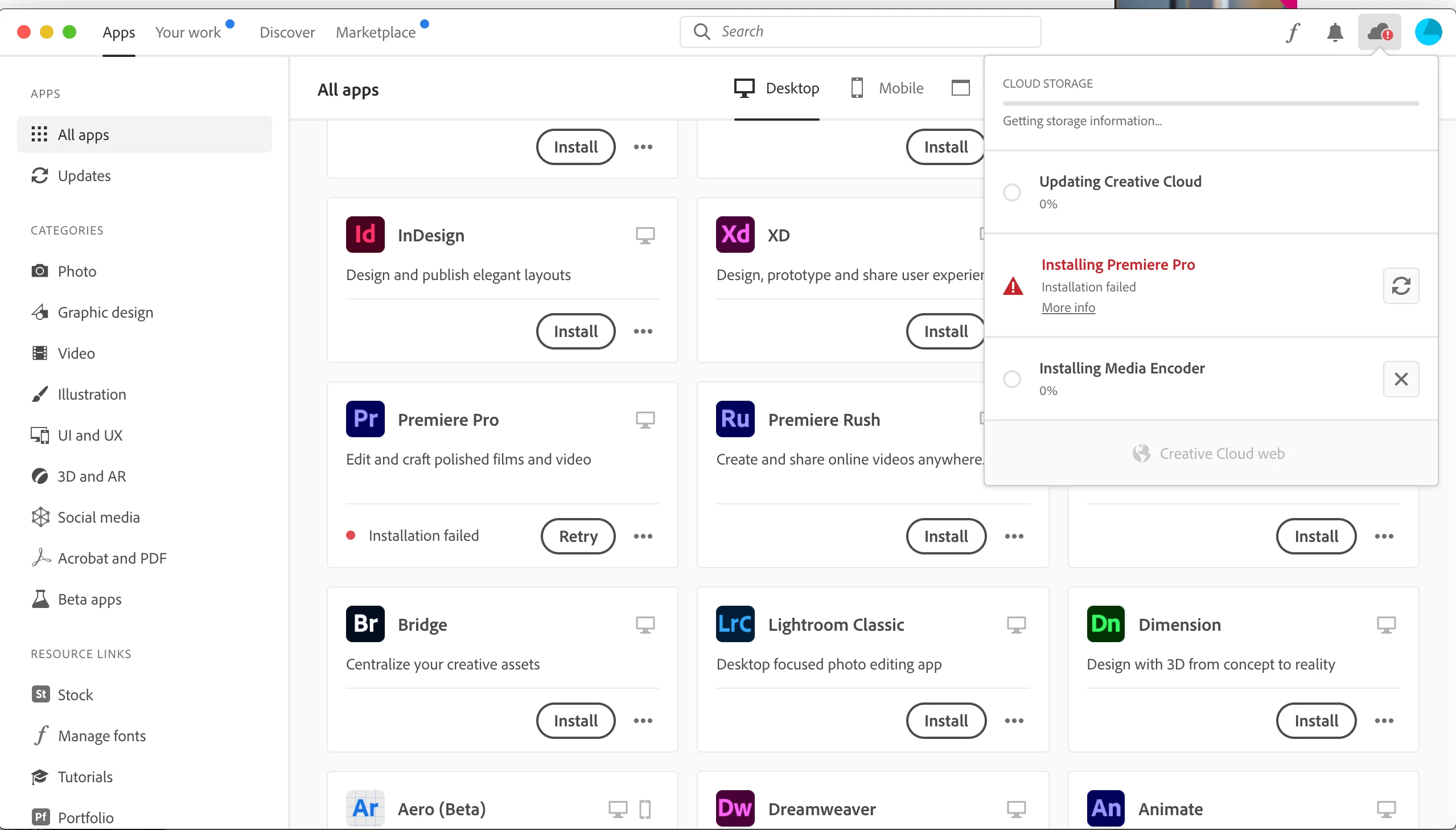
I am getting a sync error on CC that doesnt allow me to download Prmiere Pro on MAC OS latest version of Catalina - this is a company Mac, that I have recently bought to home to work from home.


I have tried a few things to no avail. I have disabled the firewall - no joy. I have disabled Anti-Virus software - no luck; and I have uninstalled and installed - no luck.


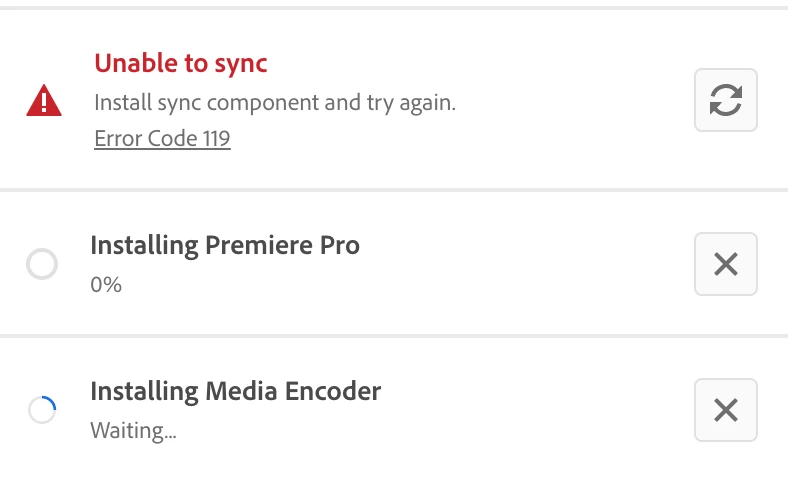
I have been on a few of the foru threads, but one thing I cannot find on my Mac after insatll is the 'CoreSync' app/folder. This must be the reason, but what I cannot understand is how or why the installer does not install it. So my theory is that is the reason why I get the Error Code: 119, as evidenced below:


This topic has been closed for replies.

1 reply

kglad
Community Expert
Community Expert
February 10, 2021

correct, error code 119 means you're not connecting to adobe's server.


start here, How to fix network connectivity issues when downloading Adobe apps

Participant
February 15, 2021

Hi, thanks for getting in touch. 


I did try all these things before - I have deactivated the Mac's firewall, I have removed Symantec Anti-virus... I have tried Wifi versus cabled connections... I am totally out of ideas.


The only thing I am super curious about... is that I cannot find the 'CoreSync' package on this Mac... it does not seem to have installed (I have removed and installed a few times prior too). Any ideas?

kglad
Community Expert
Community Expert
February 15, 2021