
Participant
July 3, 2020
Question

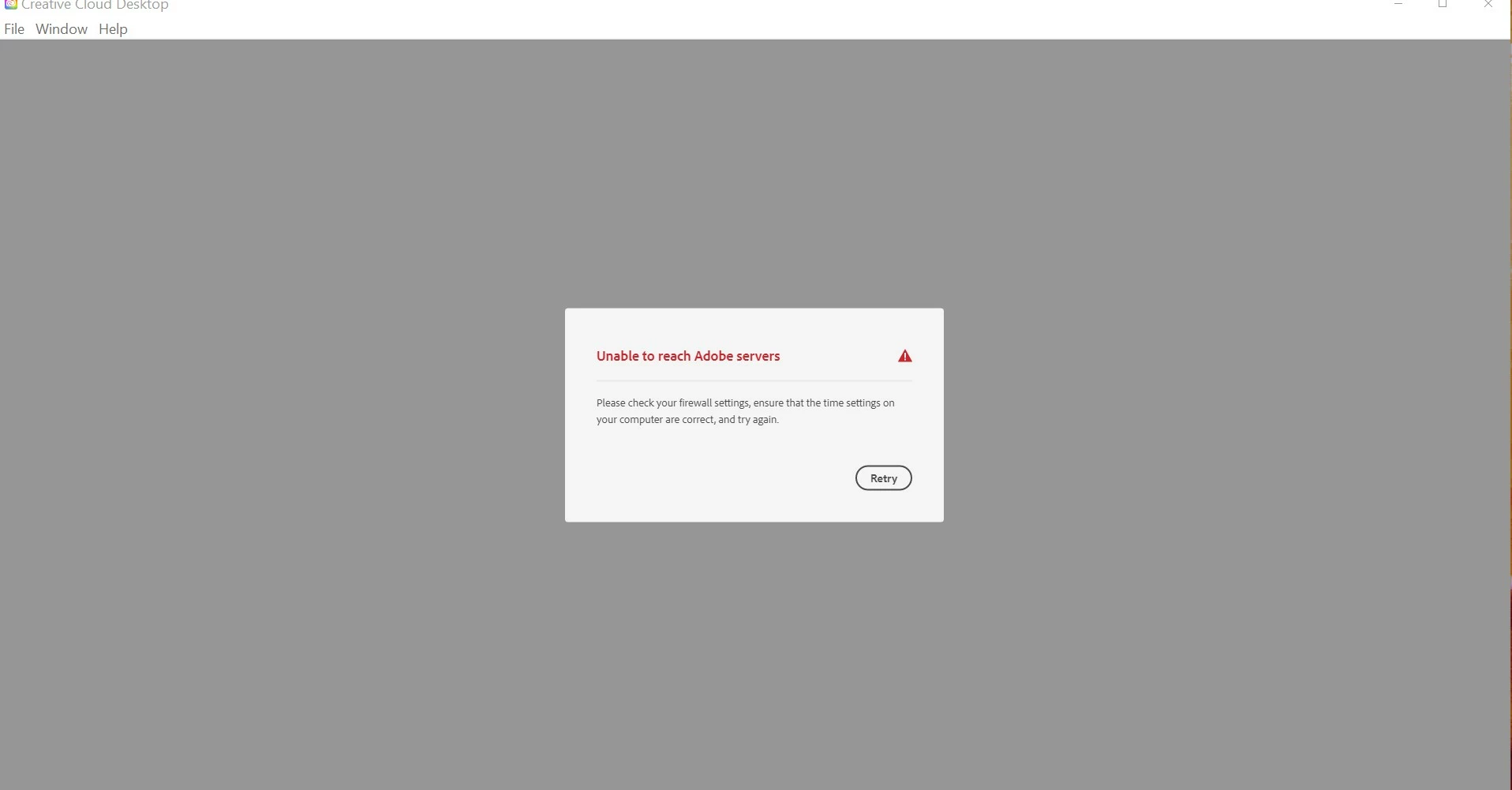
Adobe Cloud Desktop will not open due to cant connect to server
  • July 3, 2020
  • 4 replies
  • 327 views

Good morning, I am having an issue with my desktop app.  When I go to open the Adobe Creative Cloud Desktop I get an error message.  The program updated on Wednesday and yesterday when I went to go to a program it would not open.


I looked at the firewall and everything seems good but not sure exactly what I am looking for.  I have included a picture of the message.  I really need to access these programs to work on my classes.  


Thank you for your assistance in this matter.

This topic has been closed for replies.

4 replies

Just Shoot Me
Legend
July 4, 2020

Please Edit your post to remove the Attached screen shot and Include it in the body of the text of your post.

You do that by Clicking the "More..." link at the bottom of your post, Selecting "Edit Message" and then use the "Insert Photos" icon in the tool bar at the top of the Post/Reply/Edit dialog box like this.

Moorabbel
Participant
July 3, 2020

Yeah, I've got the exact same issue. Since the last big Creative Cloud update, i do get this message. I've tried everything, the linked adobe help page says, but nothing worked out for me either. The weirdest thing about all of this is, that i am able to start the programs, using the shortcuts on my desktop. So it's got to be a problem of the desktop app of Creative Cloud and not with the service itself. I hope, this error will get fixed quite soon, because i do just have the Shortcuts of a few of the applications. Thanks for Your Help, LG Edward.

Peru Bob
Community Expert
Community Expert
July 3, 2020
Participant
July 3, 2020

I have the same problem, says to check the firewall and look at the system's date and time if it is synchronized, I already deleted the OOBE folder, reinstalled, used setup from another source but the problem persists. If anyone can help, I appreciate it. I already thought it might be windows, but I'm not a technician to answer that