
Participant
February 11, 2021
Question

Adobe starts up so many background processes when I start my my PC

  • February 11, 2021
  • 1 reply
  • 1115 views

I use reader pro maybe once a month. I've disabled all adobe related items from Task manager > start up.


Yet 99% of the tiem when I don't even want to use adobe I get this when I start my PC up:
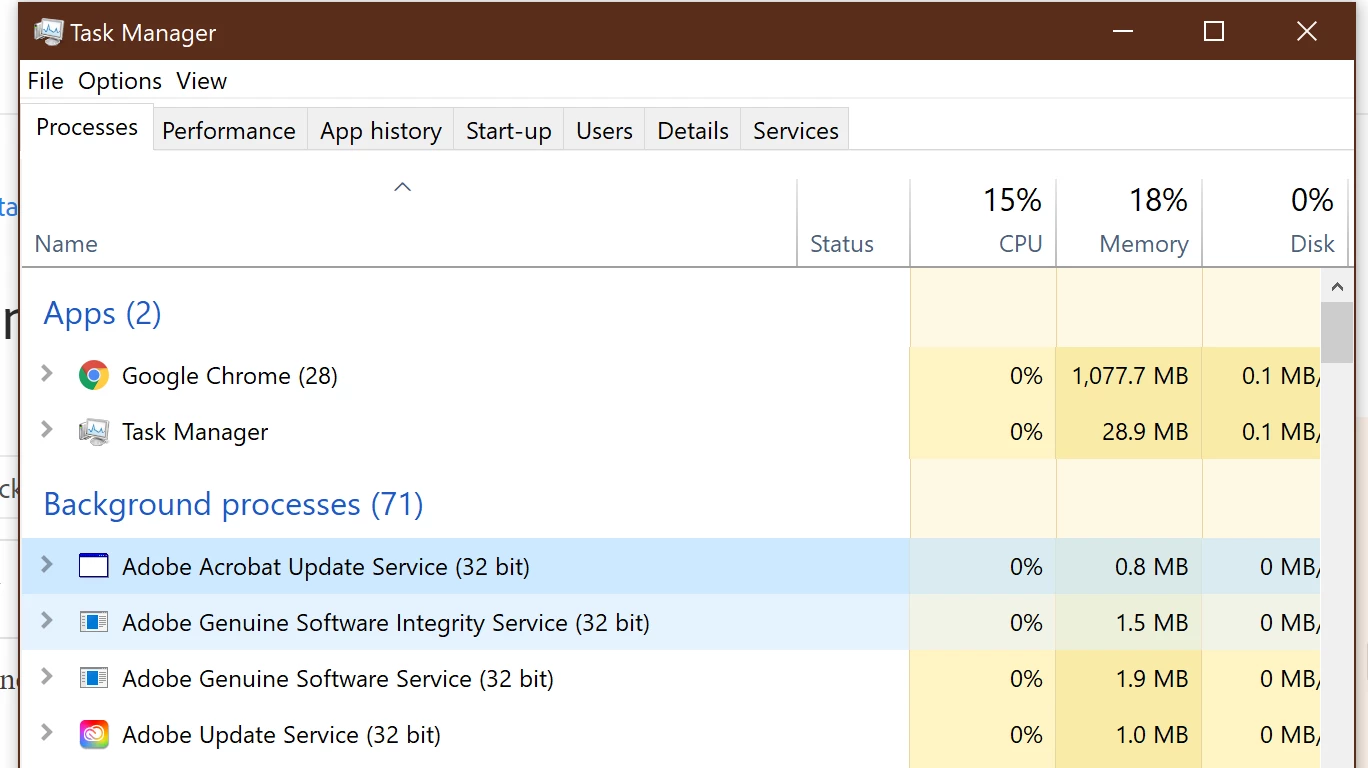
 

It's reasons like this why pc's slow over time. How can I disable these until I actually want to use adobe?

OS: Windows 10


Thanks

This topic has been closed for replies.

1 reply

John T Smith
Community Expert
Community Expert
February 11, 2021

How to disable a program in Windows startup
-Click the 'window pane' in the very bottom left corner of the Windows desktop
-Select * Settings
-Select Apps
-Select Startup
-Select/toggle the program you want to disable/enable
-BE VERY CAREFUL WHAT YOU DISABLE SO YOU DON'T STOP WINDOWS FROM RUNNING

Participant
February 12, 2021

Thanks for your reply, unfortunately all adobe apps are disabled:


Adobe, your apps are almost spyware-like in nature. Why do these background processes necessary when not even using your software?