
Participant
June 15, 2020
Question

Can't uninstall Audition

  • June 15, 2020
  • 1 reply
  • 1802 views

Hi. I downloaded and installed Audition for the 7 day trial. I've decided it's not for me and am trying to uninstall - which should be a simple process (I'm on a laptop running on Windows 10). When I hit the uninstall button, I get this error message and can't get past it:
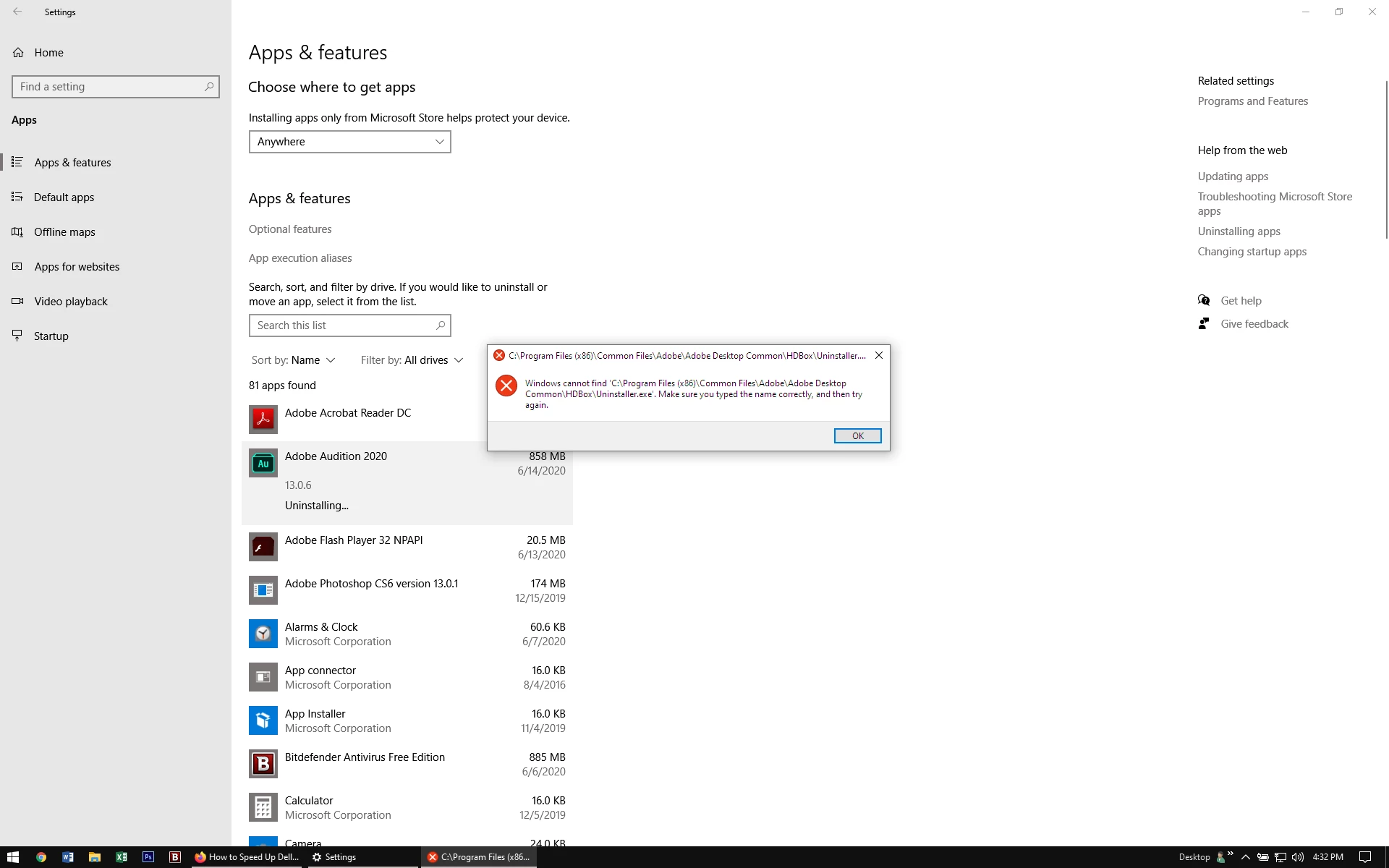
Can anyone please help me get past this error message and uninstall the trial version of the program?

thanks-

Ruby Gold

    This topic has been closed for replies.

    1 reply

    John T Smith
    Community Expert
    Community Expert
    June 16, 2020

    First, be sure you Cancel https://helpx.adobe.com/manage-account/using/cancel-creative-cloud-subscription.html
    -or Chat link https://helpx.adobe.com/contact/support.html

    -click the chat icon at the bottom right of the page to open a chat session
    -the chat icon looks like '3 dots inside a circle' at the lower right
    -type AGENT into the chat window to connect directly to a person rather than the AI
    Do be aware that Adobe's staffing is impacted by the virus, so wait times are long


    https://helpx.adobe.com/creative-cloud/kb/cc-cleaner-tool-installation-problems.html to remove programs

    RubyBelleAuthor
    Participant
    June 16, 2020

    Thanks - helpful! I didn't know how to get to an actual agent beyond the bot!