

Hosun
Inspiring
March 2, 2020
Answered

How to install "Creative Cloud for Desktop" on Mac

  • March 2, 2020
  • 1 reply
  • 1077 views

Hi,


Could you tell me how to install Creative Cloud for Desktop on Mac?
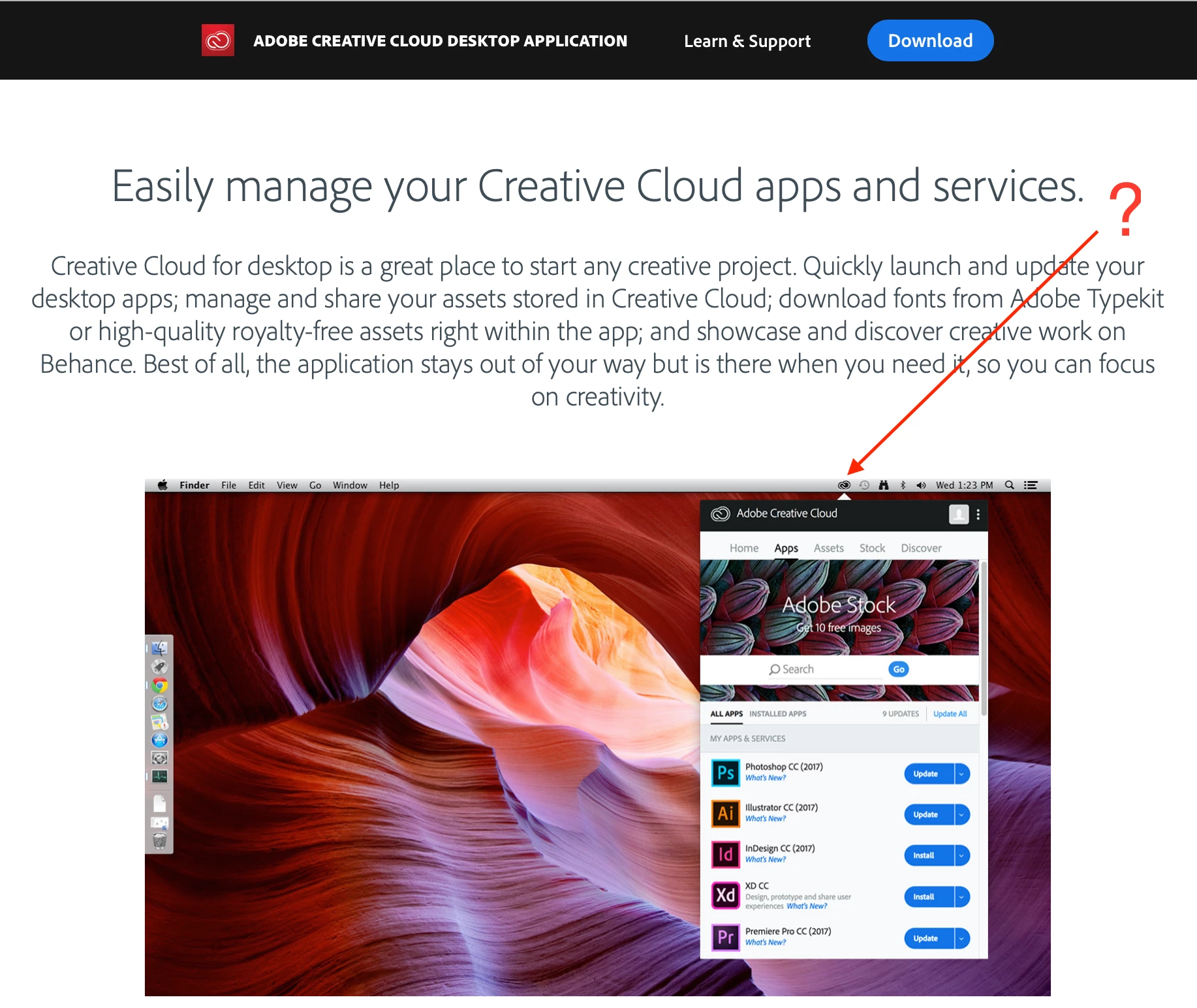


If I install, for example, Ai, is Creative Cloud for Desktop installed together?
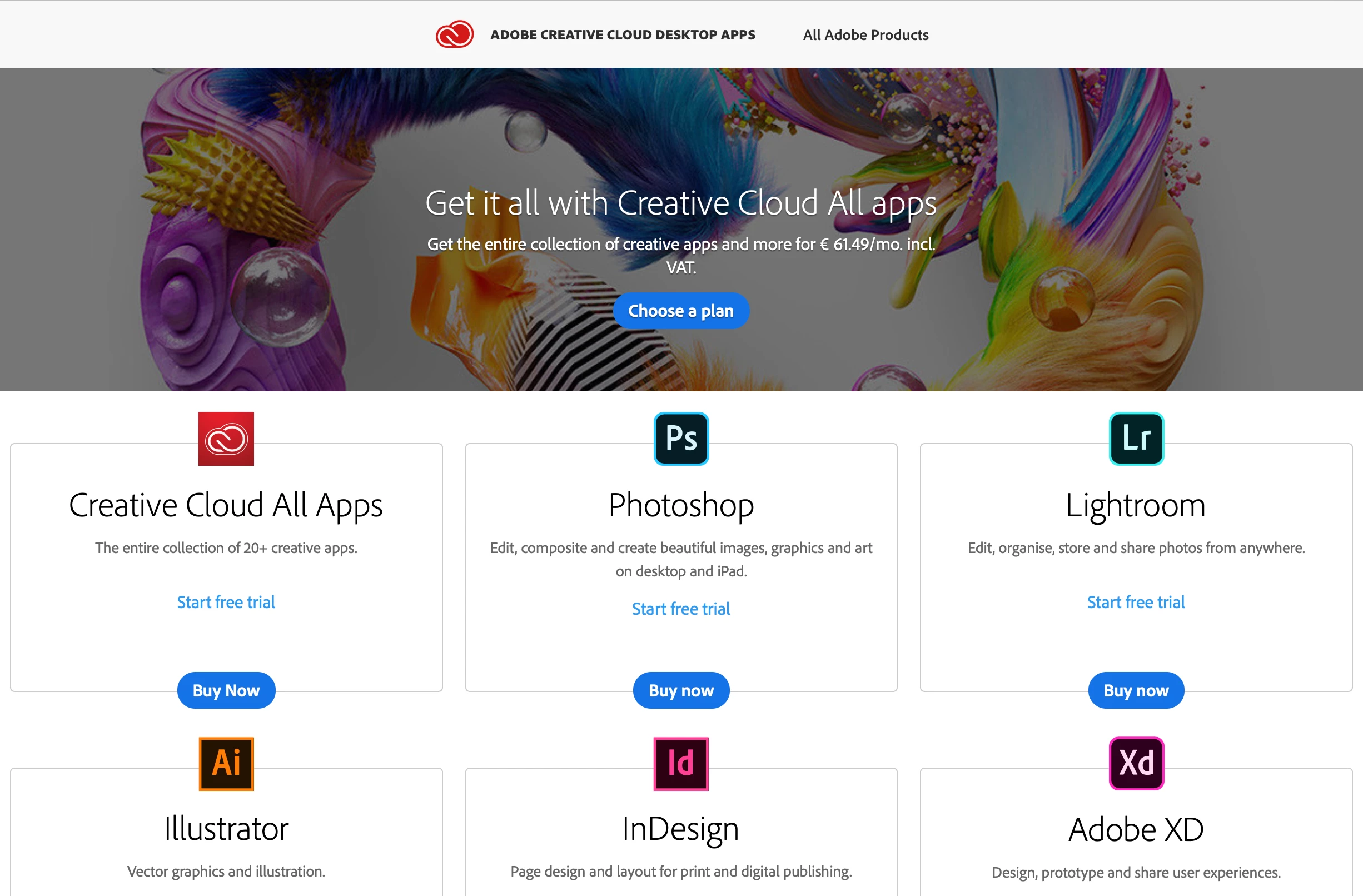


I did the process with Windows laptop long ago.

But I can't recall the process now.


Hosun Kang

This topic has been closed for replies.
Correct answer thatsmauri

Hi Hosun,

you can download the "Creative Cloud desktop app" from these locations:
- https://creativecloud.adobe.com/apps/download/creative-cloud (recommended)
- https://helpx.adobe.com/download-install/kb/creative-cloud-desktop-app-download.html (alternative download links)

The desktop app comes with the downloads listed in your Creative Cloud web client

1 reply

thatsmauri
Community Expert
thatsmauriCommunity ExpertCorrect answer
Community Expert
March 2, 2020

Hi Hosun,

you can download the "Creative Cloud desktop app" from these locations:
- https://creativecloud.adobe.com/apps/download/creative-cloud (recommended)
- https://helpx.adobe.com/download-install/kb/creative-cloud-desktop-app-download.html (alternative download links)

The desktop app comes with the downloads listed in your Creative Cloud web client