
Question
Photoshop CS4 'Upgrade Check' appears error: Serial number does not match product selected.
The support agent checked the serial no. and it is active. After i entered the serial no. in the setup page Photoshop CS4, it proceed to 'Upgrade Check', I select CS2 and enter my second serial number, but it appears error: Serial number does not match product selected... like below.
.png)
I tried to get support via chat, the agent advised me to install TRIAL version. However, it pops up error again like below when i insert my serial number. And the agent say he couldn't help further but ask me to get help in forum.
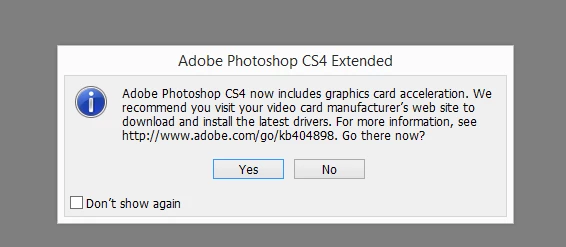
Please help. Thank you in advance!!
 AdChoices